Repository navigation
v1.2.6

WinDiaTweaks 1.2.6 adds Arc pinned tabs and fixes Now Playing, Tidy Tabs and the Arc sidebar.
Install Dia, then paste this into PowerShell:
irm https://github.com/zioder/WinDiaTweaks/releases/latest/download/install.ps1 | iexAlready have WinDiaTweaks? Go to Settings → Patches → Updates and press Update.
-
Arc pinned tabs
Pinned tabs in the sidebar now work like Arc's. A pinned tab that's still on its page shows ✕ on hover. Once it has left its pinned page, it shows – instead, which takes it back. Dia's "/" after the icon and the "Back to Pinned URL" line are gone, so titles line up with the other tabs. Turn it on in Settings → Patches → Sidebar & Tab Bar (on in both Arc presets). Thanks @fr0stn0ir for the idea (#46, #55)Before:
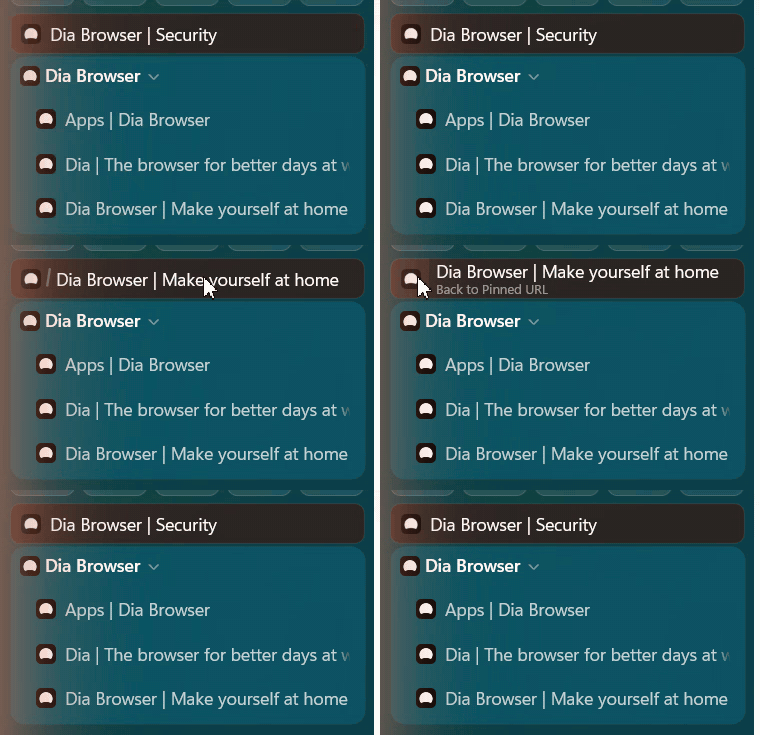
After:
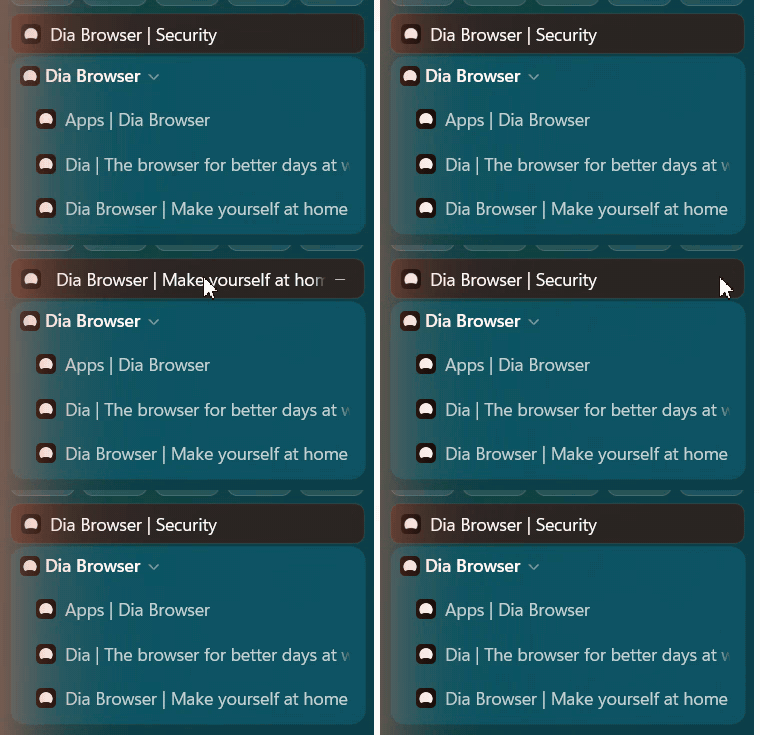
-
Sidebar "+ New tab" opens the floating bar, like Ctrl+T, when Floating New Tab is on (both Arc presets). Thanks @TemporaryCrown for the request (#45, #56)
-
The window moves only from the top in both Arc modes. Dragging empty sidebar space no longer drags the window, and dragging the header is smooth, snaps, and double-click maximizes (#56)
-
Now Playing no longer freezes Dia or the mouse. Audio work runs off Dia's UI thread, and player callbacks are guarded when tabs or the card go away. Thanks @artistro08 for the report (#52, #53)
-
Tidy Tabs works with pinned tabs. The Tidy / Clear buttons now sit in Dia's divider below pinned tabs, and Tidy only groups unpinned tabs, leaving pinned ones where they are (#57)
-
With the Arc URL bar, the ☆ and ⋯ buttons in the sidebar pill open their menus again. Thanks @fbtwitter for the report (#50, #54)
-
Arc (Windows): the profile name no longer sits under the sidebar toggle, and no longer jitters by a pixel in Arc mode. Bare addresses like
google.com/?zx=…are shortened to the site name (#56)
🧪 Tested with Dia 1.6.0.537 on Windows 11 · Inspired by DiaTweaks by Jace · Not affiliated with The Browser Company


