Repository navigation
v1.3.0

WinDiaTweaks 1.3 brings Profile Emojis and Hide link address, a crash report with safer safe mode, and fixes for Peek, Tidy Tabs and Square corners.
📦 Install
Install Dia, then paste this into PowerShell:
irm https://github.com/zioder/WinDiaTweaks/releases/latest/download/install.ps1 | iexAlready have WinDiaTweaks? Go to Settings → Patches → Updates and press Update.
✨ New
-
Profile Emojis 😀
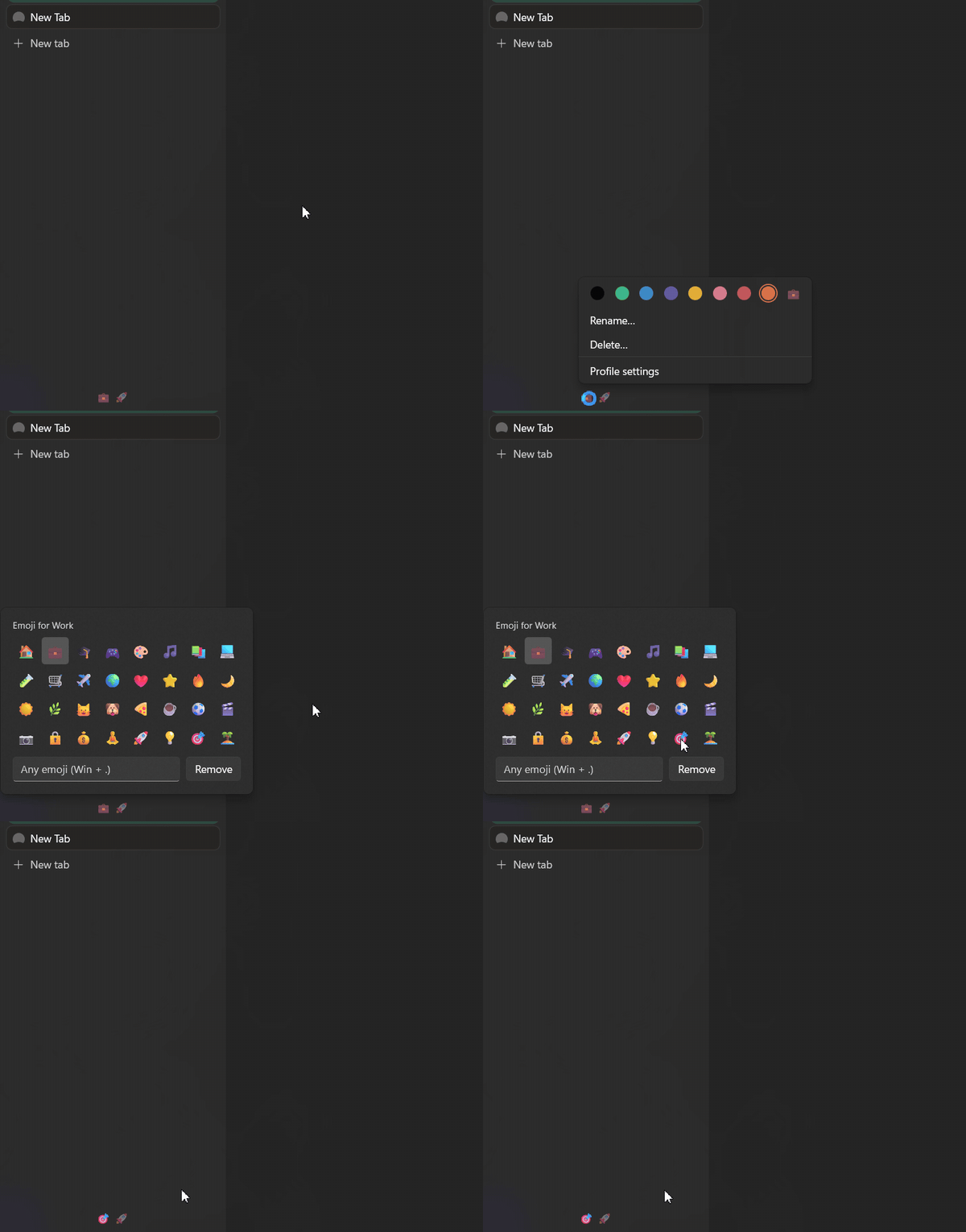
Each profile's dot in the switcher at the bottom of the sidebar becomes its emoji, like Arc's space icons. Click to switch as before: the current profile's emoji is full strength, the others are dimmed, and the one you click lights up straight away. The current profile's emoji also shows at the top of the sidebar.Pick emojis where Dia sets a profile's color: Settings → Profiles, the Create Profile dialog, or right-click a profile's dot. All three open the same picker: 32 common emoji, a box for any emoji (Win+.), and Remove. Renaming a profile keeps its emoji. Turn it on in Settings → Patches → Sidebar & Tab Bar. Based on Profile Emoji in DiaTweaks for macOS. Thanks @princessfadekemi16-ctrl for the idea (#62, #66)

-
Hide link address
Hides the address Dia shows at the bottom left while the pointer is over a link. Peek still knows which link you're on. Turn it on in Settings → Patches → Page (#69)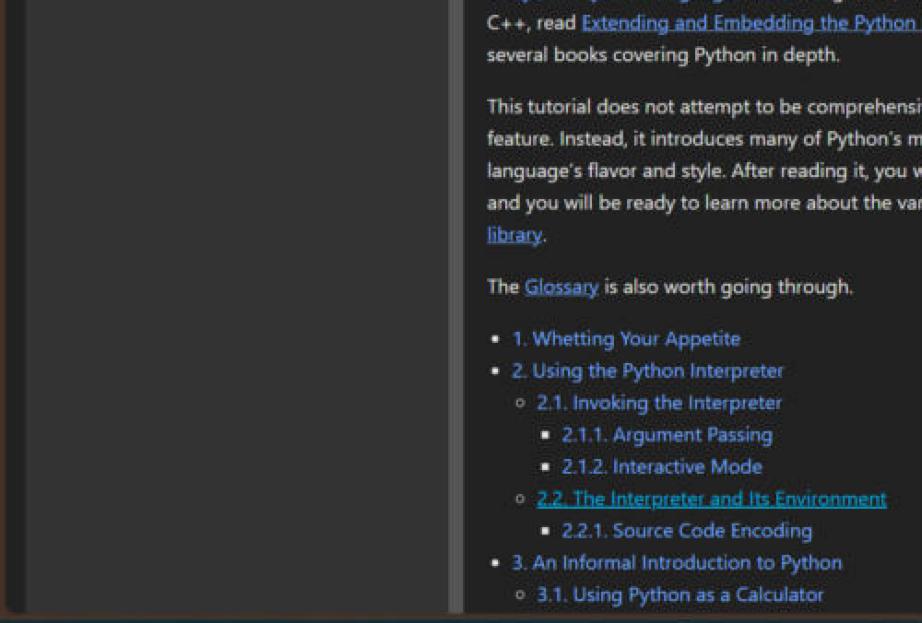
🛡️ Stability
- Dia crashing no longer freezes your PC. When Dia crashed, Peek's and the Arc keys' mouse and keyboard hooks stayed on while Swift's crash reporter held Dia, so every mouse move and key press on the PC stalled. They now come off the moment Dia crashes. Thanks @brain-lag123 for the report (#58, #60)
- Crash report. When Dia crashes with the tweaks loaded,
crash.log(next totap.log) records the error, the crashing stack and which tweaks were on. If Dia crashes on you, please attach it with the new bug report template. Thanks @mikexsavage for the report (#63, #68) - Safe mode counts crashes. Two sessions in a row that end in a crash turn on safe mode, however long Dia ran first. Before, only crashes in the first minute counted (#68)
- Tidy Tabs uses less CPU when idle. Its full scan runs twice a second instead of ten times, and its animation and row rebuilds have safety stops. Thanks @RJFlute for the report (#64, #61)
🐛 Fixes
-
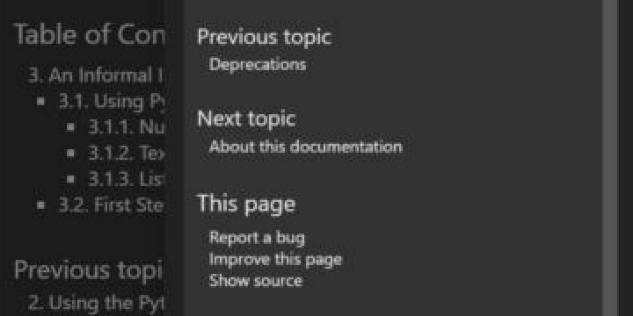
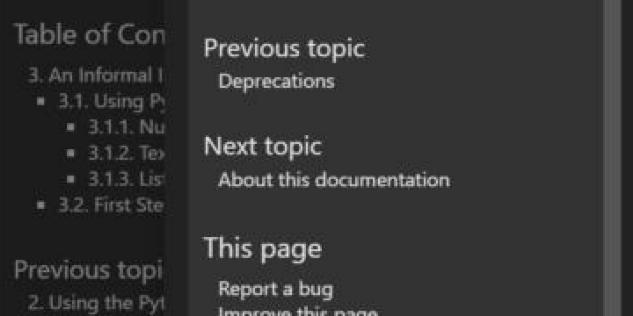
Peek matches the page with monitors at different scales. With two monitors at different scales, a Peek could come out larger or smaller than the page behind it. Thanks @artistro08 for the report (#70, #71)
Before / after:
-
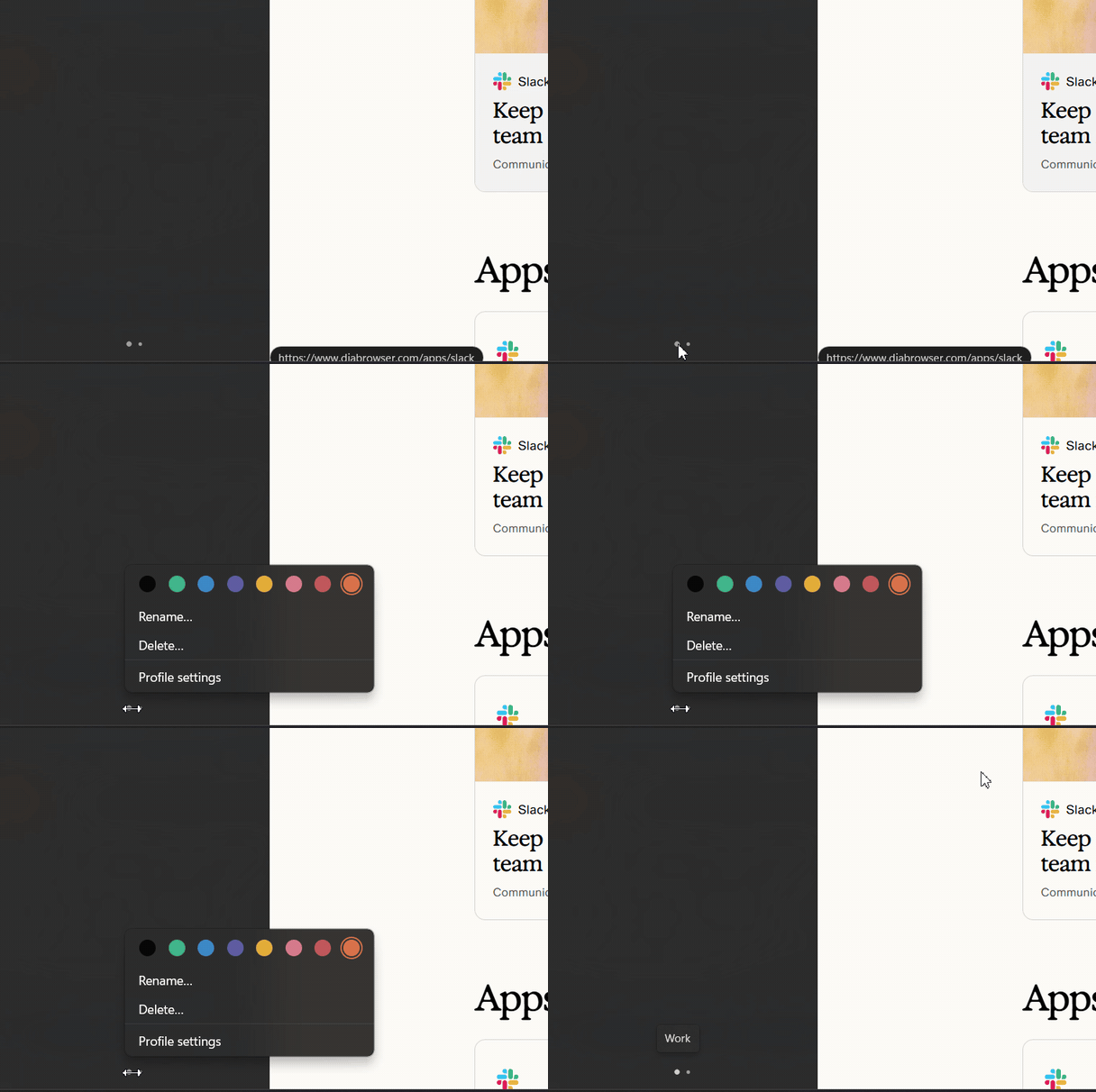
Square corners leaves Dia's profile menu alone. The row of colors stays at the top of the menu instead of sliding over Rename / Delete (#65)
-
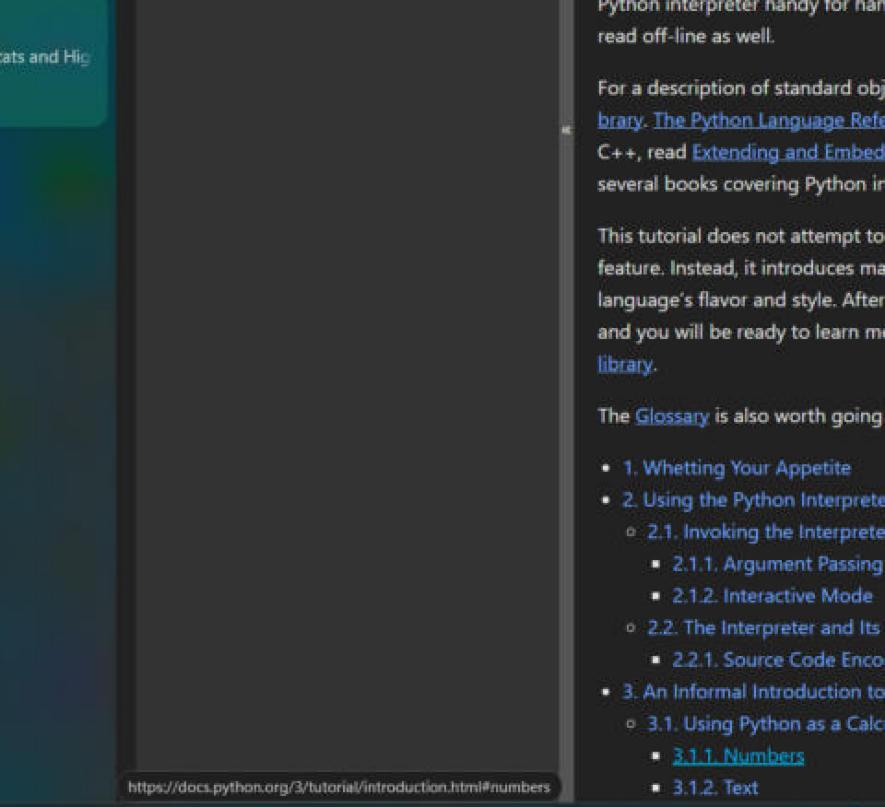
Square corners keeps the link address inside the window. It was cut off at the bottom (#67)
🧪 Tested with Dia 1.6.0.538 on Windows 11 · Inspired by DiaTweaks by Jace · Not affiliated with The Browser Company


