Repository navigation
Home
Warning
Please do not report any issues that may've been caused through this project to the official game developers as they will not assist you with broken games / saves when you are using mods.
Please open an issue here instead!
Note
This is a fork of Curve/chalchiu by Curve, updated to work with Coromon v1.5.4 (2026) and maintained by Zreezy.
Licensed under the MIT License.
chalchiu adds mod support to Coromon, and should also work for other Solar2D games. This fork supports Coromon v1.5.4.
📖 Wiki: full install guide, every mod and its settings, writing your own mods, and a reference of the game's code. The same pages are in docs in this repository.
- Check your game version in Settings → General → App version (bottom of the list). It should be v1.5.4.
- Download the zip from the latest release.
- Unzip everything into your game folder, next to
coromon.exe(Steam: right-click Coromon → Manage → Browse local files). - Start the game. The window title shows the chalchiu version, and the Loaded Mods list opens.
Steam Deck: works too, through Proton. Do the same in Desktop Mode, then add the Steam launch option
WINEDLLOVERRIDES="iphlpapi=n,b" %command%. Step by step: Steam Deck.
The macOS version of Coromon isn't supported.
To update, unzip a new release over the old files. Your mod settings are kept. To remove chalchiu, delete
iphlpapi.dll and the mods folder. More detail and troubleshooting: Installation.
| Mod | What it does | Settings |
|---|---|---|
| Mod Info | Lists the installed mods, lets you change their settings in-game (title screen Mods button), and tells you when an update is out | 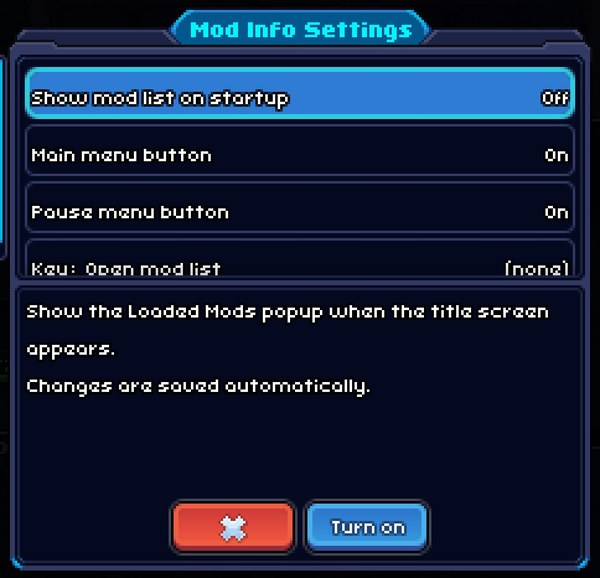 |
| Coromon Trainer | Hotkeys for game speed, noclip, catch all, skipping battles, maxing your squad or just its potential, gold, items and more | 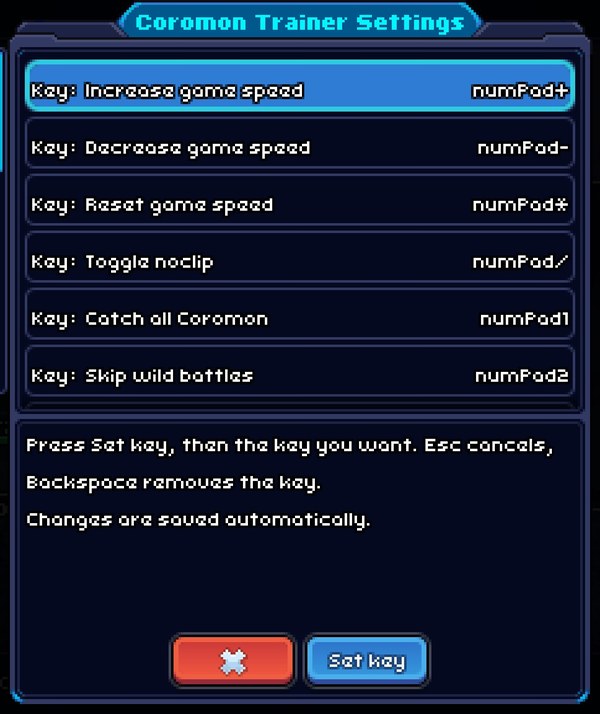 |
| Potent Alert | Notification and sound when a potent or perfect Coromon appears | 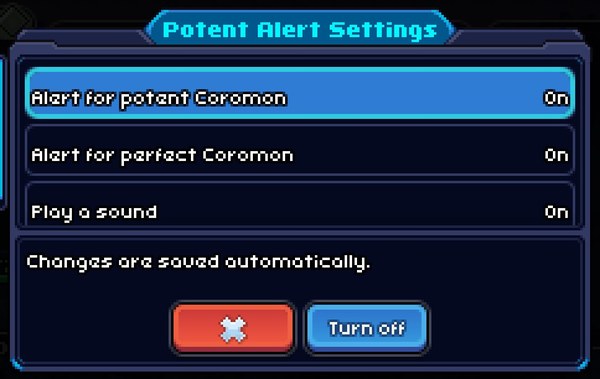 |
| XP & Gold Boost | Multiplies battle XP (2x by default) and trainer gold. No effect online | 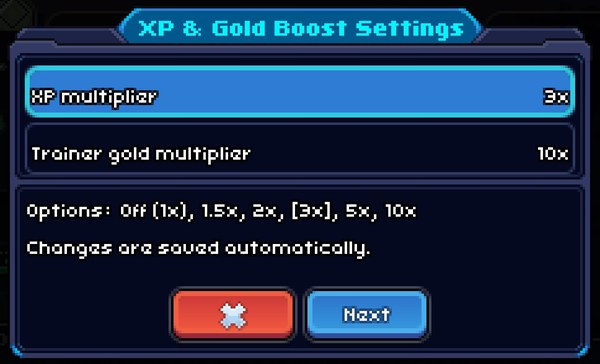 |
| Text Speed+ | Dialogue text faster than the game's 3x maximum (6x by default) | 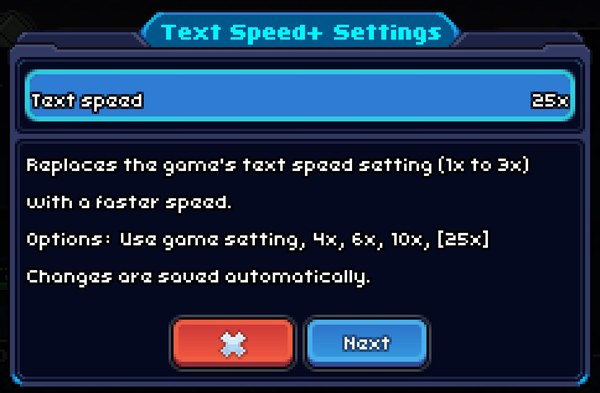 |
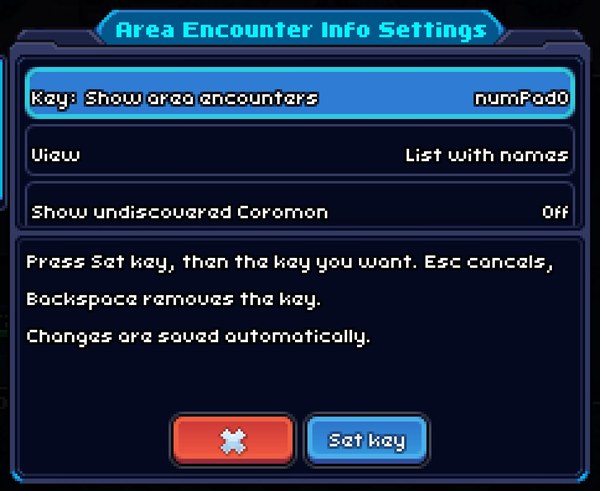
| Area Encounter Info | Press numPad0 to list the Coromon in your current area, how common they are and which you've seen |
 |
Every setting and hotkey can be changed in-game: Mods → select a mod → Settings. Changes save automatically. Default keys, settings and screenshots: Mods.
A mod is a folder in mods with an init.lua. chalchiu gives mods hooks, detour, settings and hotkeys, and
the wiki has a generated reference of every game module, function and setting per game version.
See Writing Mods and the Game Reference.
Bump the version in CMakeLists.txt, add a matching section to CHANGELOG.md and push
to main. GitHub Actions builds, tests and publishes the release. Details, including updating the wiki:
Releasing.
- Installation
- Steam Deck
- Mods
- Writing Mods
- Releasing
- Game Reference: modules, functions, settings and globals per game version