Skip to content

zYeoman/highlight

Folders and files

NameName
Last commit message
Last commit date

Latest commit


History

1 Commit


Repository files navigation

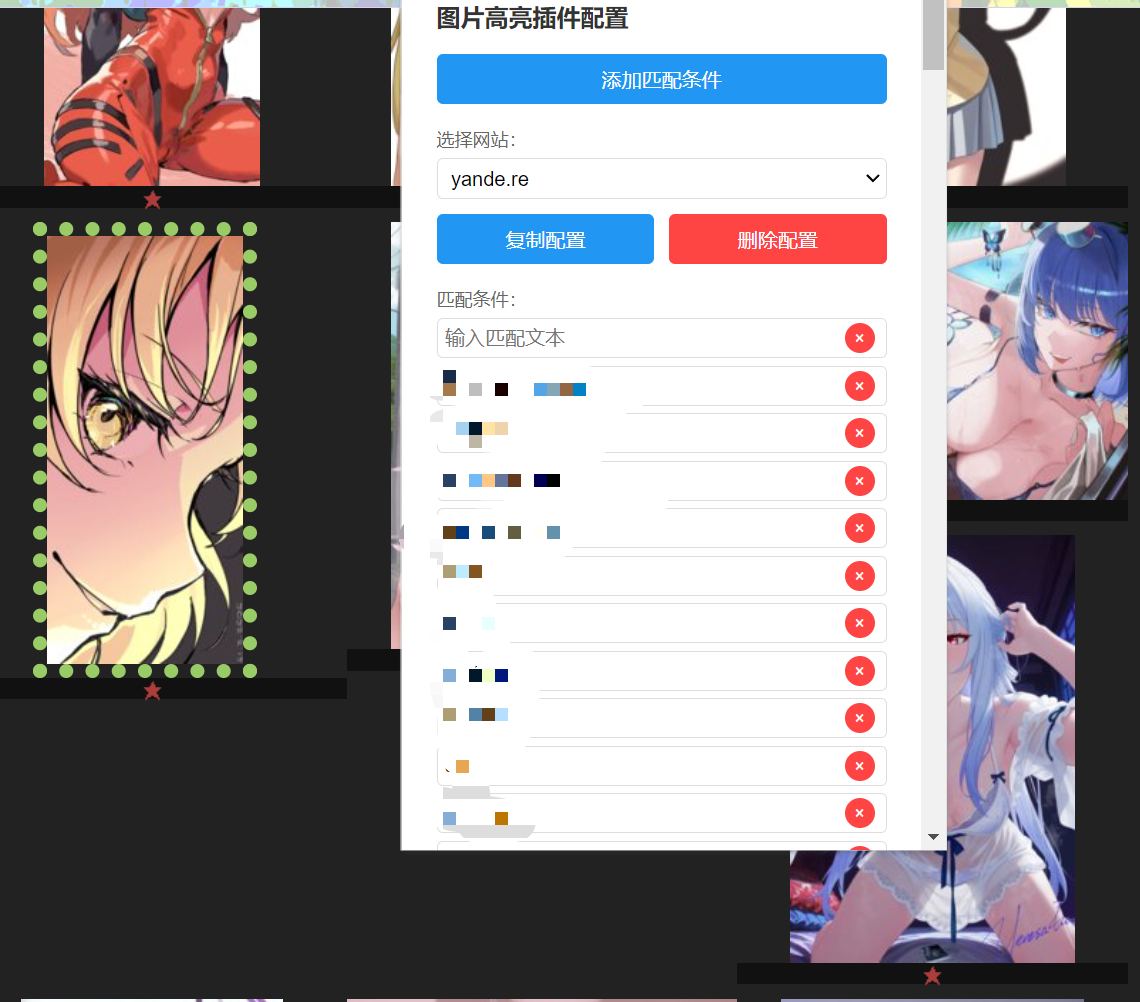
图片高亮 Chrome 插件

功能

screenshot

安装与使用

  1. 下载本项目源码并解压
  2. 打开 Chrome,访问 chrome://extensions/
  3. 打开右上角“开发者模式”
  4. 点击“加载已解压的扩展程序”,选择本项目文件夹
  5. 按需配置和使用

右键菜单

在图片上右键可快速添加匹配条件。

贡献

欢迎 issue 和 PR!
About

highlight plugin for chrome

Resources

Stars

Watchers

Forks

Releases

No releases published

Packages


Contributors