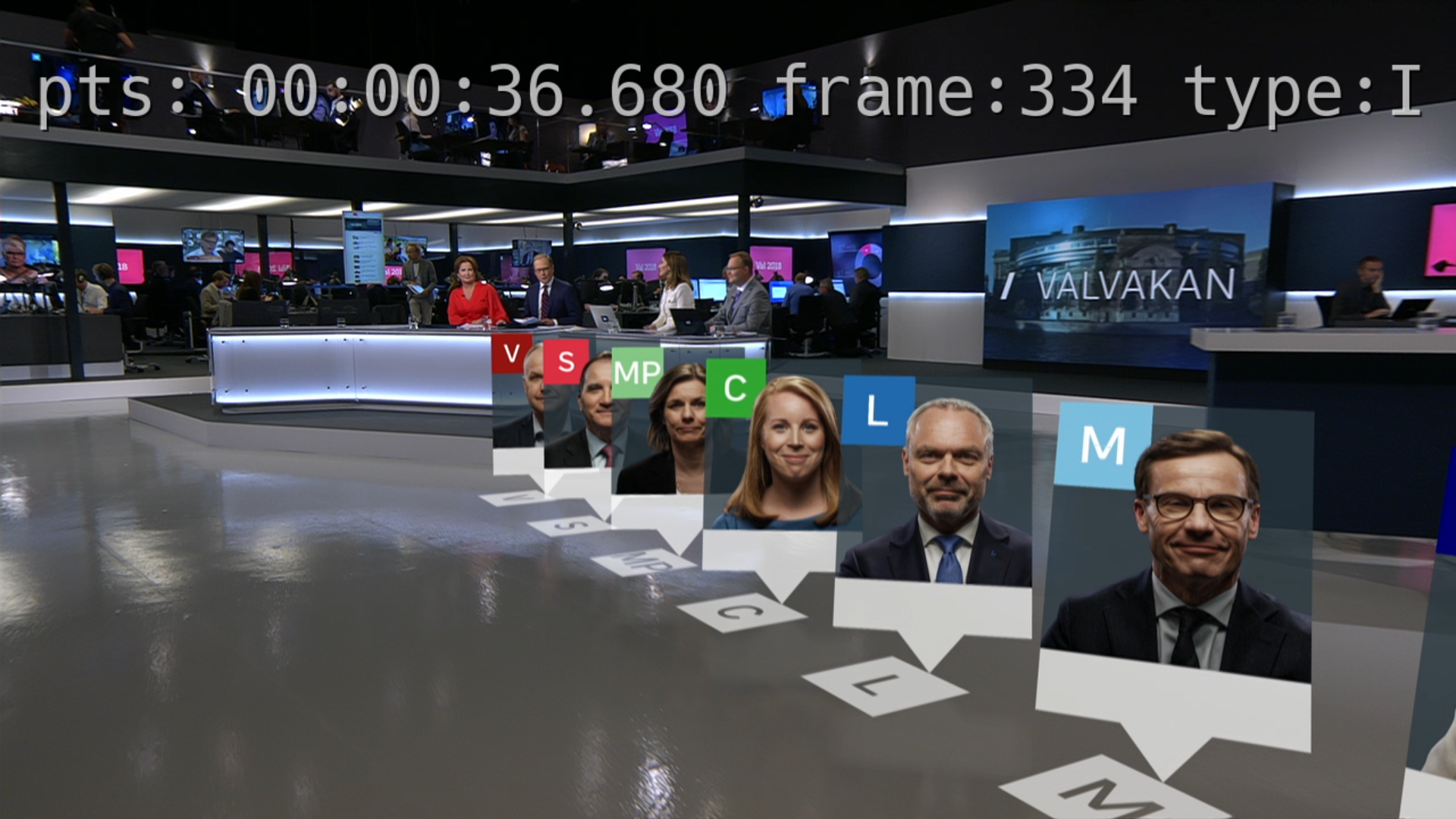
Add Text To Video
You find CasparCG 2.2 latest stable prebuilt here, Builds (under CasparCG Server/2.2.x)
To try this sample, you first have to place the font you want to use, for this example I have placed the Hack Font in the CasparCG font-directory, after that, run this command with your file.
In this case my fontdirectory is c:\caspar\_FONT\ in the code written like this. c\\\\:/caspar/_FONT/
PLAY 1-10 yourfilehere vf "drawtext=fontfile=c\\\\:/caspar/_FONT/Hack-Regular.ttf: text='pts\\:%{pts \\: hms} frame\\:%{n} type\\:%{pict_type}': x=30: y=55: fontsize=60: fontcolor=white: shadowx=2: shadowy=2: alpha=0.7"