Repository navigation
Home
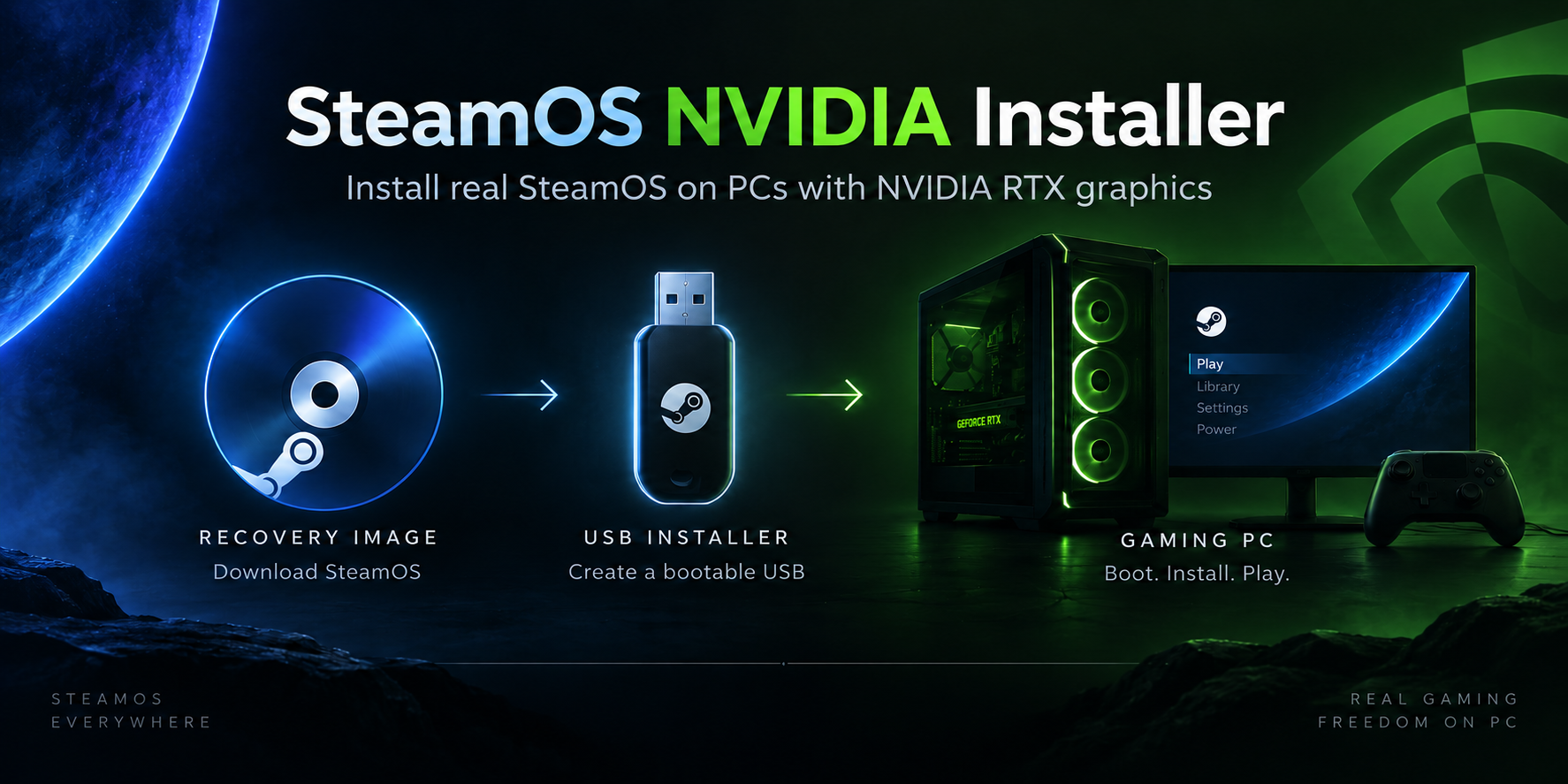
Build a USB installer, install SteamOS on your NVIDIA PC, and keep it running. Choose the guide for what you want to do.
| Task | Guide |
|---|---|
| Check the hardware, disk space and tools you need | Before you start |
| Build from a Windows host | Build on Windows |
| Build from a Bazzite host | Build on Bazzite |
| Create and write an installer USB | Build the USB image |
| Install, set up your display and pair a controller | Install and first boot |
| Change the NVIDIA driver without reinstalling | Updates and recovery |
| Update installer tools without reinstalling | Installer updates |
| Update SteamOS or reinstall the OS | Updates and recovery |
| Fix a display, sound, controller or update problem | Troubleshooting |
| Try an optional recovery session | Safe Graphics |
| Collect logs for a support request | Diagnostics |
| Understand the architecture and contribute | How it works |
Start with one display connected directly to the NVIDIA card. Keep your installer USB after installation so you can reach the recovery desktop if the installed system cannot start.
Fresh installation erases the selected disk. The Upgrade option is intended for an existing SteamOS layout and does not replace a backup.