Repository navigation
Simulator and Physics
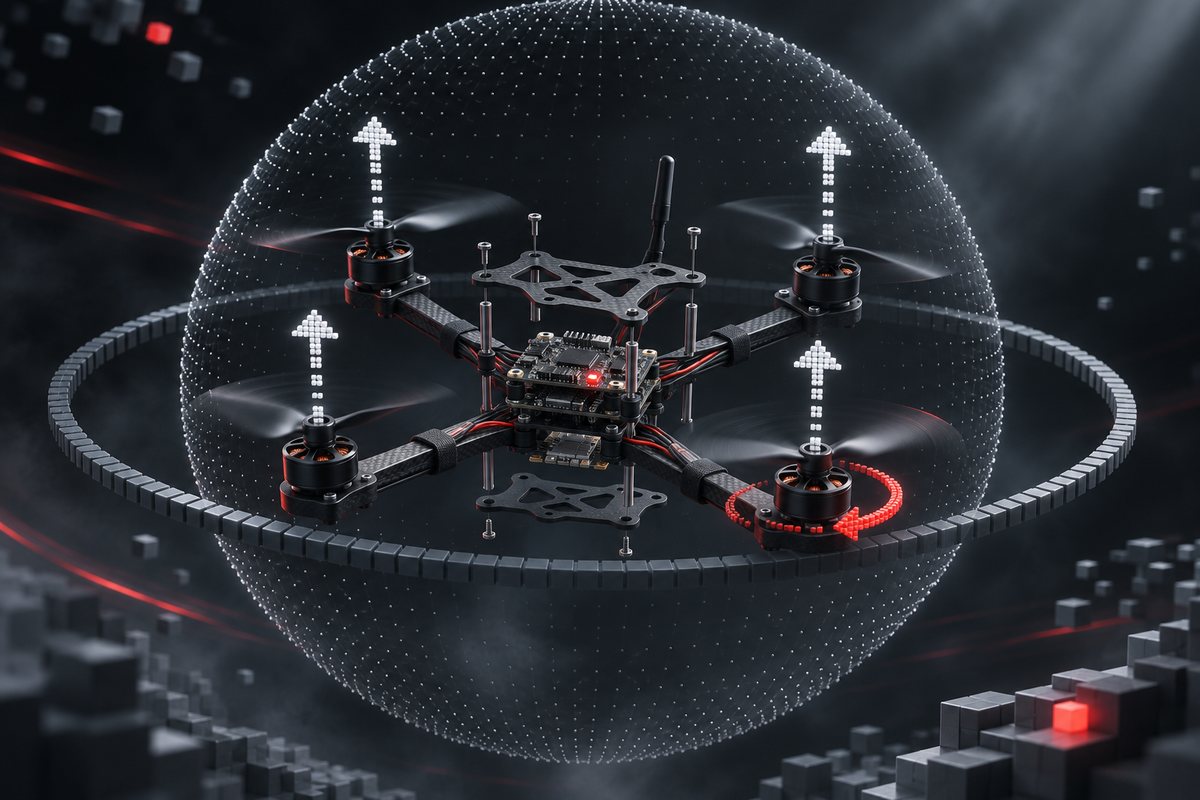
Relay runs up to 8 simulated aircraft in the desktop app. Each behaves like an ArduPilot or PX4 vehicle (modes, arming checks, failsafes, parameters, landing detection) and is identical to a real aircraft through the API, except that it can never touch the network.
| Part | Model |
|---|---|
| Body | Rigid body with a quaternion attitude and inertia diag(1.2e-4, 1.2e-4, 2.2e-4) kg·m², mass 0.12 kg, stepped at 250 Hz |
| Rotors | Four rotors in PX4 quad-x order after Gazebo's MulticopterMotorModel: rotor speed follows the command with a spin-up time of 12.5 ms and a spin-down time of 25 ms; thrust F = k_f ω², drag torque M = k_m F; rotor drag and rolling moment on sideways airflow, with each rotor's turning direction |
| Flight controller | Angle loop (P), rate loop (PID with a filtered derivative and a limited integral), and a mixer that keeps attitude priority when motors saturate |
| Environment | Per-axis body drag, ground effect, propeller wake, gusts and turbulence, battery sag under load (thrust scales with voltage squared) |
| Stick map | 30° of lean and 120 °/s of yaw at full stick; hover throttle 0.50; about 7 m/s at 30° of lean; roll response reaches 63 % in about 76 ms |
| Determinism | The same seed and inputs give the same flight; the evaluator relies on this |
A test checks the rotor model against an independent re-implementation of Gazebo's equations. Rotor speed, thrust and torques agree exactly; rotor drag agrees to well under 1 %.
-
Frames. Presets
micro-120(the model above, the default),small-250andlarge-450, with adjustable mass, wheelbase, propeller and battery. Inertia and thrust follow the frame. - Ground contact. Contact points at the feet, propeller tips and top of the body push back with spring, damping and friction. A normal landing stays upright; a crash (more than 2.5 m/s down, 3 m/s sideways or 60° of tilt) stops the motors and the body bounces, rolls and comes to rest in its final attitude, which the stage shows. Reset simulator (inspector, fleet card menu, command palette, the prompt over a crashed simulator, or holding Circle on the gamepad) brings it back upright.
-
Acro. The sticks set body rates (ArduPilot
ACRO_RP_RATE360 °/s, PX4MC_ACRO_R_MAX720 °/s), throttle passes through, and there is no self-levelling or tilt limit: the simulator flips, rolls and flies inverted. Timelines take the mode Acro. The stage interpolates attitude with quaternions, so flips draw without jumps.
Each simulator has a hover-assist switch (H or Triangle while flying it). With hover assist on, it holds height and position. With it off, it flies like a racing quad without a barometer or position source: the attitude still self-levels, but throttle is thrust, the hover point rises as the battery sags, and altitude and position hold modes are refused. The switch works in flight without a thrust jump.
With hover assist off, simulators carry assembly defects, as presets ideal, typical (default) and rough or as custom values, deterministic by seed:
| Defect | Physical effect |
|---|---|
| Payload | More mass, higher hover throttle |
| Centre of gravity offset | A real moment the rate loop has to hold |
| Level calibration error | An error in the attitude estimate, so the aircraft drifts when the sticks are centred |
| Unequal motors | A per-rotor thrust factor |
| Propeller damage | Lost and fluctuating thrust on one rotor |
| IMU noise | Noise on the attitude and rate measurements |
The values never appear in a program's observation: they show in flight, as they would on a real airframe.
By default these defects rest while hover assist is on. Switch on Also with altitude hold in Overview → Airframe (with_assist) and they act in altitude hold too: the height holds while the airframe tilts and drifts the way a real one does. Random level error per arming (arm_bias_deg, up to 3°) draws a new level error at every arming, like a gyro bias that changes from flight to flight; the panel shows this flight's error. To tune a timeline for a real aircraft:
- Give a simulator a level error or a CG offset and switch on Also with altitude hold.
- Fly the timeline and watch which way the simulator drifts.
- Cancel the drift with the timeline's trim.
- Fly the same
.arsfile on the real aircraft.
The headless evaluator steps the same simulator without sockets or a window: about 13x real time with one aircraft, 5–6x with two and 3.5–4x with four on a typical desktop.
There are no camera or lidar images, and the fast simulator's flight control is a model of the autopilot, not the firmware itself. To fly the real firmware, start a firmware twin or connect your own PX4 or ArduPilot SITL. For vision or high-fidelity aerodynamics, see Simulators Compared.