2.1.0

AdGuard Mini’s recent debut was packed with new features, but there’s always room for improvement. That’s why this update brings you some slight yet good-looking upgrades that enhance usability.
Manual theme selection
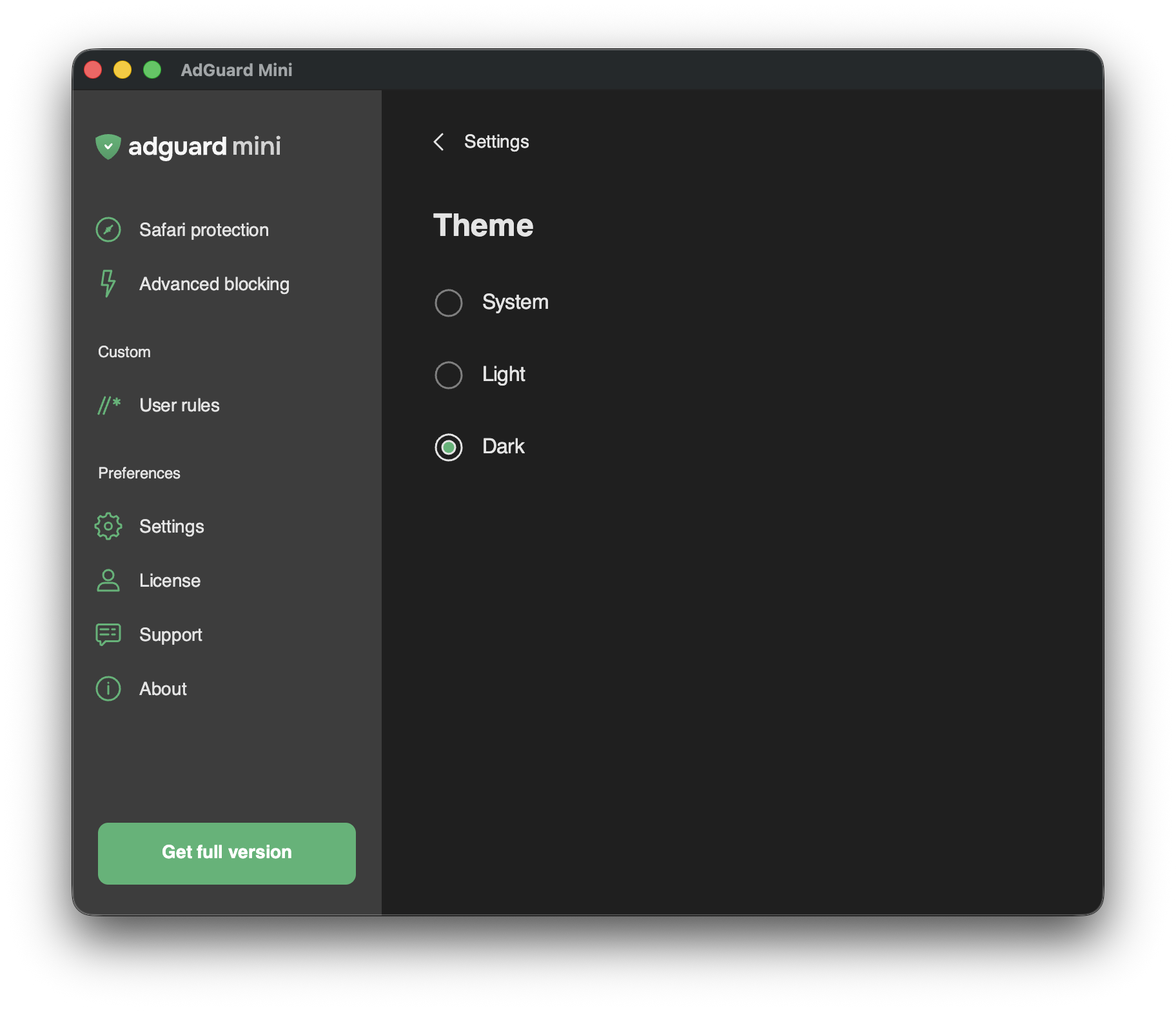
This feature is for those who want the AdGuard Mini app to have a light or dark theme regardless of what the current system theme is. Choose between three options and enjoy more flexibility in how the app looks.
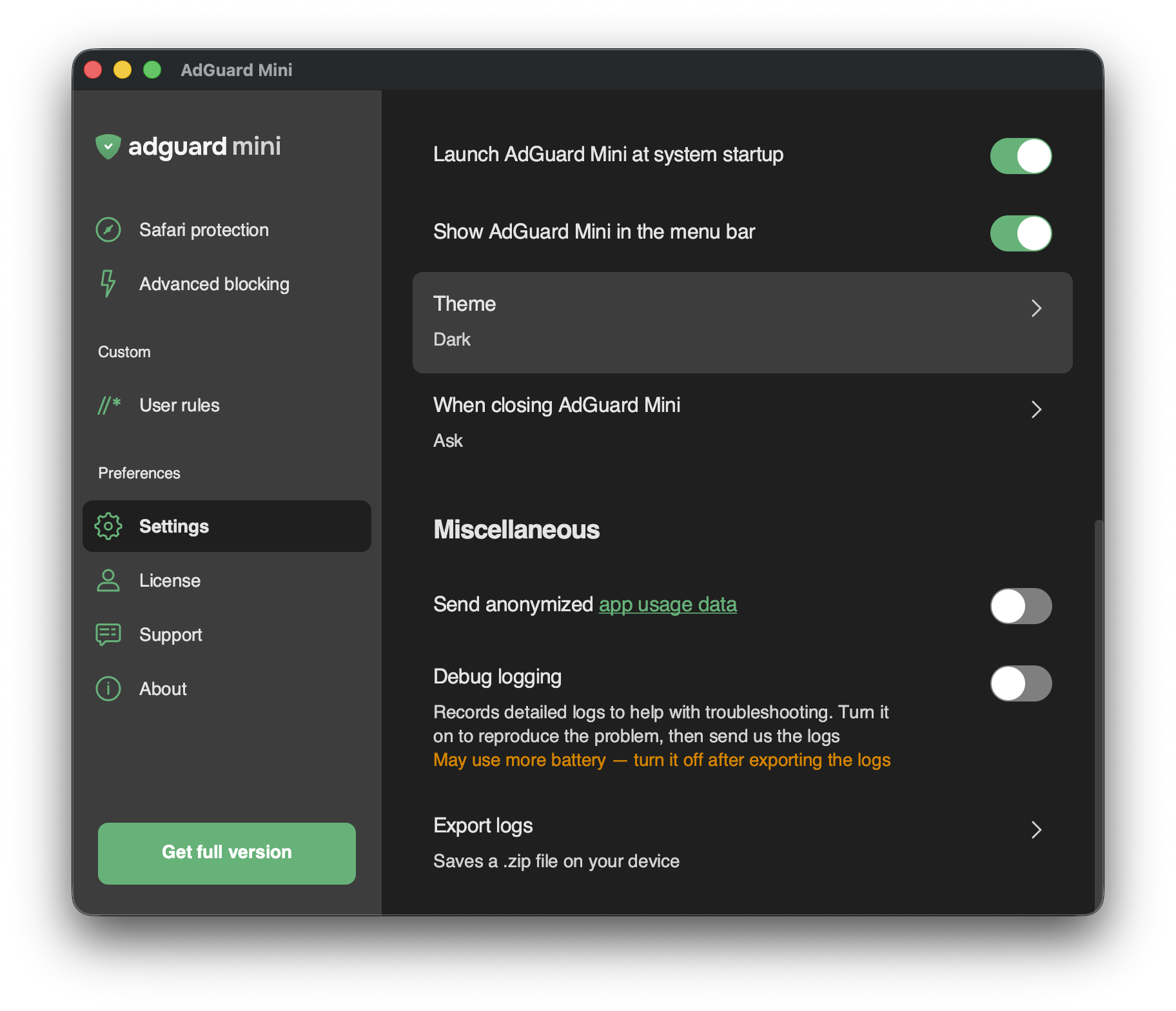
To access this new setting, go to Settings → Theme:
Dark app icon
For AdGuard Mini to look even better when your macOS is in dark mode, we added a dark version for the app’s Dock icon.
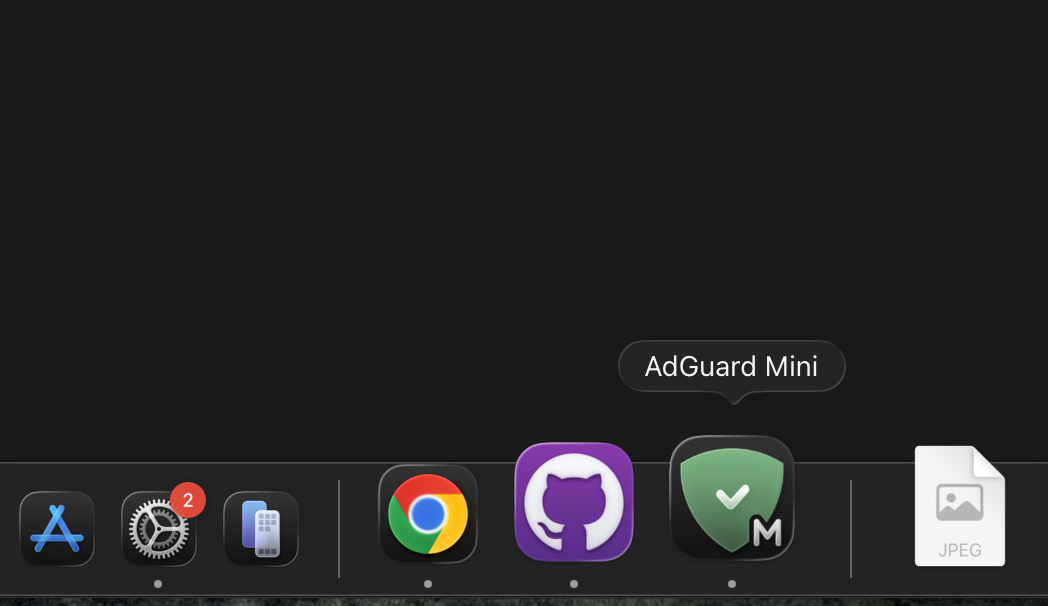
Tip: To see apps’ dark icons in the Dock when in dark mode, go to System Settings→ Appearance and set Icon & widget style to Dark.
This update also includes some fixes that improve the app’s stability and performance.
Changelog
Improvements
- Implemented application theme selection
- Added support for the dark icon #1120
Fixes
- The position and size of AdGuard Mini’s windows are not persisted #1148
- Rules are converting endlessly after installation #1140
SafariConverterLib (Converter of AdGuard rules to Safari content blocking rules)
- SafariConverterLib updated to v4.1.0 #1146