2.2.0

Most of the time, you won’t even notice that your ad blocker is working. Trackers disappear, pages load faster, and the internet feels cleaner. It all happens quietly in the background. But sometimes, it’s nice to see how much work is actually being done for you.
In AdGuard Mini for Mac v2.2, we’ve made those invisible victories a little more visible.
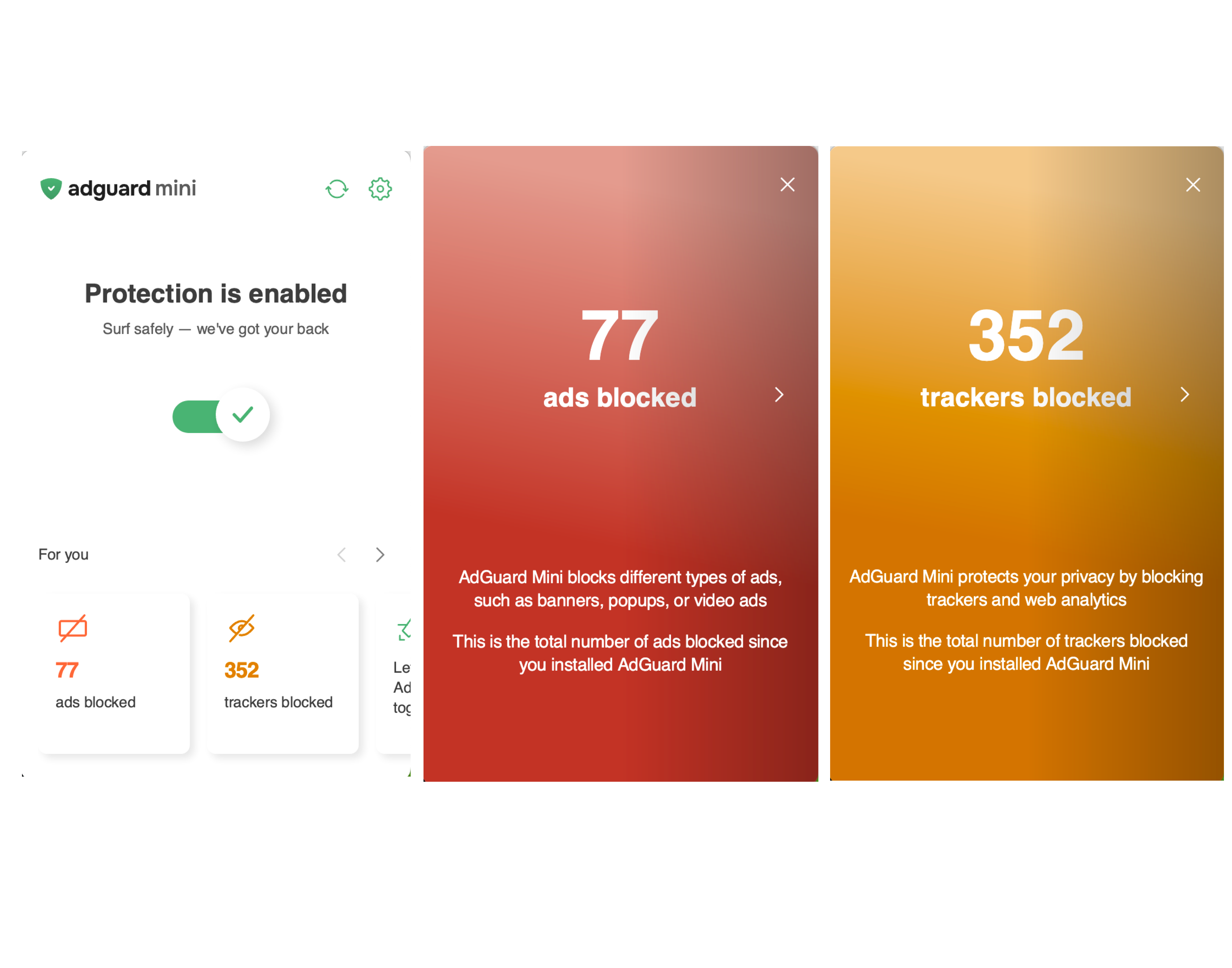
New statistics stories
AdGuard Mini now includes two statistics stories in the menu bar popup — one for blocked ads, one for trackers. Check the exact count since you first launched the app.
AdGuard Mini now shows the number of blocked elements directly on the icon in Safari. Click the icon to see a full breakdown of blocked ads and trackers for the current page.
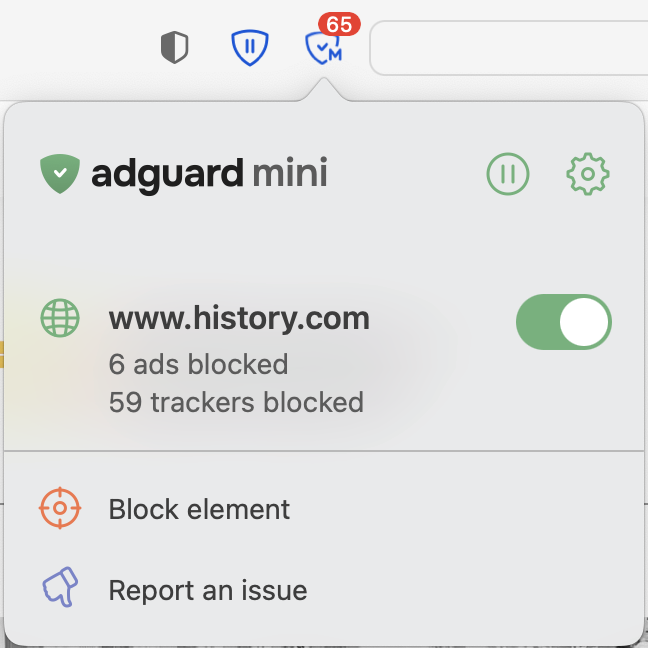
The count resets each time you open a new page. If you’d prefer to hide it, click the AdGuard Mini icon → gear icon → Settings → scroll down and toggle off Indicate the number of blocked ads on the AdGuard Mini icon in Safari.
Other changes
We've also fixed a few minor bugs to make the app more stable.
Changelog
Improvements
- Added the Statistics block to the menu #1172
- Added the ability to copy the app version from the About section
#1155
Fixes
- Separator doesn’t work in basic rules #1136
- Text hover covers the scrollbar area
#1187 - The Show AdGuard Mini in the menu bar setting works incorrectly
#1182 - When hovering over an element with a link, the cursor and the element itself respond with a delay #1144