4.0.4

This release is mainly focused on bug fixes and minor improvements. Yet, it has a feature that one can’t ignore — DNS-over-QUIC support!
[Other] DNS-over-QUIC support (AdGuard DNS)
The first thing you should know about DNS-over-QUIC (DoQ) is that it's a new encryption protocol. Not as new as a concept, but very new in terms of practical application. In fact, AdGuard introduced the very first public DNS servers that support DoQ! The feature is still experimental — AdGuard for iOS is one of the first open-source implementations of DNS-over-QUIC — but it's perfectly functioning and we encourage you to try it.
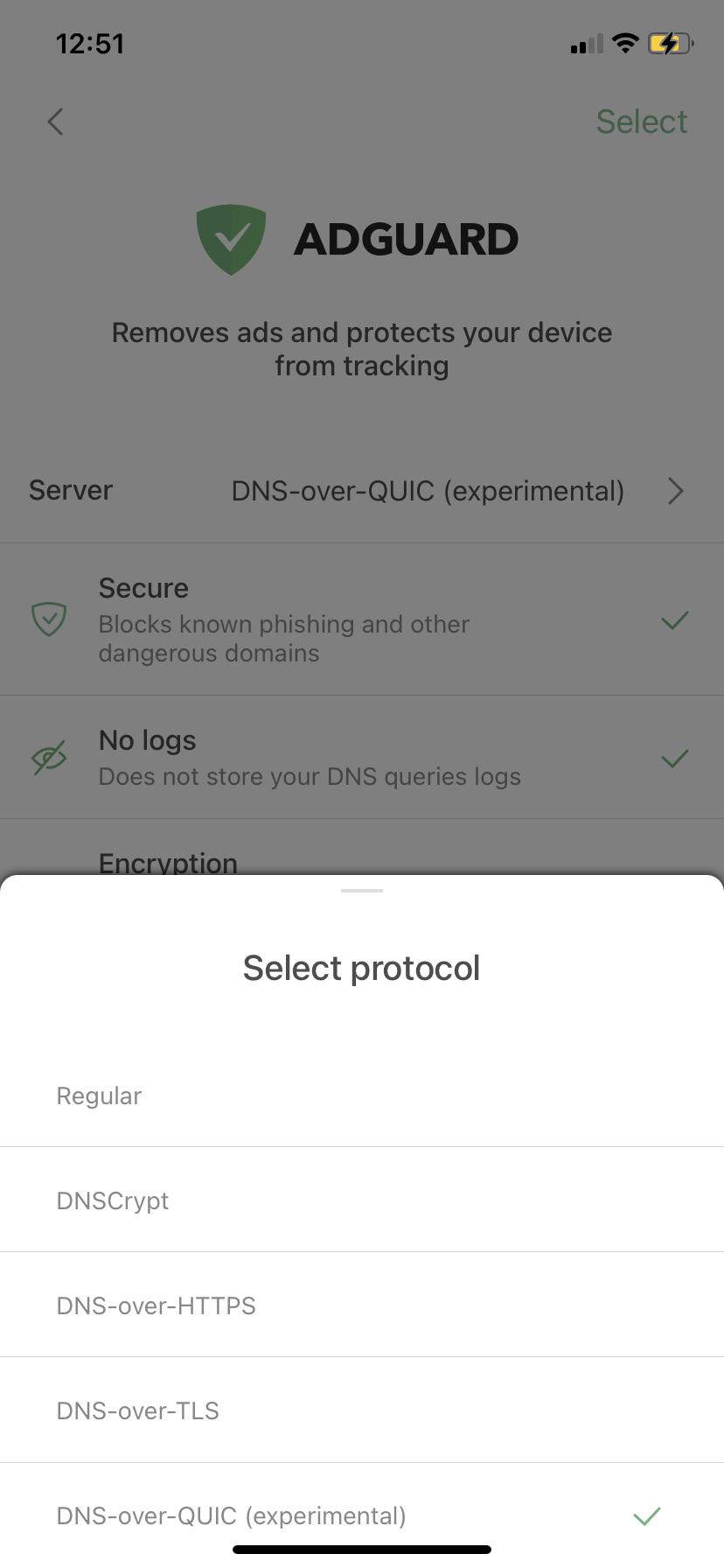
The most common DNS encryption protocols are DNS-over-HTTPS and DNS-over-TLS (DoH and DoT correspondingly). What makes DoQ special? A bunch of things: out-of-the-box encryption, reduced connection times, and better performance in cases of lost data packets.
Changelog
- [Enhancement] Shown the link in the details of custom filters #1529
- [Enhancement] Added "Acknowledgments" link to the "About" screen
- [Enhancement] Added our discuss page URL to the "About" screen
- [Enhancement] Improved the way DNS queries are logged to the Tunnel log
- [Fixed] Access to the DNS Allowlist crashes AdGuard Pro #1655
- [Fixed] AdGuard does not automatically select a DNS server when deleting the custom DNS server in use #1657
- [Fixed] Disabling "Advanced mode" in settings disables "Auto-Update over Wi-Fi only" too #1662
- [Fixed] Attempt to open "License" section causes the app crash #1664
- [Fixed] Reset settings leads to broken DNS servers settings
- [Other] Updated DnsLibs to 1.3.24 #1638
- [Other] Incorrect record color in the Activity log
- [Other] Missing image in front of "Security" filters
- [Other] Circles loader updates infinitely