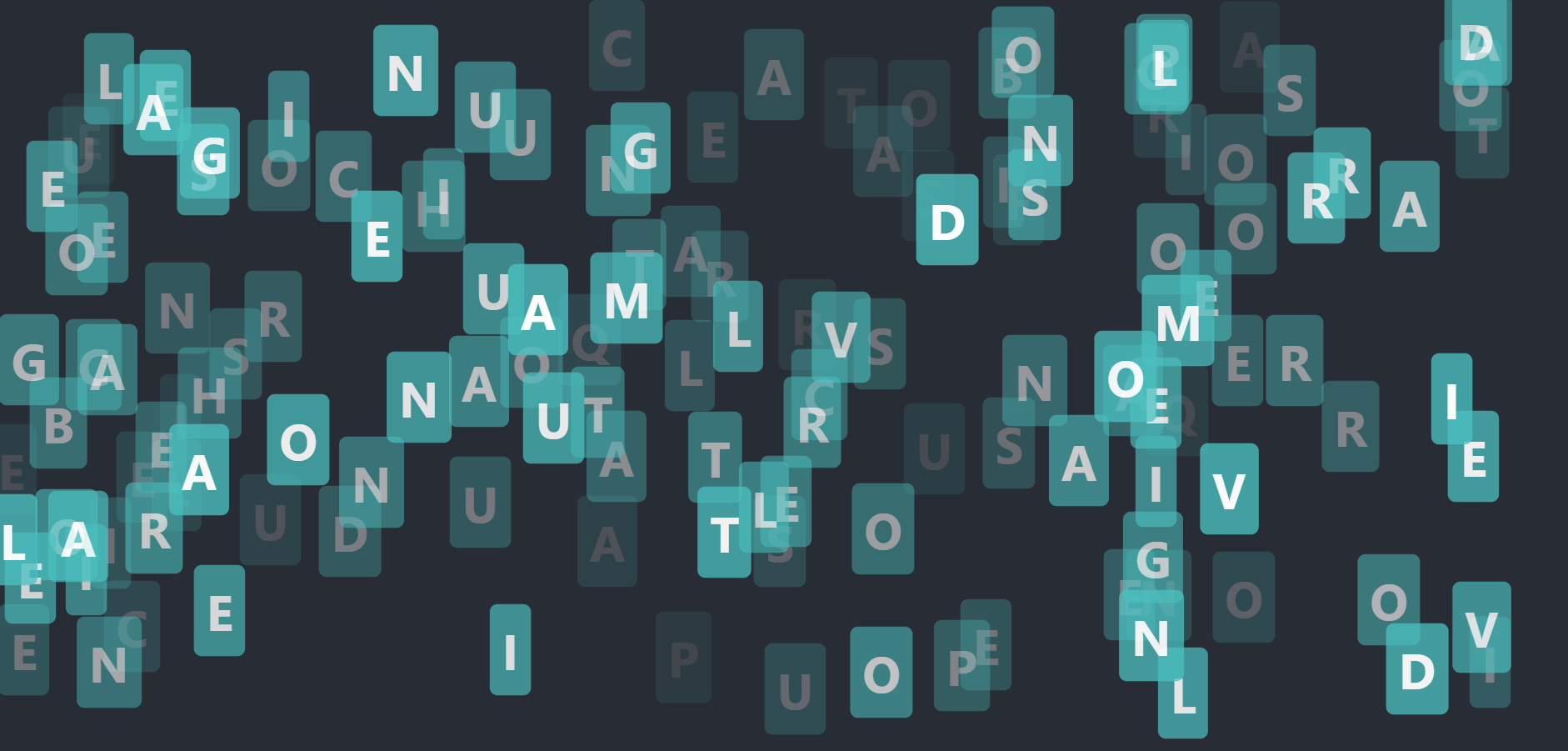
This project is a React application that displays animated keys on the screen whenever a key is pressed on the keyboard.
- Node.js
- npm or yarn package manager
- Clone this repository.
- Navigate to the project directory in your terminal.
- Run
npm installoryarn installto install the required dependencies. - Run
npm startoryarn startto start the development server.
- Open the application in your web browser.
- Press any letter key on your keyboard to see an animated key appear on the screen at a random position.
- Press additional keys to see more animated keys appear.
- React
- Emotion
- React Spring
The main component that displays the animated keys. It uses the useState hook to keep track of an array of pressedKeys that have been pressed on the keyboard. The handleKeyPress function adds a new pressedKey object to the array whenever a letter key is pressed, with a random position on the screen. The useEffect hook adds and removes an event listener to listen for key presses and call the handleKeyPress function. The component then maps over the pressedKeys array to render each AnimatedKey component.
A component that displays an individual animated key. It receives a keyObj prop that contains the letter key and its position on the screen, as well as an index prop and the totalKeys length prop to calculate the key's opacity. It uses the useSpring hook from React Spring to animate the key's position and scale, and renders a KeyDisplay component with the animated style props.
A component that displays the letter key with an animated style. It receives a style prop with the animated style props from AnimatedKey, as well as an opacity prop to set the key's opacity. It uses the animated component from React Spring to animate the style props of the key's container div. The key's style is defined with Emotion CSS.
A higher-order component that takes a styled component and returns a new functional component that can receive props. Used to pass props to styled components in Container.
A styled component that acts as a container for the entire application. It uses Emotion CSS to set its style props. The component is passed to withReactFC to make it a functional component that can receive props.
This project is licensed under the MIT License.