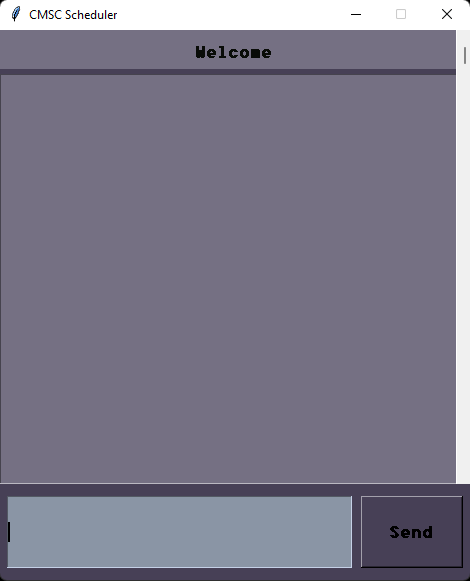
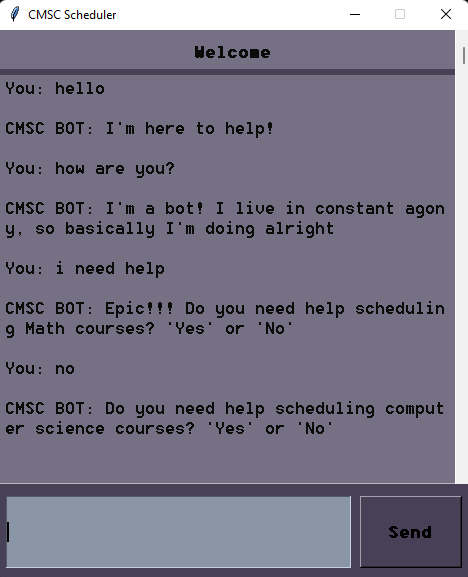
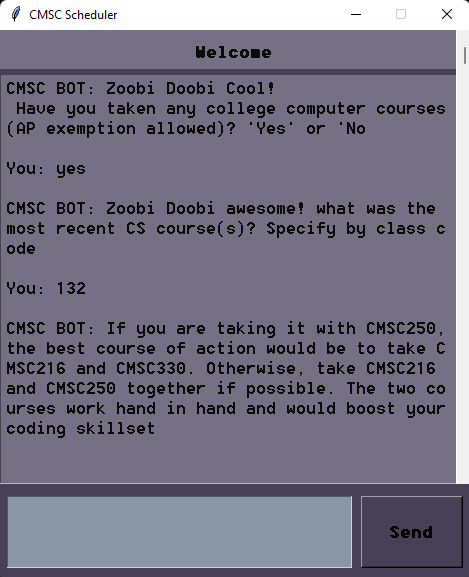
CMSC Scheduling Bot is a Python-based chatbot designed to assist University of Maryland (Terps) students with their scheduling needs. The bot utilizes natural language processing and deep learning techniques to streamline the scheduling process.
- CMSC-Bot.py: Main file containing the GUI and chatbot functionality. Running this file initializes the entire chatbot system.
- misinput.txt: Contains examples of messages that the chatbot may not understand.
- intents.json: Defines the blueprint of responses that guide the chatbot's interactions.
- train.py: Responsible for training the chatbot's deep learning model.
- chatBotResponse.py: Handles the generation of responses based on user input.
- nltkUtils.py: Provides utility functions used in
chatBotResponse.py.
-
Install Dependencies: Ensure that
nltk,tkinter,model,torch, andnumpyare installed in your Python environment (e.g., PyCharm). -
Run Initialization Files: Execute all the Python files to load functions and perform necessary training.
-
Start the Chatbot: Run
CMSC-Bot.pyto launch the chatbot and enjoy its functionalities.Important: Make sure to run
train.pybeforeCMSC-Bot.pyto train the chatbot. The console will indicate when the training is complete.
Here are some screenshots of the chatbot in action: