Convert File (from attachments)
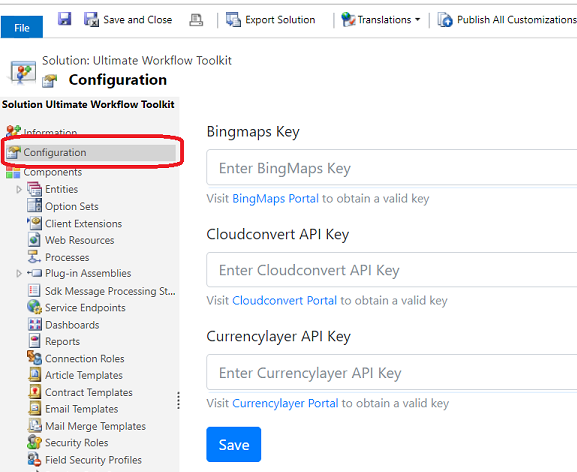
To convert files from one to other format I used CloudConvert service so to use it you will have to register an account and get a key. Once you got a key open "Ultimate Workflow Toolkit" solution and navigate to "Configurartion" section where you can enter your Api Key:
To use "Convert File" step open open Workflow/Action where you plan to use it and add "UWT: Annotation: Convert File" action:
Images/Attachment/ConvertFile/AddStep.png

After step is added click "Set Properties" to configure step.