- Python 3.8.5
- Node v14.15.4
- npm 6.14.10
- yarn 1.22.10
git clone https://github.com/AngelAngelopoulos/WebAuctionTask
cd WebAuctionTask
This App uses Postgresql as database engine, so, you shall be create a database with the following values:
- NAME: auction_db
- USER: postgres
- PASSWORD: admin
- HOST: localhost
- PORT: 5432
cd auctionAPI
python3 -m venv venv
venv/bin/pip3 install -r requirements.txt
venv/bin/python3 manage.py migrate
venv/bin/python3 manage.py runserver
This start a webservice in localhost:8000
cd ..
cd web-auction-webapp
npm install
You can use
yarn dev
or
npm dev
to start the node server.
This init a webapp in localhost:3000 and connects with the backend
Then you should create a superuser with the command
venv/bin/python3 manage.py createsuperuser
After this, you can enter in the Django admin panel (http://localhost:8000/admin/). Here we are going to create another User and Items
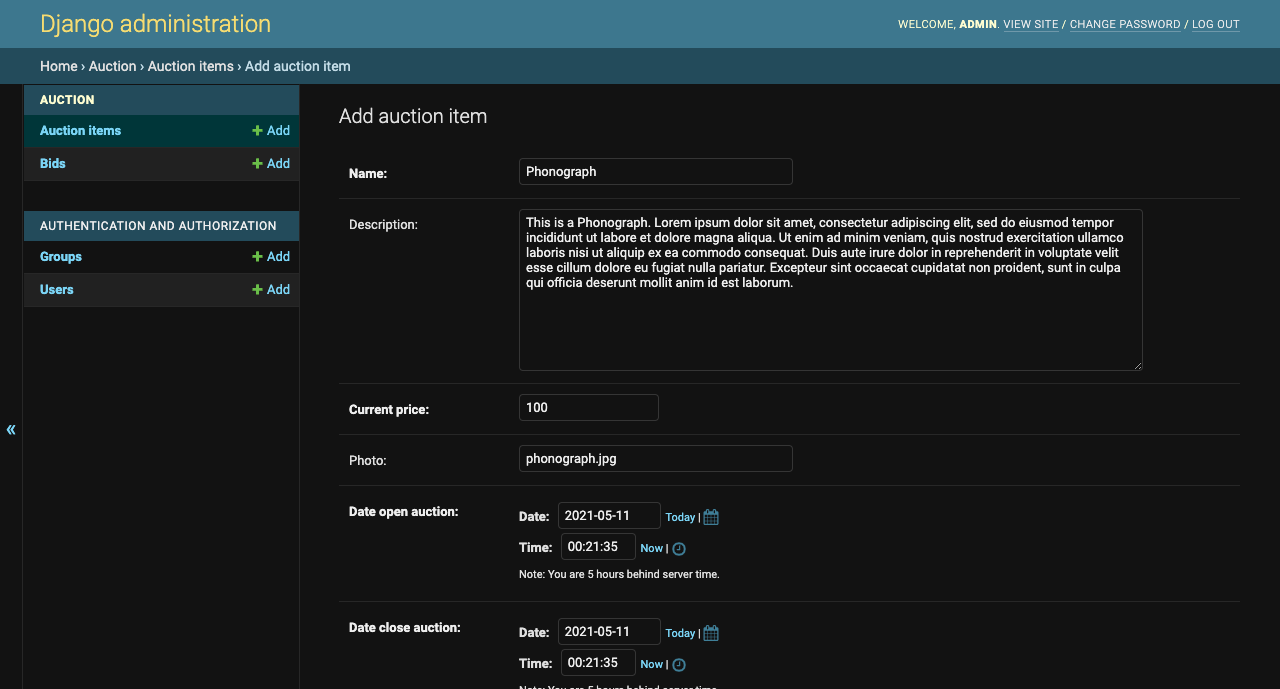
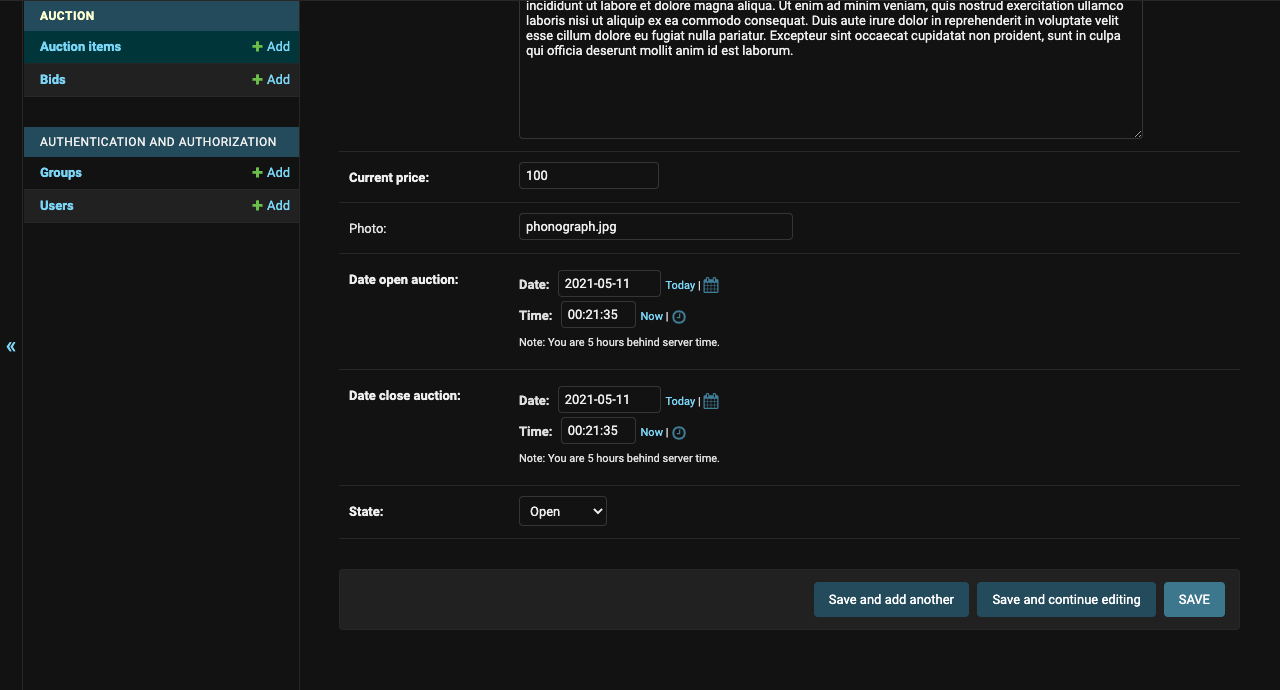
NOTE: The image used will be named only with filename and extension, and will be placed in web-auction-webapp/public/images/
After this, we going to create a normal user
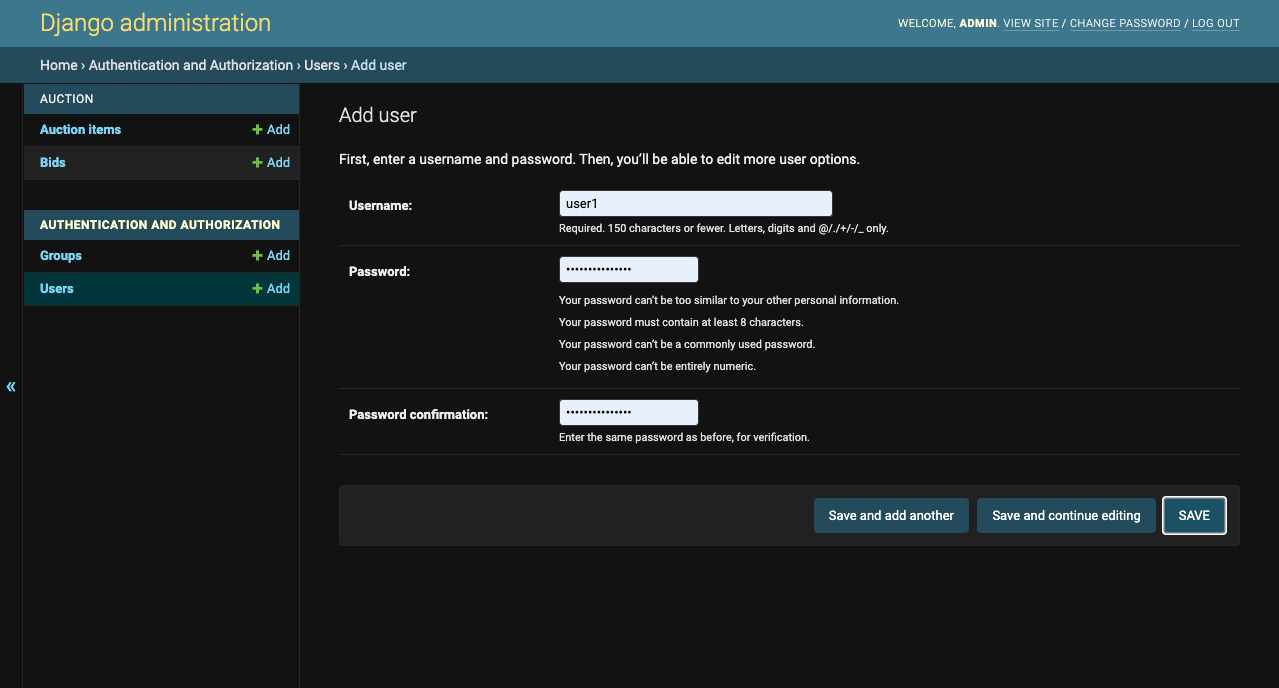
Done, all is well with the app (http://localhost:3000/).