



A self-hostable social media scheduler for creators who want a shared calendar, a focused post composer, and control over their own deployment.
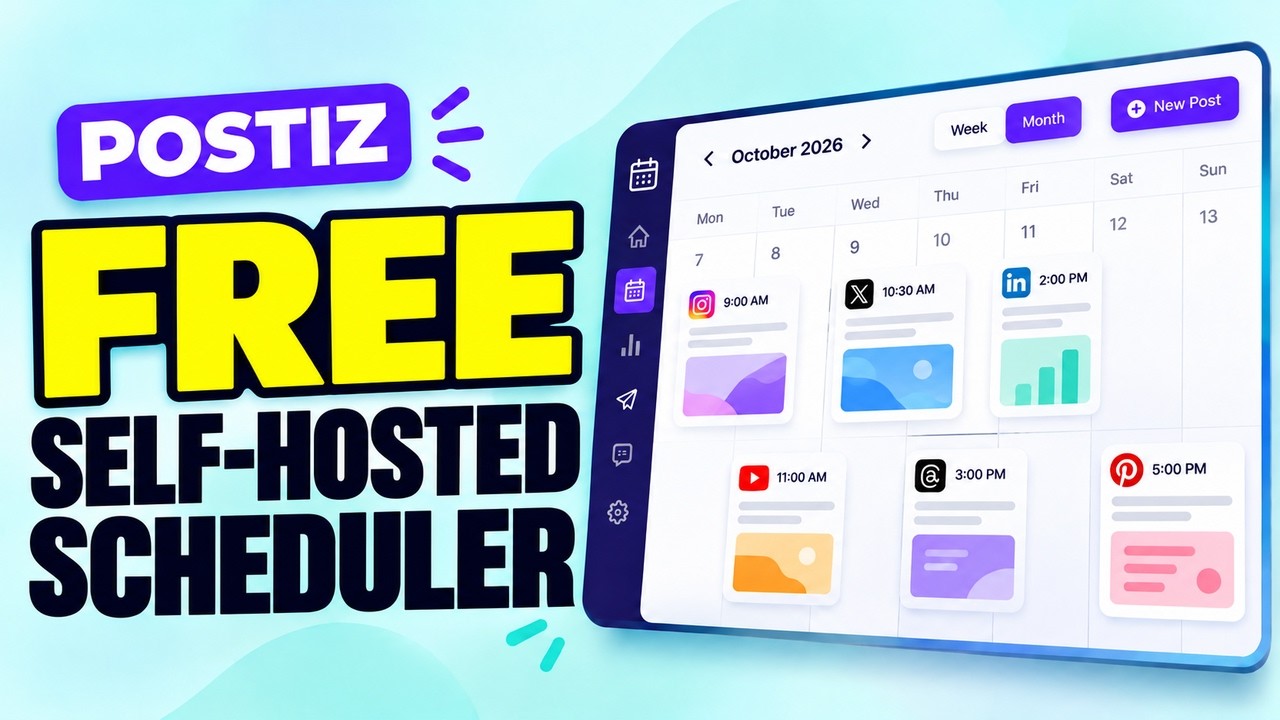
▶ Watch: Free Open-source Postiz alternative
Postiz-cheap brings post planning, platform-specific copy, AI writing, account connections, and publishing into one Next.js app. Run it on your own infrastructure and choose the providers you want to use. The application is MIT licensed; hosting, AI, social publishing, and payment providers may charge separately.
Postiz-cheap is an independent project. It is not affiliated with, endorsed by, or operated by Postiz.
- Plan in one calendar. Review scheduled, processing, published, and failed posts. Create a post from a calendar slot, or edit and remove an existing post.
- Compose for several channels. Select connected platforms, add text and media, and adjust platform-specific options such as privacy, tags, and video settings.
- Preview before publishing. Switch between platform previews and check the configured text limits before submitting a post.
- Draft with AI. Generate a title, caption, and tags for a selected platform and tone, then review and edit the suggestion in the composer.
- Work with a conversational assistant. Brainstorm ideas and refine social copy in the AI agent workspace, with recent conversation context included in follow-up prompts.
- Connect and manage accounts. Start a provider authorization flow, review connected accounts, rename them, or disconnect them.
- Review published videos. Use the gallery to find and download successfully published videos returned by connected channels.
- Self-host the application. Keep the application and scheduled-post records on infrastructure you control. External provider services are still required for sign-in, AI, and social publishing.
The integration UI currently lists these channels. Available formats and options depend on the connected account and the provider's current API support.
| Channel | Composer formats | Configured text limit | Additional options |
|---|---|---|---|
| YouTube | Video | 5,000 characters | Tags, category, privacy, made-for-kids setting |
| TikTok | Video | 2,200 characters | Privacy, duet and stitch controls |
| Image or video | 2,200 characters | Reels and image publishing | |
| X | Image or video | 280 characters | Post text and tags |
| Image or video | 63,206 characters | Page publishing and privacy | |
| Image or video | 3,000 characters | Profile or page publishing | |
| Threads | Image or video | 500 characters | Post text and tags |
| Image or video | 500 characters | Pin title, description, and destination link |
These limits and options are application defaults. Social networks and provider APIs can apply additional account, media, or policy restrictions.
- Sign in to the studio with Google.
- Open Integrations and connect the social accounts you want to use through MuAPI.
- Create a post from the calendar or composer. Choose one or more platforms, attach media, and enter platform-specific copy and options.
- Optionally generate a first draft with the AI writer or ask the social marketing agent for ideas.
- Preview the post, then publish it immediately or set a future date and time.
- Return to the calendar to review its status. Successfully published videos are also available in the gallery.
AI-generated copy is a starting point. Review it for accuracy, brand voice, rights, and each platform's publishing rules before you submit it.
- Web application: Next.js 16 App Router and React 19
- Styling and components: Tailwind CSS, Framer Motion, and React Icons
- Database: PostgreSQL accessed through Prisma
- Authentication: NextAuth with Google sign-in
- AI and social integrations: MuAPI
- Optional credit checkout: Stripe
Post records are stored per target platform in PostgreSQL. The app records the scheduled time, account, media URL, copy, publishing status, provider request ID, and any error returned during publishing.
This repository contains the application, not a managed Postiz-cheap hosting service. There is no required application subscription: when you self-host, you pay for your own server and database. Real AI writing, account connections, media handling, and publishing use MuAPI, whose usage charges may apply. Social networks can also impose their own limits or fees.
The app includes optional Stripe checkout. Its current credit packs are Starter (100 credits for $5), Pro (500 for $15), and Business (2,000 for $45); the amounts are set in src/lib/config.js. Configure Stripe only if you want to offer checkout, and confirm your Stripe setup before launch. The in-app credit balance is separate from charges billed directly by MuAPI or a social network.
- Node.js and npm
- A PostgreSQL database
- A Google OAuth client for Google sign-in
- A MuAPI API key for AI generation, social account connections, and publishing
- Stripe credentials only if you want to enable credit checkout
git clone https://github.com/Anil-matcha/postiz-cheap.git
cd postiz-cheap
npm install
cp .env.example .envSet the values you need in .env. Keep secrets server-side and out of source control.
| Variable | Required | Purpose |
|---|---|---|
DATABASE_URL |
Yes | PostgreSQL connection used by the application. The sample uses a pooled URL with pgbouncer=true. |
DIRECT_URL |
Recommended | Direct PostgreSQL URL used by Prisma commands. If omitted, Prisma falls back to DATABASE_URL. |
NEXTAUTH_URL |
Yes | Base URL for this deployment, such as http://localhost:3000 locally or your HTTPS domain in production. |
NEXTAUTH_SECRET |
Yes | Long, random secret for signing sessions. Replace the sample value; never use the built-in fallback in a public deployment. |
GOOGLE_CLIENT_ID |
Yes | OAuth client ID for Google sign-in. |
GOOGLE_CLIENT_SECRET |
Yes | OAuth client secret for Google sign-in. |
MUAPIAPP_API_KEY |
Yes for integrations | Server-side MuAPI key used by AI, social account, upload, and publishing routes. Do not expose it as a NEXT_PUBLIC_ variable. |
WEBHOOK_URL |
Optional | Included in the sample config as a separate callback URL. Current API routes use NEXTAUTH_URL and do not consume this setting. |
STRIPE_SECRET_KEY |
Optional | Server-side Stripe key for credit checkout. |
NEXT_PUBLIC_STRIPE_PUBLISHABLE_KEY |
Optional | Public Stripe key retained in config for client integrations; the current checkout session is created server-side. |
STRIPE_WEBHOOK_SECRET |
Optional | Secret used to verify Stripe webhook events. |
Generate a unique NEXTAUTH_SECRET for a deployment, for example with openssl rand -base64 32.
In Google Cloud, create an OAuth client and add the callback URL for the environment:
http://localhost:3000/api/auth/callback/google
For production, use the same path on your HTTPS domain and set NEXTAUTH_URL to that domain. Google sign-in is the sign-in flow exposed by the application UI.
npx prisma db push
npm run dev
Open http://localhost:3000. The development server uses the configured database and provider keys; without MuAPI credentials, AI and live social integrations will not work.
| Command | Description |
|---|---|
npm run dev |
Start the Next.js development server. |
npm run lint |
Run ESLint. |
npm run build |
Generate the Prisma client and build the production application. |
npm run start |
Serve the production build. |
- Set
NEXTAUTH_URLto the public HTTPS URL and configure the matching Google OAuth callback. - Use a production PostgreSQL database. Supply a pooled
DATABASE_URLfor application traffic and a directDIRECT_URLfor Prisma schema operations where your host supports both. - Store Google, MuAPI, and Stripe secrets in the deployment provider's secret manager. Rotate any secret that has been committed or exposed.
- If you enable Stripe checkout, configure the webhook endpoint at
/api/stripe/webhookand setSTRIPE_WEBHOOK_SECRETto the signing secret for that endpoint. - The repository does not include a separate always-on scheduler or worker. Due scheduled posts are triggered and provider status is polled when the authenticated
GET /api/postsroute runs. Add and operate a reliable background worker before depending on unattended scheduled publishing. - The authentication configuration includes a demo credentials provider for evaluation. It does not validate a password. Remove or replace that provider before exposing the application publicly; the login page itself presents Google sign-in.
- Back up PostgreSQL and verify provider permissions, media requirements, privacy settings, and rate limits before using a production account.
The routes are implemented in src/app/api and most require an authenticated session.
| Route | Methods | Purpose |
|---|---|---|
/api/posts |
GET, POST |
List posts; create a scheduled post or start immediate publishing. The GET route also triggers due posts and polls provider status. |
/api/posts/[id] |
PATCH, DELETE |
Edit, publish now, or remove a post. |
/api/social/connect |
POST |
Start a social account connection flow through MuAPI. |
/api/social/accounts |
GET |
List connected accounts. |
/api/social/accounts/[id] |
PATCH, DELETE |
Rename or disconnect an account. |
/api/ai/generate |
POST |
Generate platform-specific title, copy, and tags. |
/api/agent/chat |
POST |
Send a message to the conversational social marketing agent. |
/api/upload |
POST |
Upload media for use in a post. |
/api/stripe/checkout |
POST |
Create an optional credit-pack checkout session. |
/api/stripe/webhook |
POST |
Process verified Stripe events. |
src/app/          Pages, layouts, and API routes
src/components/   Calendar, composer, previews, navigation, and agent UI
src/lib/          Authentication, database, billing, and integration services
prisma/           PostgreSQL data model and Prisma configuration
public/           Static application assets
- Google sign-in returns a callback error: Check that the OAuth redirect URI exactly matches
${NEXTAUTH_URL}/api/auth/callback/googlefor the environment. - Database commands fail: Check that
DIRECT_URLreaches PostgreSQL directly; useDATABASE_URLfor the application's runtime connection. - AI or account connection routes report a missing key: Set
MUAPIAPP_API_KEYin the server environment and restart the app. - Posts stay scheduled: Confirm the app is running and that the authenticated
/api/postsroute is being called. The repository does not run a background scheduler by itself. - Stripe checkout fails: Verify all three Stripe variables and the webhook URL and signing secret in your Stripe account.
- Demo data appears instead of persisted data: Check database connectivity. Some routes fall back to an in-memory demo store when PostgreSQL is unavailable; that data is not a production persistence mechanism.
Issues and pull requests are welcome. For a change, describe the workflow and social platforms it affects, keep provider credentials out of commits, and document any new environment variables.
MIT. See LICENSE.