AppPricing SDK is an intelligent pricing optimization tool for mobile applications. It leverages advanced algorithms to analyze user behavior and characteristics, delivering tailored pricing strategies for each individual user. By integrating this SDK, your app can dynamically display the right paywall—whether premium, standard, or basic—based on sophisticated backend analysis.
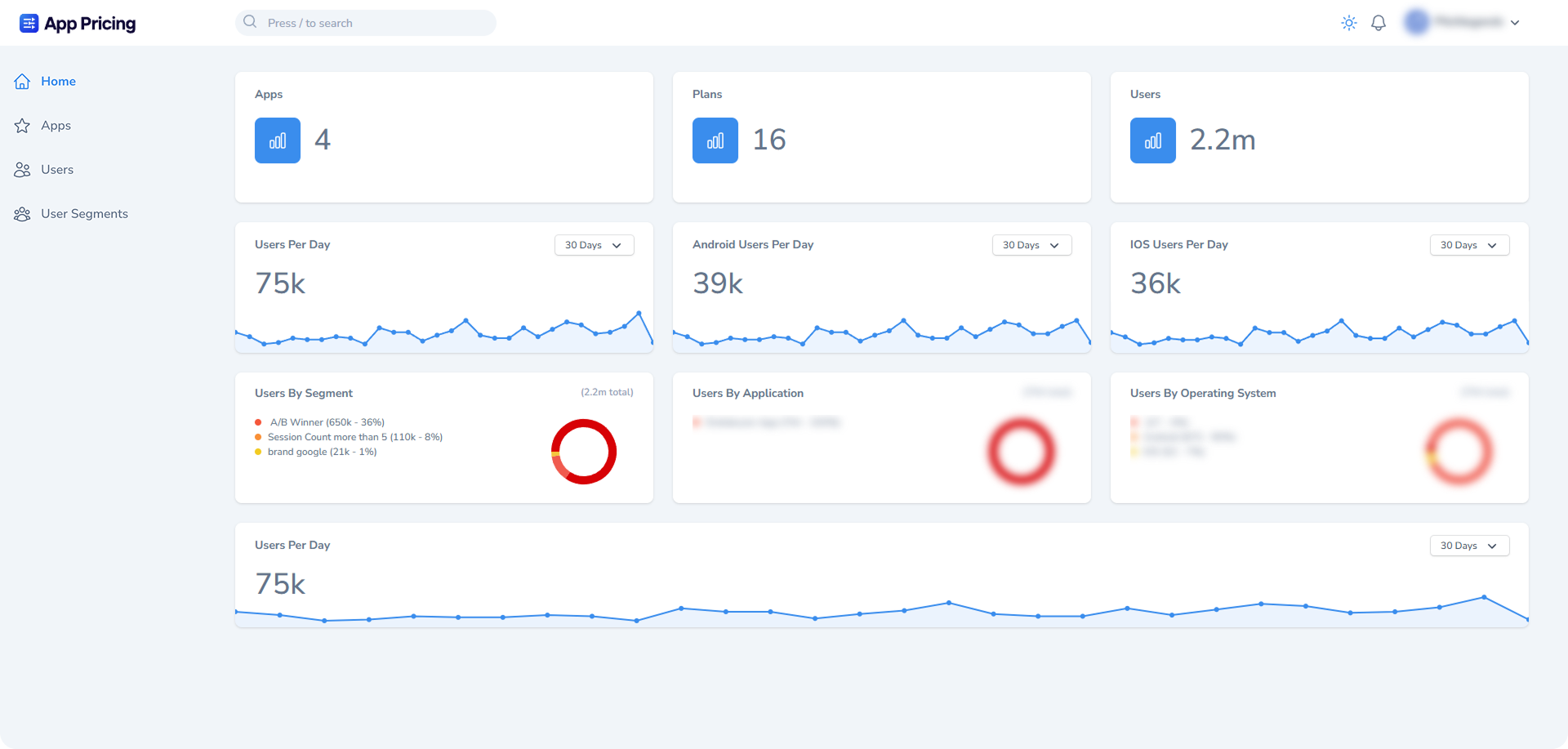
Visit the App Pricing to manage your pricing strategies or more details.
- Dynamic Pricing: Adjusts prices in real-time based on user behavior, location, and more.
- User Segmentation: Categorizes users into pricing tiers for maximum profitability.
- Seamless Integration: Easy-to-use SDK with minimal setup.
Add it in your root settings.gradle at the end of repositories:
dependencyResolutionManagement {
    repositoriesMode.set(RepositoriesMode.FAIL_ON_PROJECT_REPOS)
    repositories {
        mavenCentral()
        maven { url 'https://jitpack.io' }
    }
}Add the dependency to your app's build.gradle file:
dependencies {
    implementation 'com.github.App-Pricing:ApppricingSDK-Android:Tag'
}
Replace Tag with a specific version (like 1.0.0) or use the commit hash.
class MyApplication : Application() {
    override fun onCreate() {
        super.onCreate()
        initializeAppPricing()
    }

    private fun initializeAppPricing() {
        AppPricingInstance.initialize(
            context = this,
            apiKey = "YOUR_API_KEY", // Required: Your API key from AppPricing Dashboard
            isDebugMode = BuildConfig.DEBUG, // Optional: Enable debug mode for development
            errorCallback = { throwable -> // Optional: Handle SDK errors
                Log.e("AppPricing", "Error: ${throwable.message}")
            },
            loggingCallback = { message -> // Optional: Handle SDK logs
                Log.d("AppPricing", message)
            },
            isLoggingEnabled = BuildConfig.DEBUG // Optional: Enable/disable logging
        )
    }
}
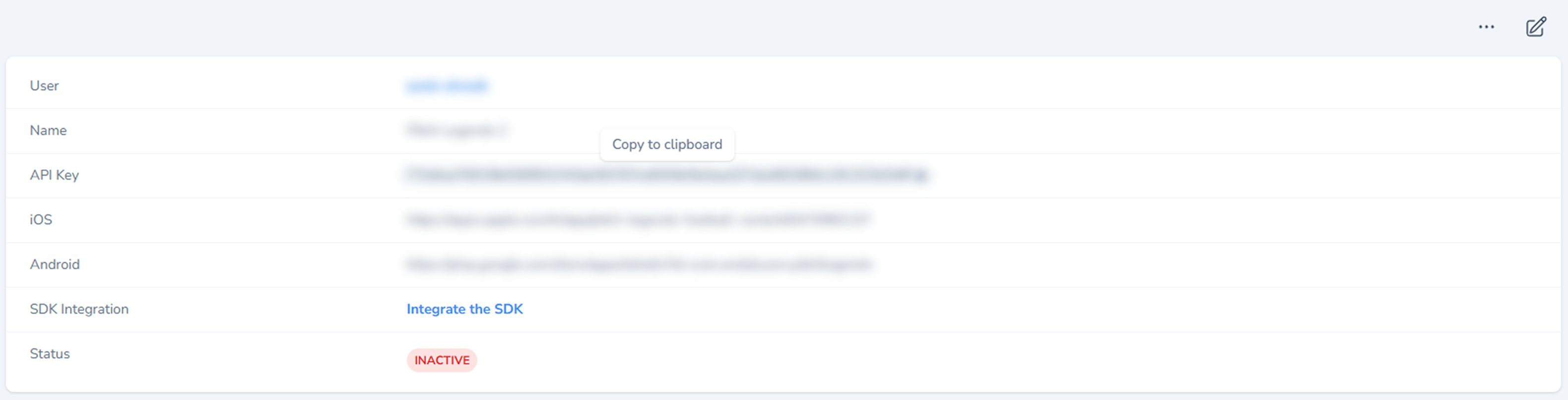
To obtain your YOUR_API_KEY, log in to the AppPricing Dashboard, navigate to the Apps page, and copy your unique key as shown below:
After initializing the SDK, you can fetch available plans for the device and show the appropriate paywall:
private fun getPlans() {
    scope.launch {
        try {
            AppPricingInstance.getDevicePlans().collectLatest { response ->
                when (response) {
                    is AppPricingRepositoryPlansResponse.Error -> {
                        Log.d("AppPricingRepositoryPlansResponse", "" + response)
                    }
                    AppPricingRepositoryPlansResponse.Idle -> {
                        Log.d("AppPricingRepositoryPlansResponse", "" + response)
                    }
                    AppPricingRepositoryPlansResponse.Loading -> {
                        Log.d("AppPricingRepositoryPlansResponse", "" + response)
                    }
                    is AppPricingRepositoryPlansResponse.Success -> {
                        val name = response.plans.first().name
                        AppPricingInstance.postPage("FetchPlans: $name")
                        Log.d("AppPricingRepositoryPlansResponse", "" + response.plans.first().name)
                    }
                }
            }
        } catch (e: Exception) {
            Log.e("AppPricingRepositoryPlansResponse", "" + e.message)
        }
    }
}- Pre-fetch Plans
- Call
getDevicePlans()well before showing the paywall - Don't wait for user interaction to fetch plans
- Cache the response to provide instant paywall display when needed
- This prevents unnecessary waiting time for users
- Call
- Initialization Failures
- Verify API key is correct
- Check internet connectivity
- Ensure proper Application class setup
For technical support and inquiries:
- Email: support@ondokuzon.com