
Humans can easily understand the text content of an image simply by looking at it. However, it is not the case for computers. They need some sort of a structured method or algorithm to be able to understand it. This is where Optical Character Recognition (OCR) comes into play.
Optical Character Recognition is the process of detecting text content on images and converts it to machine-encoded text that we can access and manipulate in Python (or any programming language) as a string variable. In this project, we have used the Tesseract library to do that.
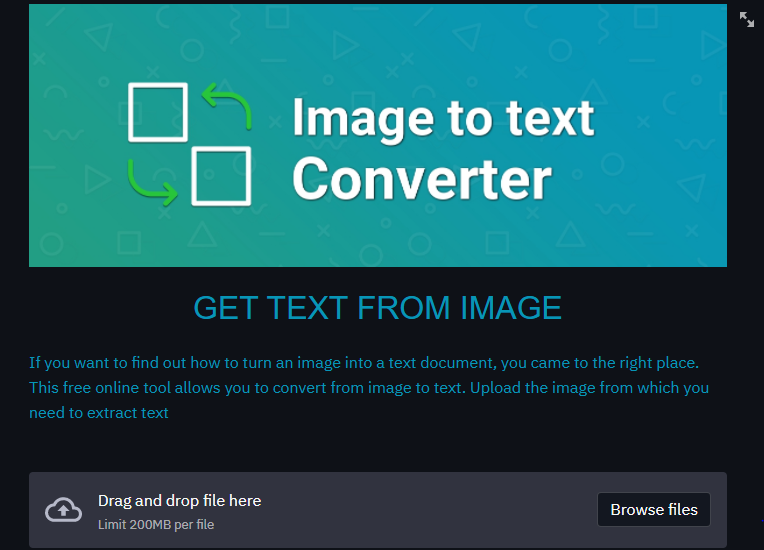
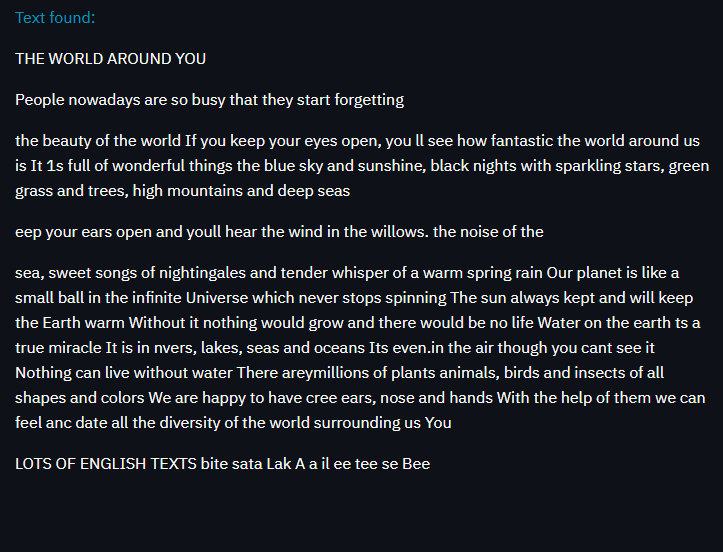
This project is focused on collecting text in images. You can upload any image and you will get all text present in the image as output. Live link for the project goes here
Libraries used:
OpenCV: OpenCV is a huge open-source library for computer vision, machine learning, and image processing. Here, OpenCV is used for image preprocessing.
Pytesseract: Python-tesseract is an optical character recognition (OCR) tool for python. That is, it will recognize and “read” the text embedded in images.
Streamlit: Streamlit is used for hosting and app sharing.
Numpy: It is a general-purpose array-processing package. It provides a high-performance multidimensional array object, and tools for working with these arrays.
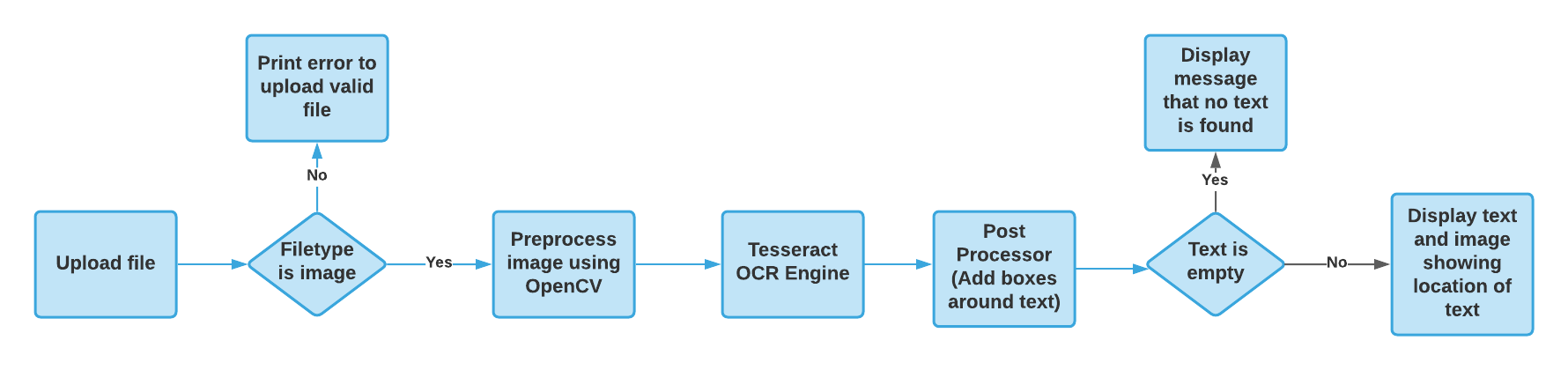
Flow of the code:
Screenshots:
For more details you can refer to the video: