Noblesword is a two-player 2D fighting game. The players are able to move left and right, attack the other players, and block incoming attacks. The conditions for victory are: * if a player has no health, the other player is deemed the winner * if time runs out, the player with the higher health value is declared the winner * if time runs out and both players have the same amount of health, it is considered a draw
In NobleSword players are able to
- move left and right independent of the other player's movements

I first established the keysPressed and lastKey value as properties of the Player instance. Everytime the Player presses a key, this will update the values to true if the key pressed is equal to the left and right movement keys of that specific Player. The lastkey is set to the last key the Player presses. These values update to false when the player stops holding the key down.

In the draw function, I change the scale of the context depending on which direction the player is facing. As I only have 1 sprite facing the right side, and I need the players to face each other I need to change the scaleX to either 1 or -1. 1 if the player is facing to the right, and -1 if the player is facing to the left. The direction value of the player updates each frame with where the player's position is when compared to the other player. Next I draw the current frame of the Player. As far as the movement goes, the players are constricted to only be able to move within the canvas, and if they are pressing the movement key then the player is able to move according to the last key which determines the direction in which to move. Now, even if players give multiple inputs as these values are stored in the separate player instances, players will be able to move independent of the other player's inputs.
- attack the other player
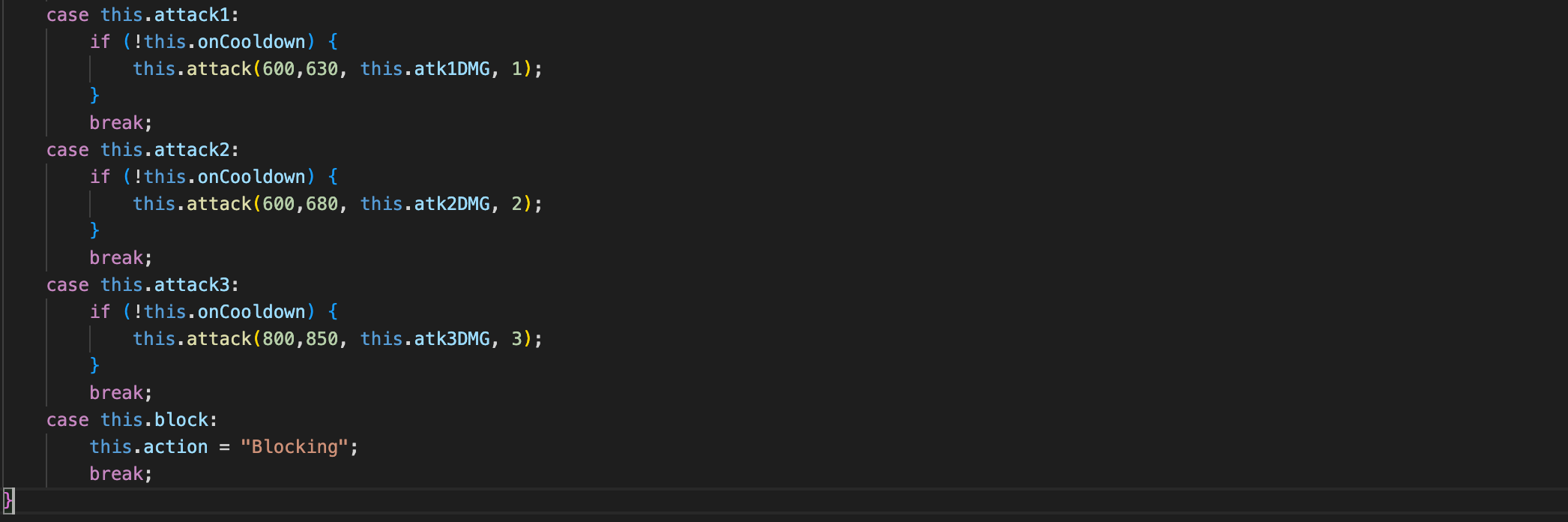
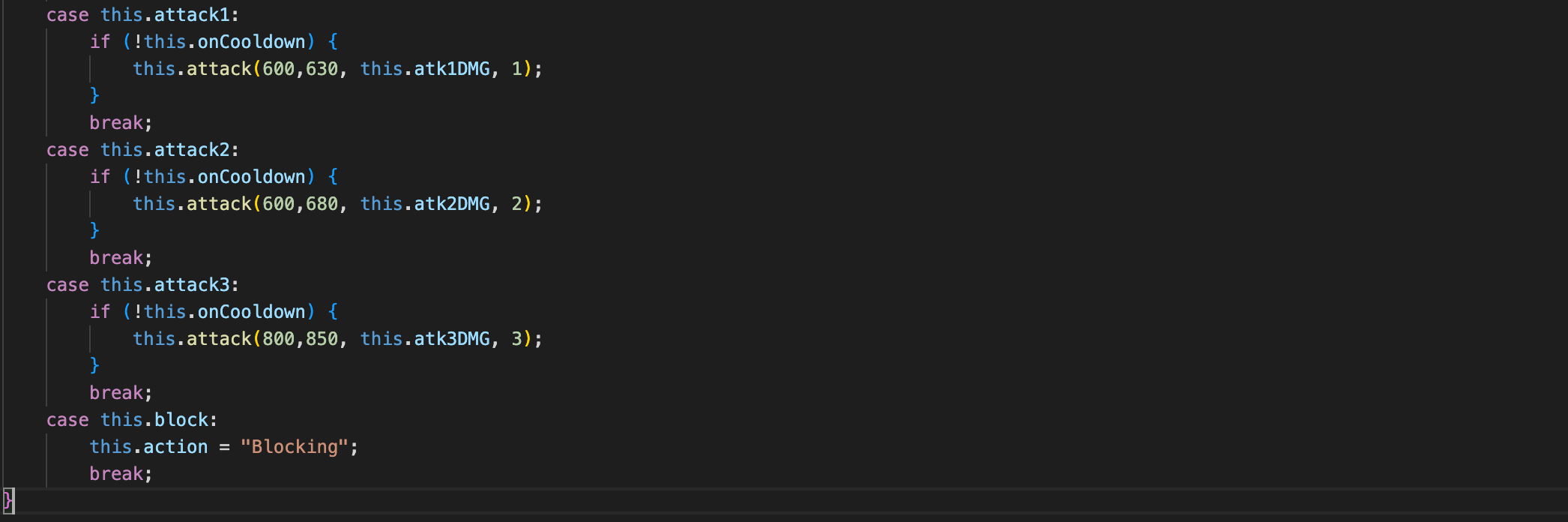
The character has 3 different attacks. Each attack has a different cooldown when they can move again, and when they can attack again. The attacks also have different damage values depending on their cooldown and how long the animation is. These values are preset.
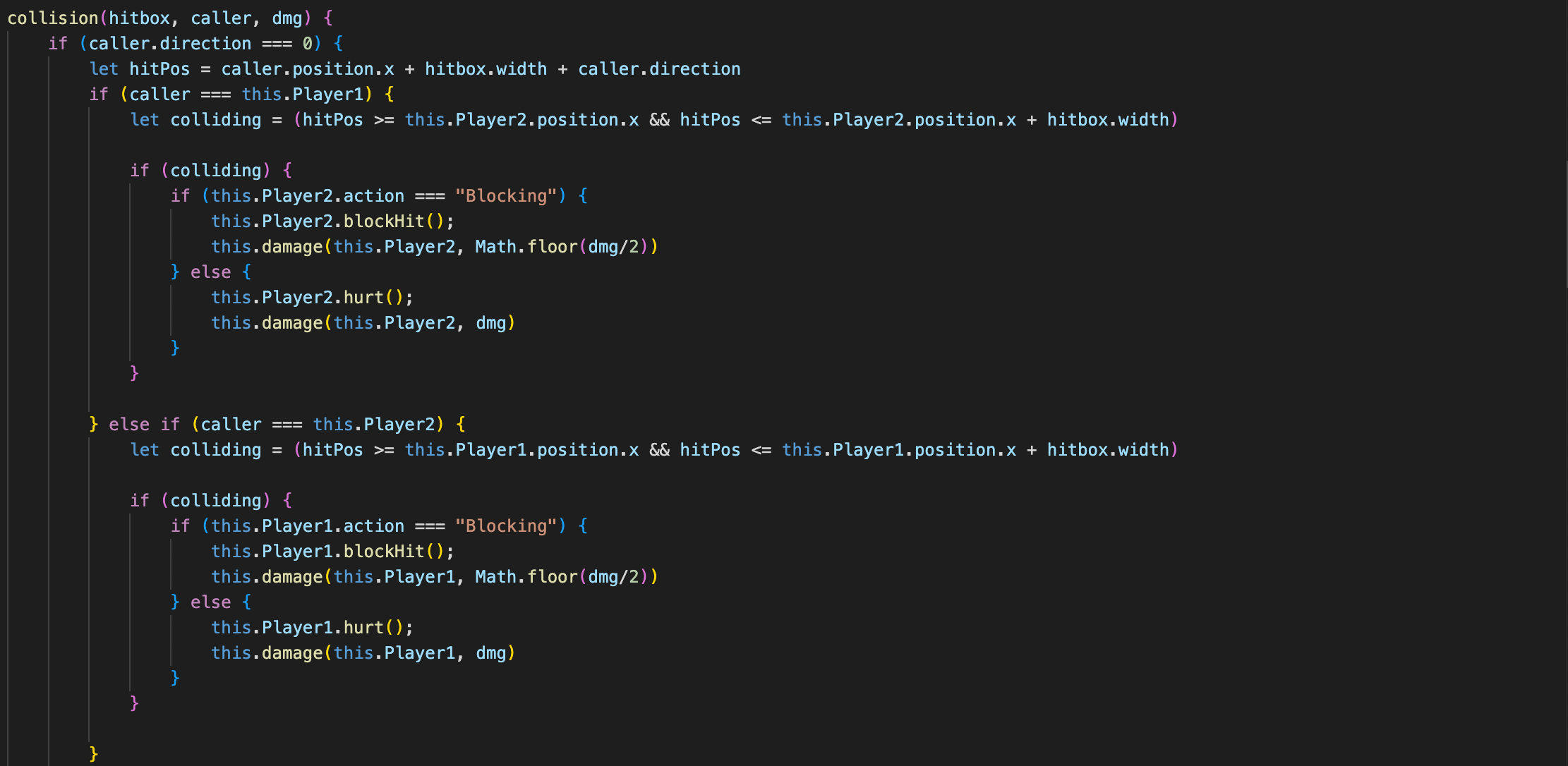
The attack function calls a collision function that is present in the multiplayer script. This script and function handles player interactions. It takes into account the direction where the player is facing. Then checks what player called the function. Next it checks whether or not the opposing player's model is in that hitbox. If it is, it will check the action of the player. If the player is blocking, then it will invoke the method for the blocking animation to be called on the other player and deal half damage. If the player isn't blocking, then it will invoke the method for a regular hit animation, and deal the damage passed in as an argument.
- block incoming attacks from the opponent
Blocking and Attacking work in conjunction. When holding the block button, the player is unable to move and the IdleBlock animation is animated each frame. When the player gets hit by the opponent, the player takes half damage, and a blocking animation is played.
- Animating the Sprites
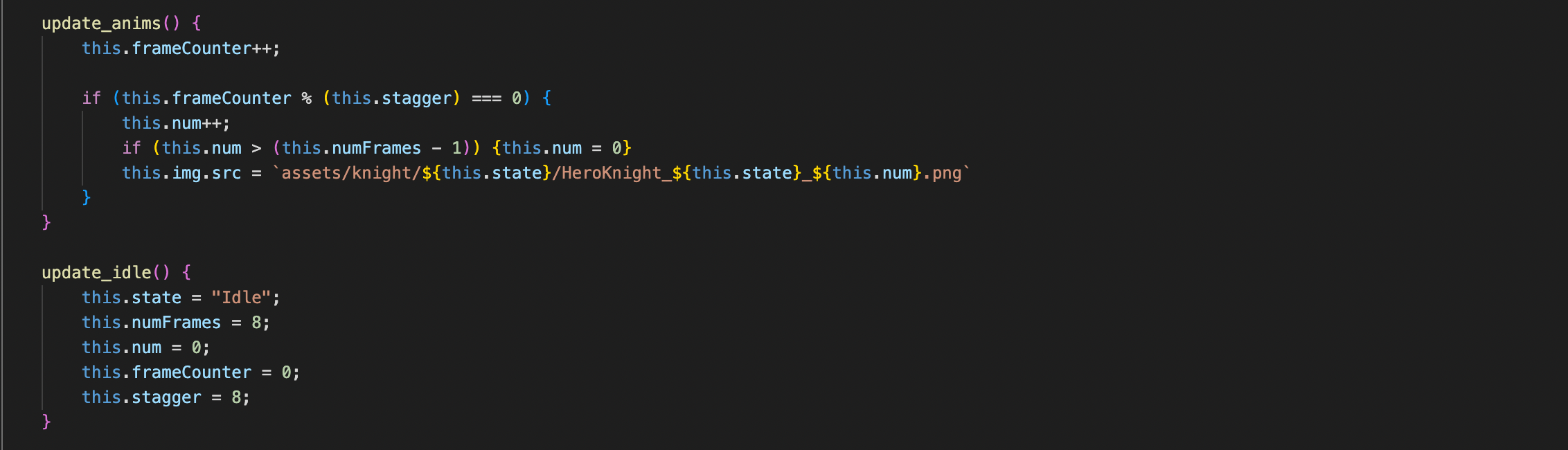
Each frame the update_anims method will be called. The way my sprites are set up, each image is under the knight folder with a specific format. I am changing the number at the end which correlates with the next frame every (stagger) frames which animates the player characters. Each time a player inputs a change to the state, the corresponding update_(state) method will be called and the animations will update.
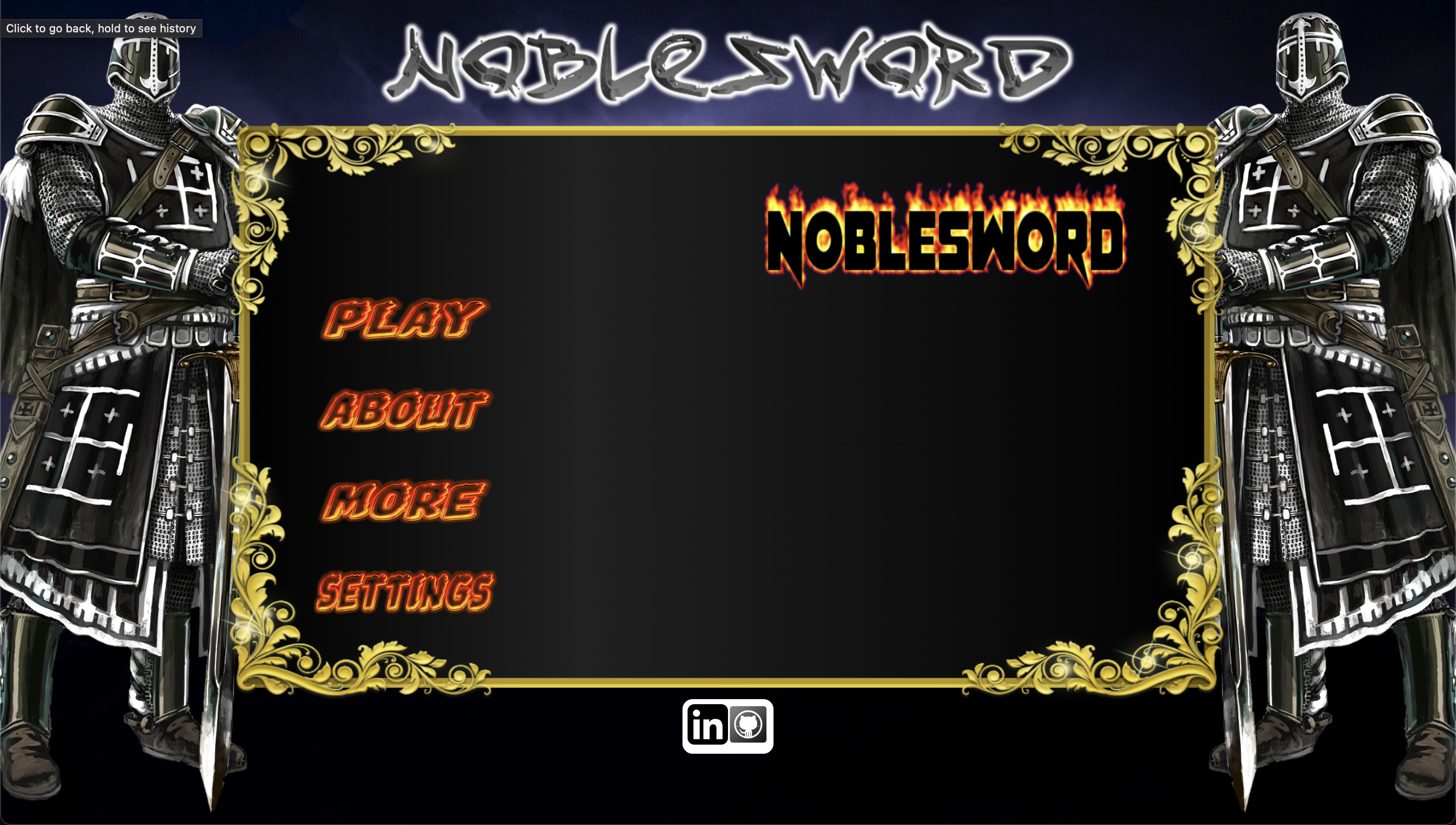
This Menu Screen is interactable.
https://sventhole.itch.io/hero-knight
Google Images