Screen-2023-02-19-92910.PM.mp4
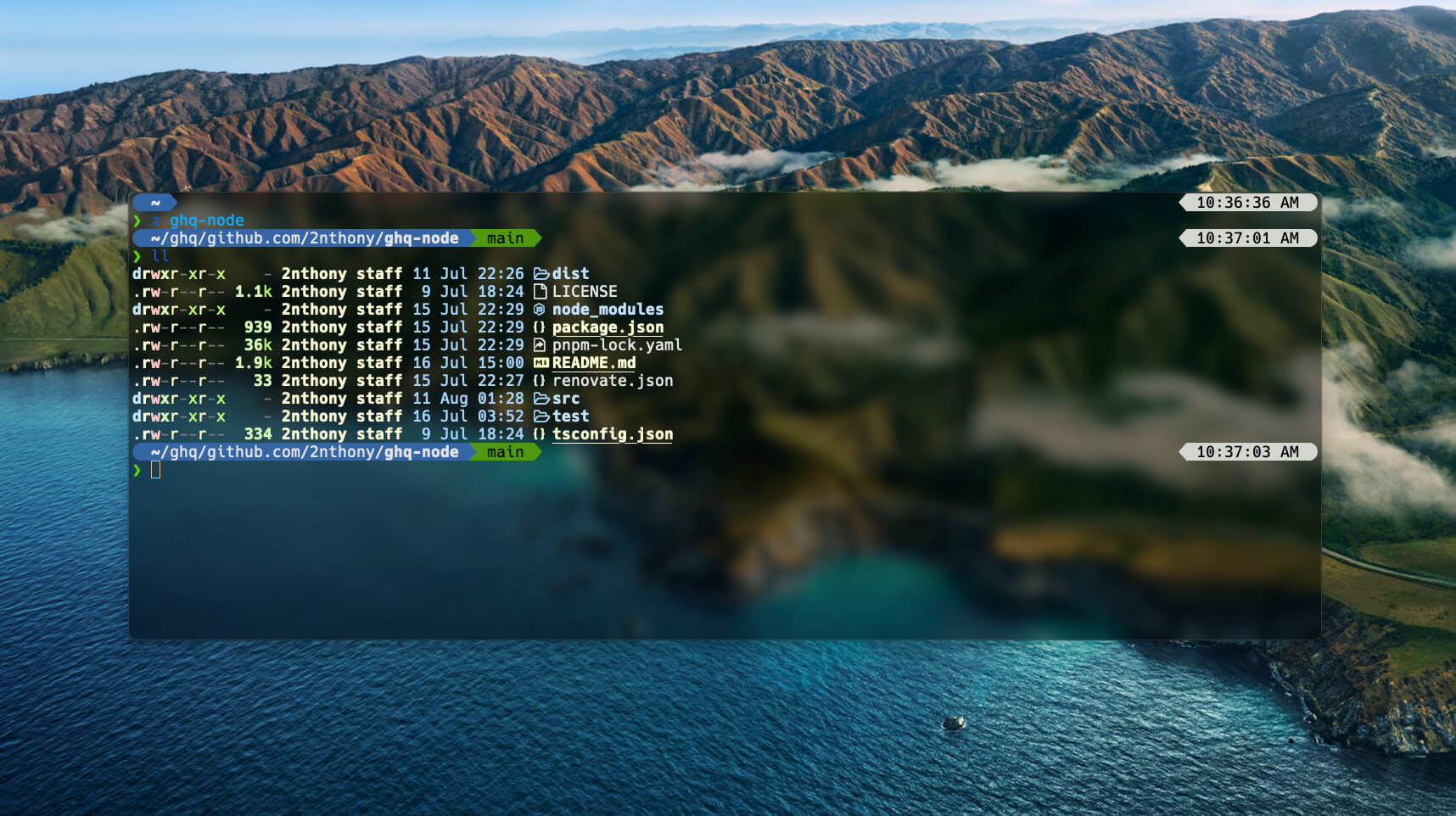
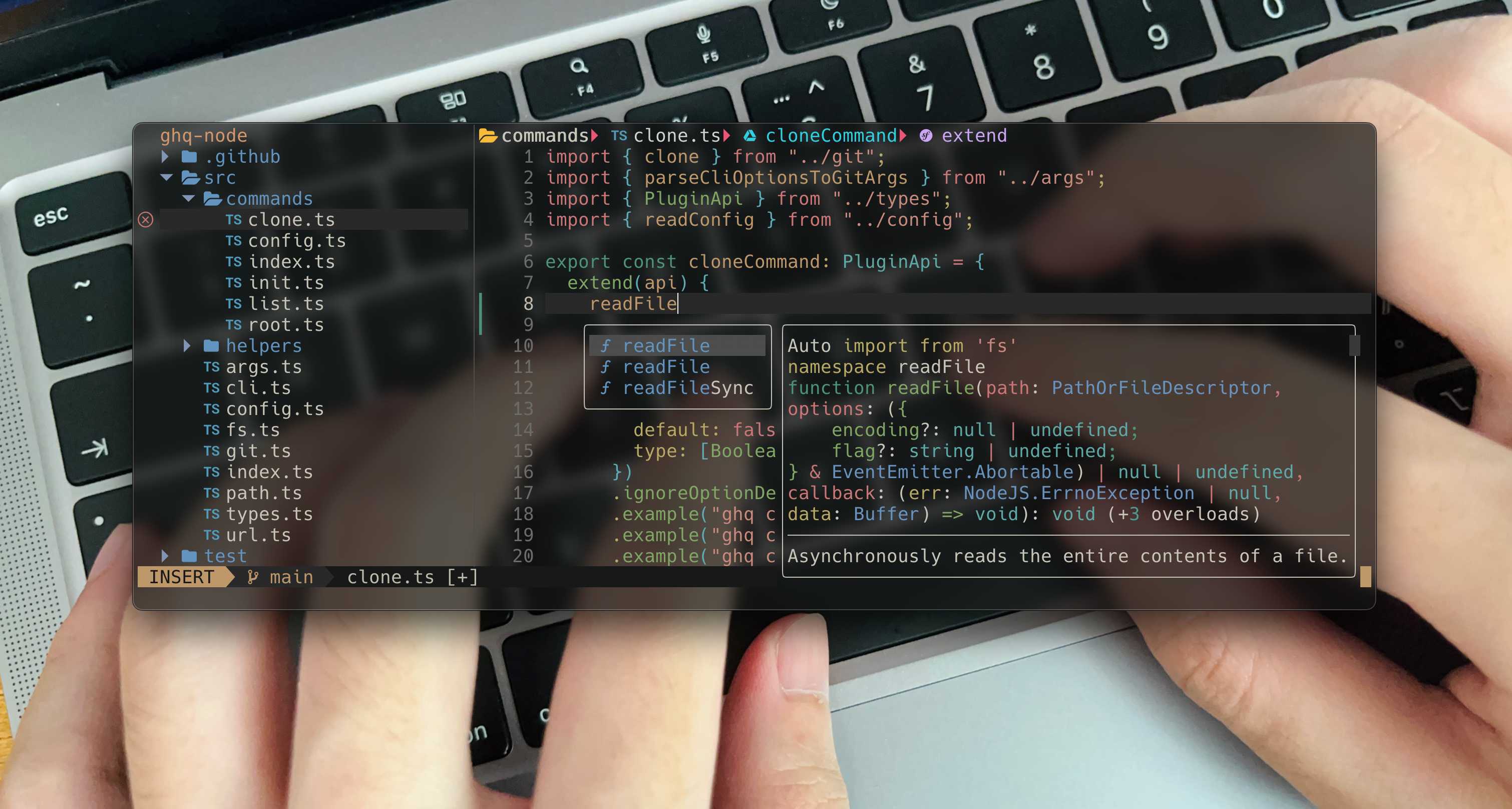

lazy with extra features:
- Supertab(VS Code like)
- AI-Powered Autocomplete(Copilot, with hints, not cmp)
- Good Looking Theme(vitesse)
- Transparent friendly
- Git Integration(LazyGit, Neogit)
- Partially support vscode workspace settings
- ...
- Install LazyVim
- Clone this repo and link
nvimto~/.config
git clone https://github.com/2nthony/dotfiles.git ~/yourclonedpath
ln -s ~/yourclonedpath/.config/nvim ~/.configAll plugins plugins/.
- LazyVim keymaps
- Personal keymaps
- Press the
<space>key to check all
<C-h>better^<C-l>better$<C-a>select all text<C-\>open a float terminal<s-m-j>copy line(s) down<s-m-k>copy line(s) up
KLSP hover<C-j>LSP diagnostic next,JLSP diagnostic prev<C-k>LSP signature help
Link config
ln -s ~/yourclonedpath/.config/wezterm ~/.configLoad config
echo 'return require("2nthony")' > ~/.wezterm.lua- Fish shell
- Fisher - Plugin manager
- Tide - Shell theme
- z for fish - Directory jumping
- fzf for fish - requires
fzf
- Maple Font
- ghq - GitHub repositories manager
- eza -
lsreplacement - nvm - Node.js version manager
- nvm.fish - Fish nvm
Settings and Keymaps
ln -s ~/yourclonedpath/.config/zed/settings.json ~/.config/zed
ln -s ~/yourclonedpath/.config/zed/keymap.json ~/.config/zed