REGISTRY_LOGIN_SERVER
REGISTRY_USERNAME
REGISTRY_PASSWORD
- Login to Azure portal
- Select Azure cloud Shell

- First command to login to ACR.
export RESOURCE_GROUP="$(az group list --query "[?location=='eastasia']" | jq -r '.[0].name')"

groupId=$(az group show \
  --name ${RESOURCE_GROUP} \
--query id --output tsv)- Second command to login to ACR. create the service principal (Copy clientId and clientSecret please see detail in step 7.)
az ad sp create-for-rbac \
--scope $groupId \
--role Contributor \
--sdk-auth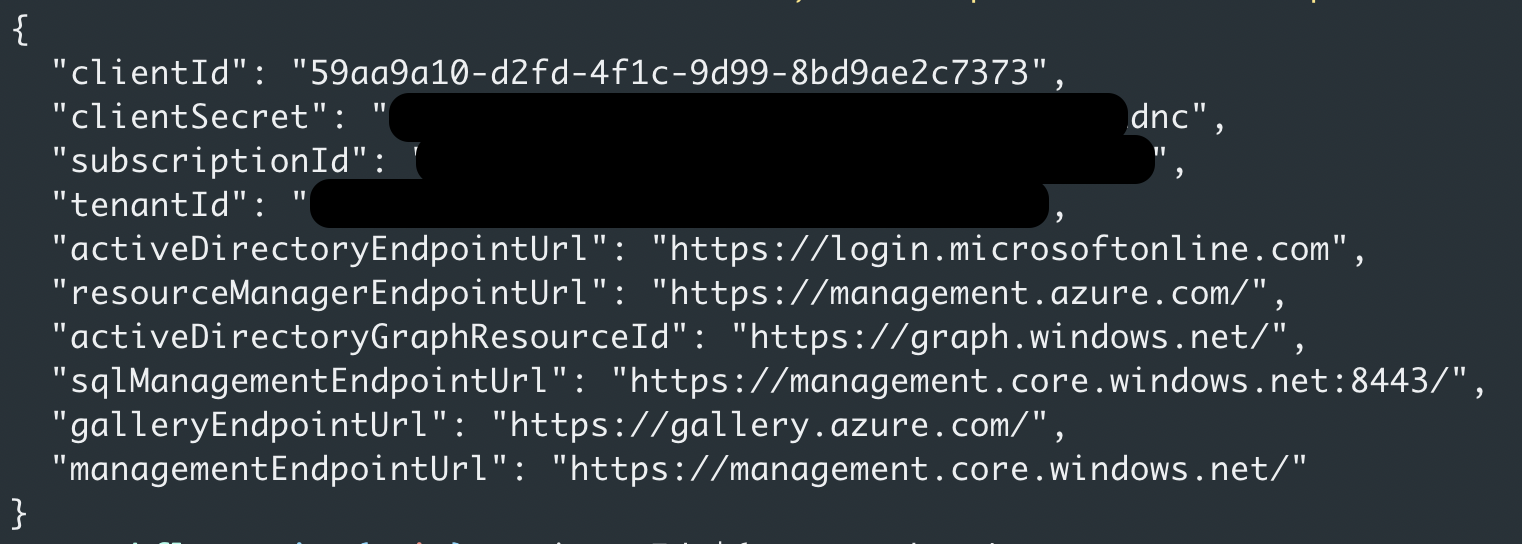
- Third command to login to ACR. Please change to your registry name from step 4.
export REPO_NAME="$(az acr list | jq -r '.[].name')" registryId=$(az acr show \
--name ${REPO_NAME} \
--query id --output tsv)- Fourth command to login to ACR. Please change to your clientId or app id from step 4. And please keep the result.
az role assignment create \
--assignee <ClientId> \
--scope $registryId \
--role AcrPush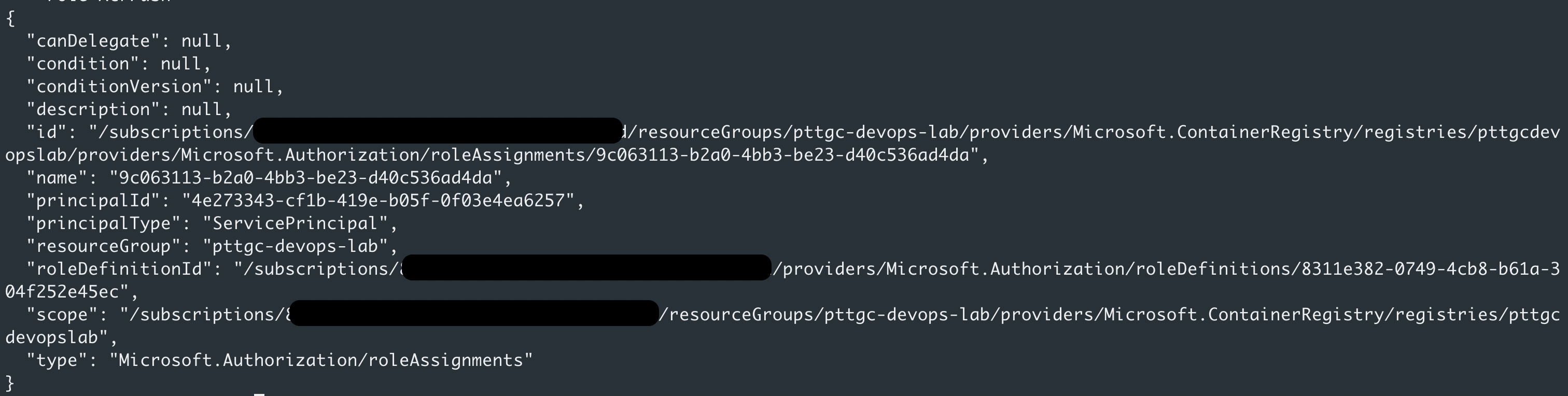
-
Get
REGISTRY_LOGIN_SERVERaz acr list | jq -r '.[].loginServer' -
Create Github Repo.
In the GitHub UI, navigate to your forked repository and select Settings > Secrets > Actions and Select New repository secret to add the following secrets:

Reference : https://docs.microsoft.com/en-us/azure/container-instances/container-instances-github-action
- In the github repository to go menu
Security-->Code scanning - Click
Configure CodeQL alerts - (Optional) It will populate basic workflow with codeQL, adjust it as needed and then start commit
- In
.github/workflows/build-workflow.ymladd the CodeQL job betweenunittestandcontainerized
sourcecode-scanning:
    name: Scan source code with CodeQL
    runs-on: ubuntu-latest
    strategy:
      matrix:
        language: ['csharp']
    steps:
      - name: Checkout repository
        uses: actions/checkout@v3
      - name: Initial CodeQL
        uses: github/codeql-action/init@v2
        with:
          languages: ${{ matrix.language }}

      - name: Autobuild
        uses: github/codeql-action/autobuild@v2

      - name: Perform CodeQL Analysis
        uses: github/codeql-action/analyze@v2
        with:
          category: "/language:${{matrix.language}}"
- Commit and Push the code and see how the workflow is running