- SSH forwarding server
- Public domain and IP address
- SSL certificate (Jira webhooks only supports HTTPS)
- Thermal printer
- Raspberry Pi Zero or any other Linux machine you can keep connected to the printer
- Jira
- Make sure these settings are present in
/etc/ssh/sshd_config:
GatewayPorts clientspecified
AllowTcpForwarding yes
- Set up your DNS to point to the publicly accessible server
- Set up the Jira webhook
- Download the latest version from the releases page and place it in a directory of your choosing
- Connect the printer to your machine
- make a directory named
configwhere you placed the executable, and create & editconfig.yamlto suit your needs - Perform SSH forwarding to the remote server:
ssh -R 0.0.0.0:<remote-port>:0.0.0.0:<local-port> -N -f <user>@<host>- Launch the application (as root or a member of the
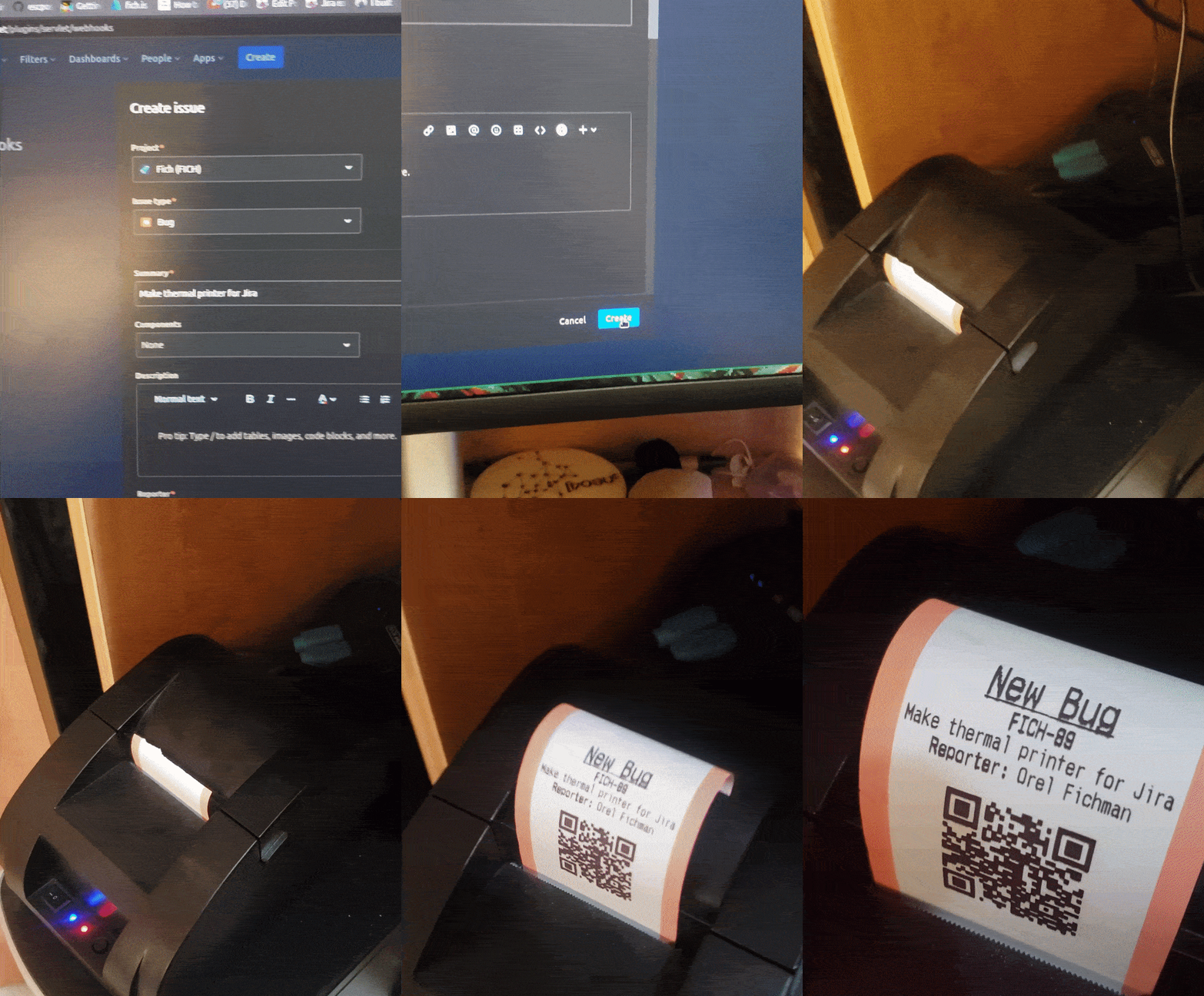
lpgroup) - Hear that sweet, sweet sound of thermal printing once an issue is opened