Blogman is an informative blog on which users can like, view, edit posts and engage with others in the comment section. Blogman also has a log-in and sign-up option. It is a project which combines a user-friendly interface on the front end and also the functionality on the back end.
Blog is made for educational purposes with guidance from Code Institute facilitators. Its core purpose is to apply new learnings and implement them in a practical example.
Disclaimer! Blogman was made alongside guided mentorship, and it's meant to be strictly for educational purposes.
Here is a live preview of the project.
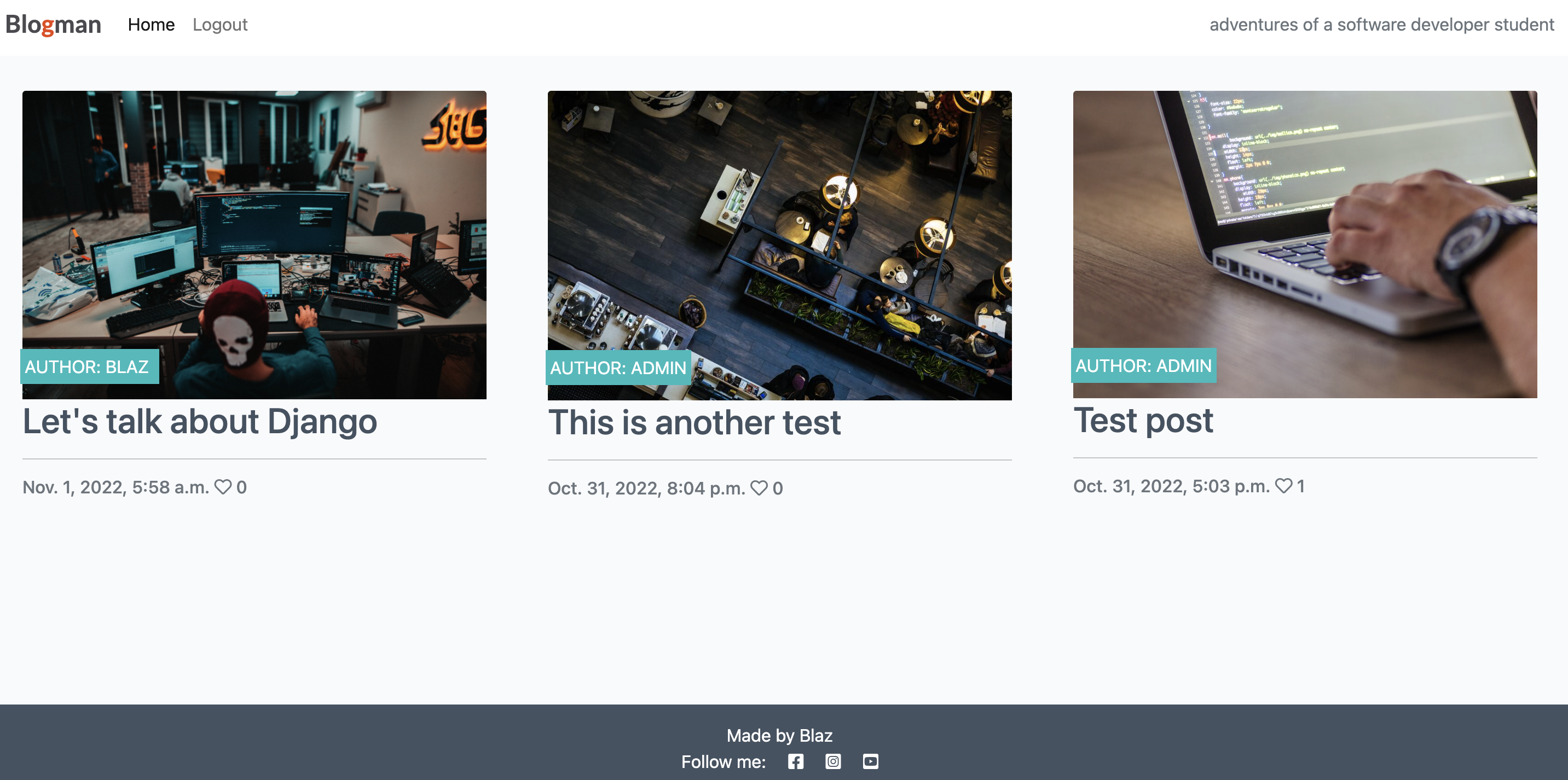
- Responsive navigation
- Login & Sign up function
- View and post coments
- Liking posts
- Admin Dashboard (approve comments functionality, approve posts, delete,...)
- Alerts
- Summernote text editor
- Data and Images stored on database
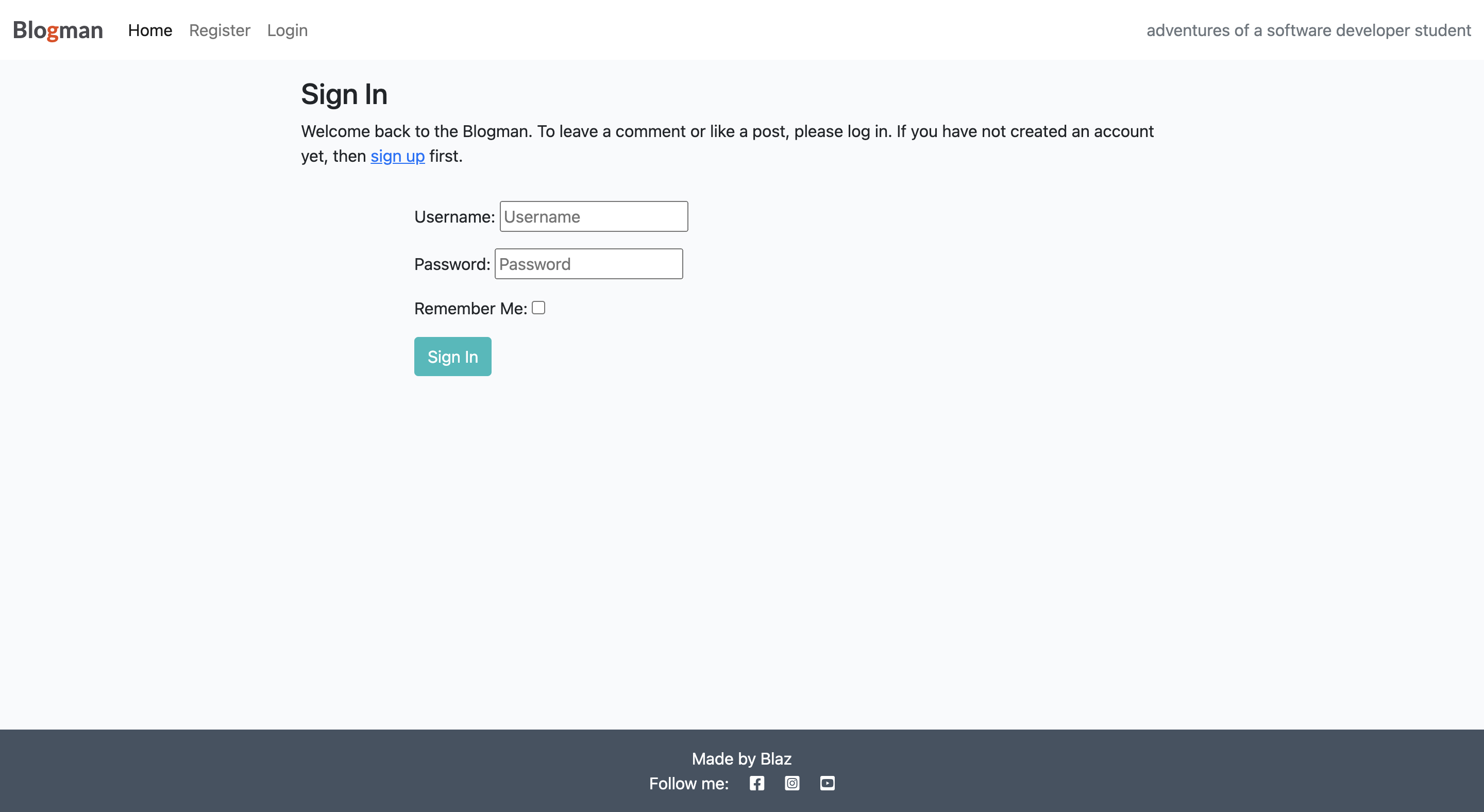

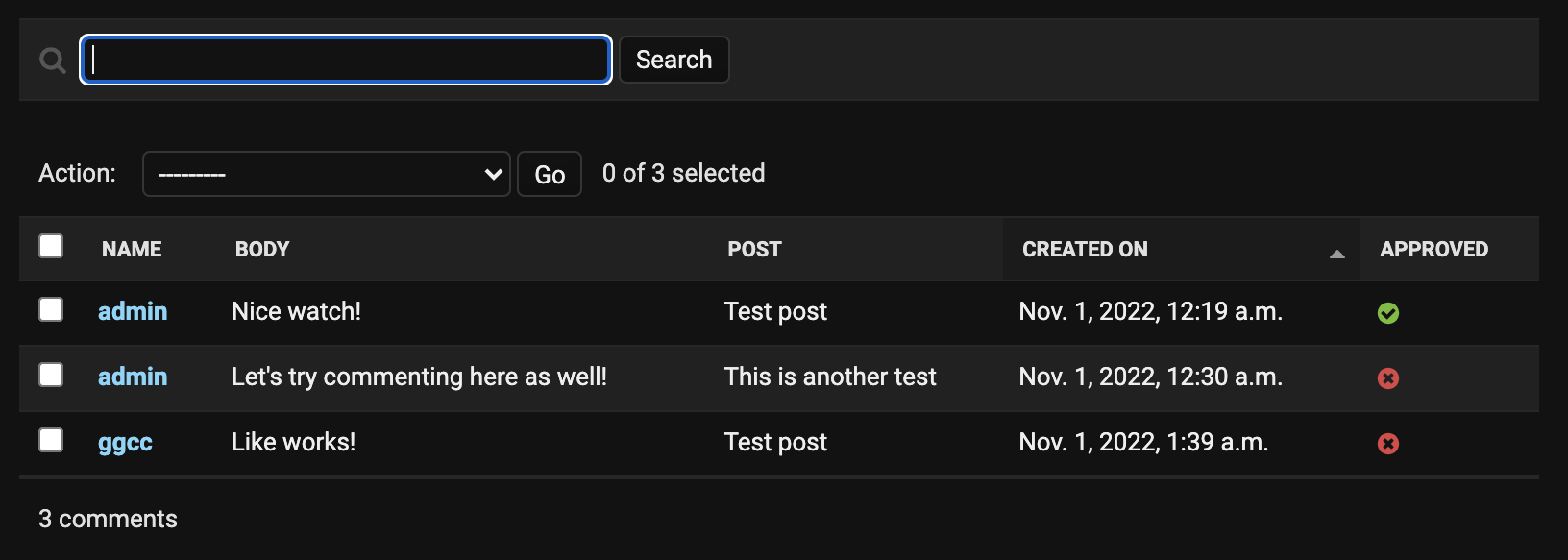

Admin login information: Username: admin Password: admin123
Technologies and their versions being used in this project:
- HTML 5
- CSS 3
- Javascript ES6
- Python 3.8
- OAuthLib 3.3.4
- Asgiref 1.1
- Dj-database-url 1.0.
- Django-allauth 0.44.0
- Gunicorn 20.1
- Django-summernote 0.8.20.0
- Django-Crispy-Forms 1.11.2
- PyJWT 2.1.0
- Sqlparse 0.4.1
- PostgreSQL
- Python3-openid 3.2.0
Testing was not performed yet. For now, is being on hold while waiting for the assessment results from Code Institute's facilitators. It is being placed on my roadmap, to ensure the application's perfect capability.
During the coding, I encountered few bugs:
- Typos (missing colons, semicolons)
- Code formating (unsufficient spaces)
- Deployment issues (unable to deploy to Heroku)
- Rendering issues (due to typos and wrong syntax)
- Styles not being loaded (due to DEBUG turned TRUE in 'setting . py')
- Unable to create screenshot of the application on the Am I responsive website.
Disclaimer! There are few lines of code in the project that exceed 79 characters.
Otherwise Code passed PEP8 validation.
This project is deployed by Heroku.
Steps I took for deployment:
- Use Code Institute's template.
- Create new Heroku app.
- Assign Convig Vars both in Heroku and in the Blogman. app
- Set buildbacks to Python and NodeJs in that order.
- Set DEBUG value (settings. py) to FALSE!
- Link the Heroku app to this repository.
- Remove Local Database Config Vars in Heroku app.
- Click on Deploy.
- Python Testing
- Different Style (Minimalistic Inspiration)
- Custom Logo Design
- Improve Formating (Remove unnecessary comments and blank spaces )
- Improve coding KNOWLEDGE !
- Configure Social Media login/sign-up
- Traversy Media
- Instagram python.learning - tricks and ideas.
- Code Institute, their facilitators and mentors - templates and course contents.
- Mosh Hamedani - nice easy to follow explanations.
- Kalle Hallden - awesome videos with explenations.
- W3Schools - detailed explanations and runnable examples.
- Django Documentation.
- This code is not my creation. I only followed the steps from Matt