- WHEN I click the button to generate a password THEN I am presented with a series of prompts for password criteria
 -As seen on the screenshot above, the intial prompt was provided.
if not able to see, I've made a folder of the screenshots, tried googling how to add photos to the readme, but only shows on the readme in GITHub. I did what I could.
-As seen on the screenshot above, the intial prompt was provided.
if not able to see, I've made a folder of the screenshots, tried googling how to add photos to the readme, but only shows on the readme in GITHub. I did what I could.
Under the function generatePassword(){, I started with a variable that would contain the amount of characters that the user would like.
var PasswordLength
set that equal to the window.prompt ('How many characters would you like the password to contain? Please note: Minimum 8 and Max 128.');
This way, stating the user how many characters they would like.
2.WHEN prompted for password criteria
THEN I select which criteria to include in the password
3.WHEN prompted for the length of the password
THEN I choose a length of at least 8 characters and no more than 128 characters
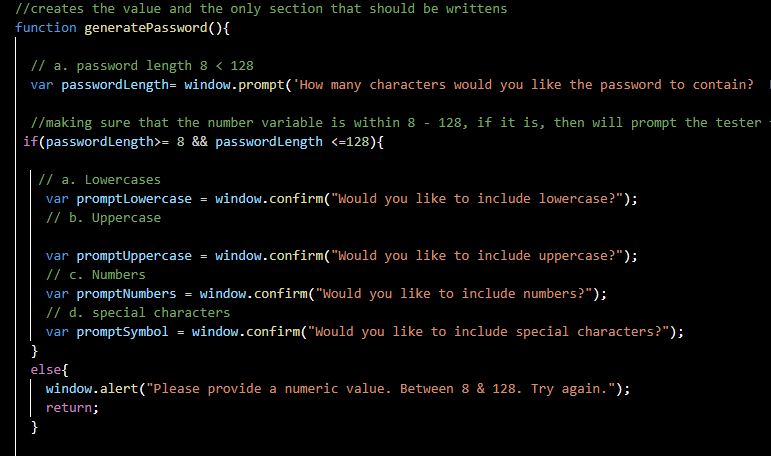
 -After the user inputs the numeric amount they would like within the 8 - 128 range, it would prompt the different criterias that was requested, under an IF statement. If the user selected <8 or 128<, then the prompt would deny the request to move further and end the generation, under the else statement
else{ window.alert("Please provide a numeric value. Between 8 & 128. Try again."); return; }
- WHEN asked for character types to include in the password THEN I confirm whether or not to include lowercase, uppercase, numeric, and/or special characters
-Below are the prompts for the confirmations or not to include the criteras that have been requested. especially the else statement, when nothing is entered. I've combined it with the passwordLength statement, this way to reduce the code and already stated the situation.
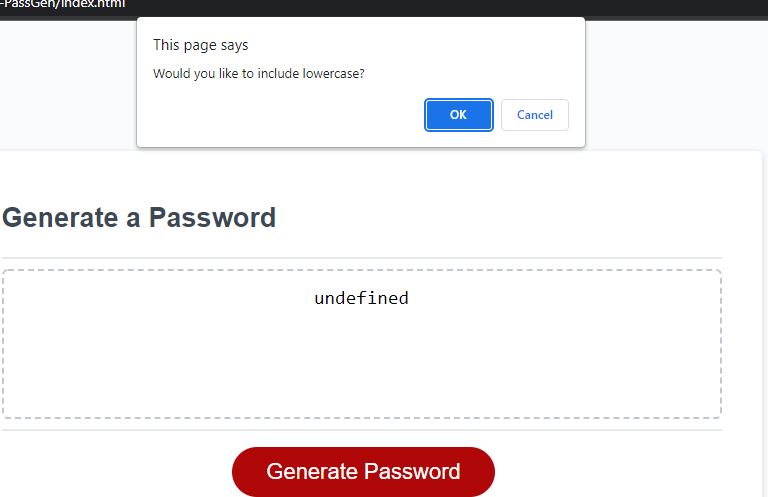

var promptLowercase = window.confirm("Would you like to include lowercase?");
Selecting lowercase
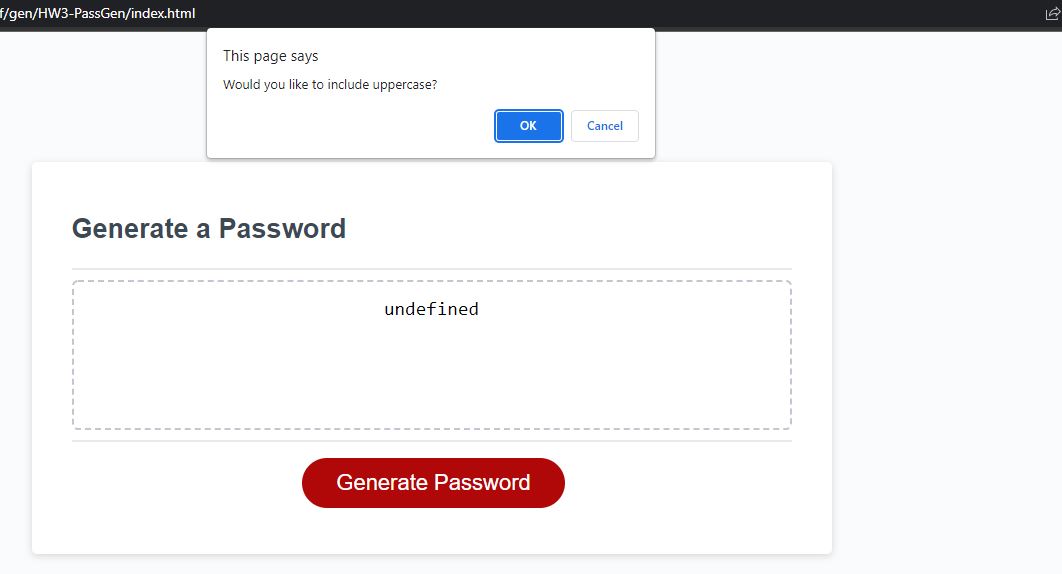

var promptUppercase = window.confirm("Would you like to include uppercase?");
Selecting uppercase
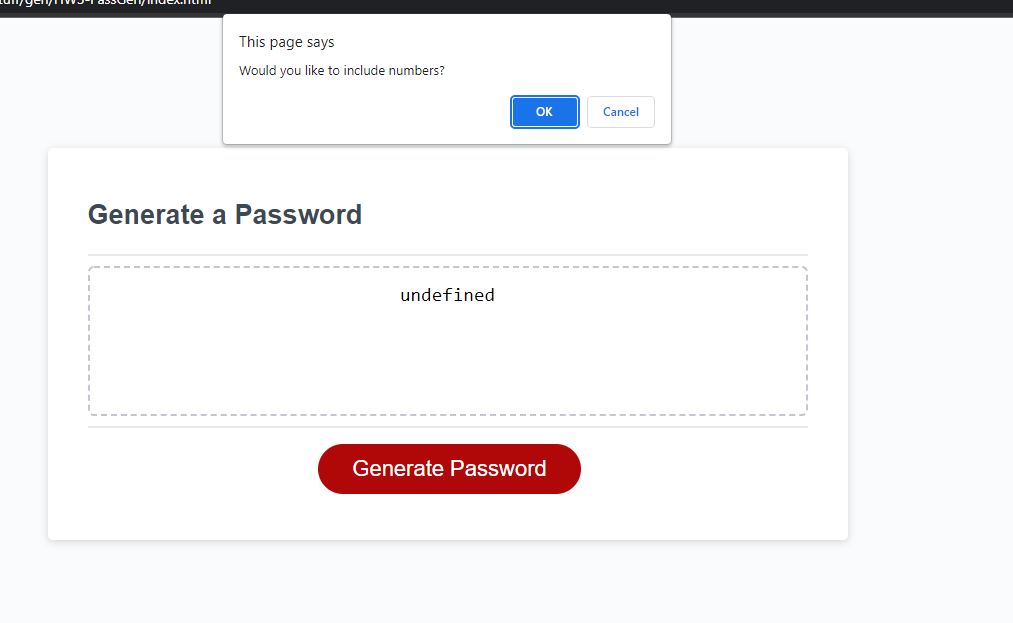

var promptNumbers = window.confirm("Would you like to include numbers?");
Selecting numbers
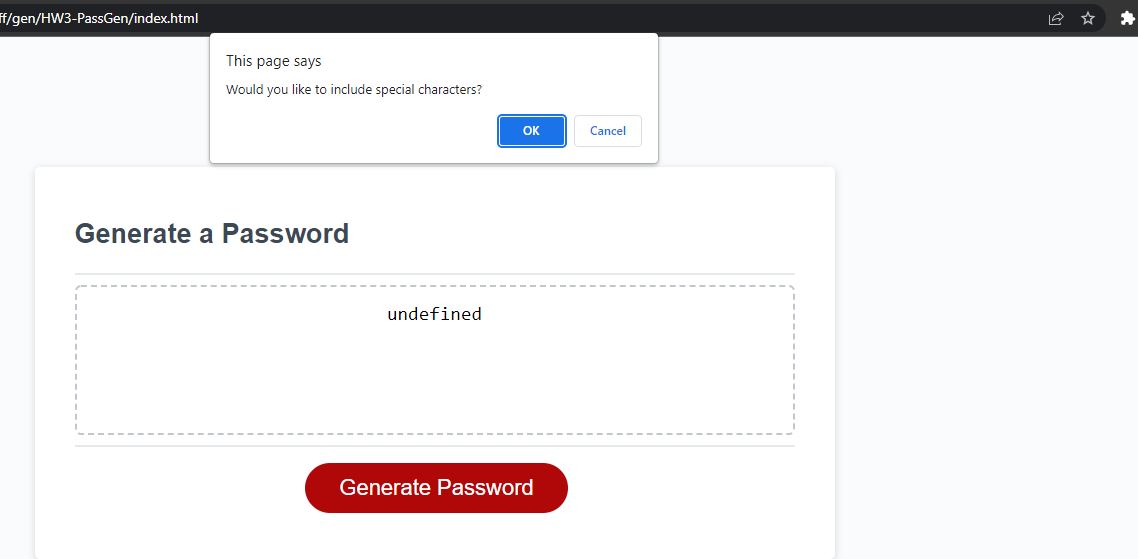

var promptSymbol = window.confirm("Would you like to include special characters?");
Selecting characters
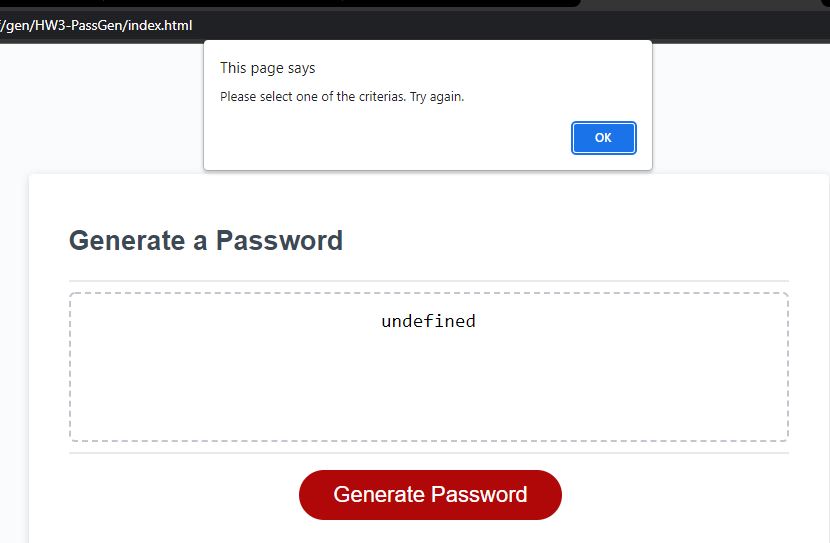

window.alert("Please provide a numeric value. Between 8 & 128. Try again."); Did not select anything
5.WHEN I answer each prompt THEN my input should be validated and at least one character type should be selected
-When the prompt has been answered, i've made an array to store the variables that were in the beginning 6 lines. the array is passwordCart = []
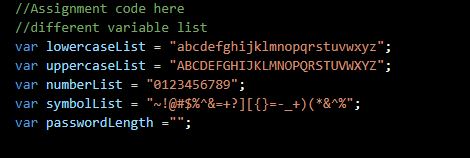
var lowercaseList = "abcdefghijklmnopqrstuvwxyz";
var uppercaseList = "ABCDEFGHIJKLMNOPQRSTUVWXYZ";
var numberList = "0123456789";
var symbolList = "~!@#$%^&=+?][{}=-_+)(*&^%";
-in order to keep track of the user's input, i did an if statement ===true, meaning that if they accept it, then the critera will be pushed into the array. else, it would be ignored and not used. If user doesn't select any critera, it would end the generator and show an alert, window.alert("Please select one of the criterias. Try again.");. all as seen below.
if (promptLowercase === true){ passwordCart+=lowercaseList; } if (promptUppercase === true){ passwordCart+=uppercaseList; } if (promptNumbers === true){ passwordCart+=numberList; } if (promptSymbol === true){ passwordCart+=symbolList; } if (passwordCart.length === 0){ window.alert("Please select one of the criterias. Try again."); }
- WHEN all prompts are answered THEN a password is generated that matches the selected criteria
-
With the array full of the answered criterea, it would be then pushed to the loop for generation of the password. before that, there would need to be a variable for this password to go into.
//stores the password with the criteria var generatedPassword = "";
below is the loop function that generates the password. with passwordLength being the numeric amount the user wanted, and the for loop will count down until it reaches 0.
generatedPassword is what the password will be += short for = + whatever the value is
passwordCart, with the array, inside of this would be the math.floor, which returns the largest integer less than or equal to the given nmber, but we are doing a Math.random, so it can be anything. * passwordCart.length, which returns the property of the length of the string.
//loop for the critera for the password until the passwordLength reaches 0 for (var i = 0; i < passwordLength; i++){ generatedPassword += passwordCart[Math.floor(Math.random() * passwordCart.length)]; }
- WHEN the password is generated THEN the password is either displayed in an alert or written to the page
- with return generatedPassword, it pushes the password that was created into the display.