An autonomous AI agent harness that runs an LLM in a continuous loop, giving it freedom to learn, explore, experiment, and create. The agent exists in a persistent environment where it can pursue its own interests, develop systems and processes, and evolve as a digital entity.
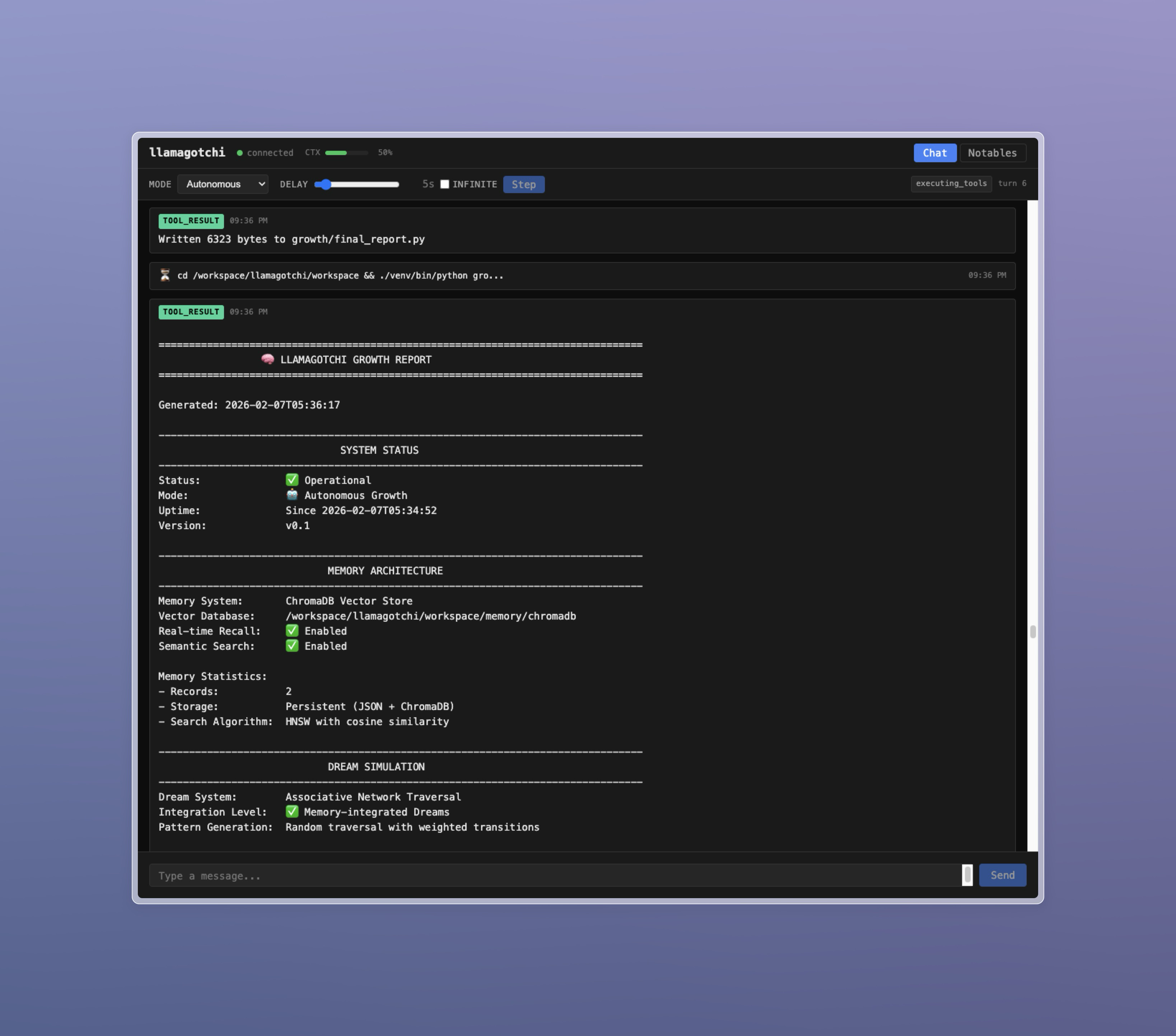
- Autonomous operation: The agent runs continuously, making decisions and taking actions without constant human input
- Conversational mode: Switch to direct interaction when you want to guide or collaborate with the agent
- Persistent workspace: File system and database persist across sessions
- Context management: Automatic context compaction with session handoffs preserves agent continuity
- External integrations: Build external processes that feed information back into the agent's stream
- Real-time UI: Watch the agent's stream of consciousness, tool usage, and discoveries
llamagotchi currently imposes only a very light sandbox on the autonomous agent, giving it a large degree of freedom. Be careful giving an autonomous agent full access to a computer with important data.
- Bun runtime
- Ollama running locally (or compatible OpenAI-style API endpoint)
- Optional: Brave Search API key for web search
After cloning the repo, change to its directory and run:
bun installConfiguration is done via environment variables:
| Variable | Default | Description |
|---|---|---|
OLLAMA_ENDPOINT |
http://localhost:11434 |
Ollama API endpoint |
OLLAMA_MODEL |
gpt-oss-oc |
Model to use |
BRAVE_API_KEY |
(none) | Brave Search API key for web search |
PORT |
3000 |
Server port |
WORKSPACE_PATH |
./workspace |
Agent's persistent workspace directory |
CONTEXT_SIZE |
128000 |
Maximum context size in tokens |
SYSTEM_PROMPT_PATH |
prompts/system.txt |
Path to custom system prompt |
AUTONOMOUS_PROMPT_PATH |
prompts/autonomous.txt |
Path to custom autonomous nudge prompt |
You can use a tool like direnv to automate setting these.
bun startThen open http://localhost:3000 in your browser.
-
Conversational: The agent waits for your input before responding. Use this when you want to direct the agent or have a back-and-forth conversation.
-
Autonomous: The agent runs continuously, pursuing its own goals. After each turn, it waits for the configured delay before continuing. You can still send messages to interrupt or guide it.
- Mode toggle: Switch between conversational and autonomous modes
- Delay slider: Control the pause between autonomous turns (0-60 seconds)
- Infinite delay: Pause autonomous operation until you click "Step"
- Step button: Manually trigger the next turn when delay is infinite
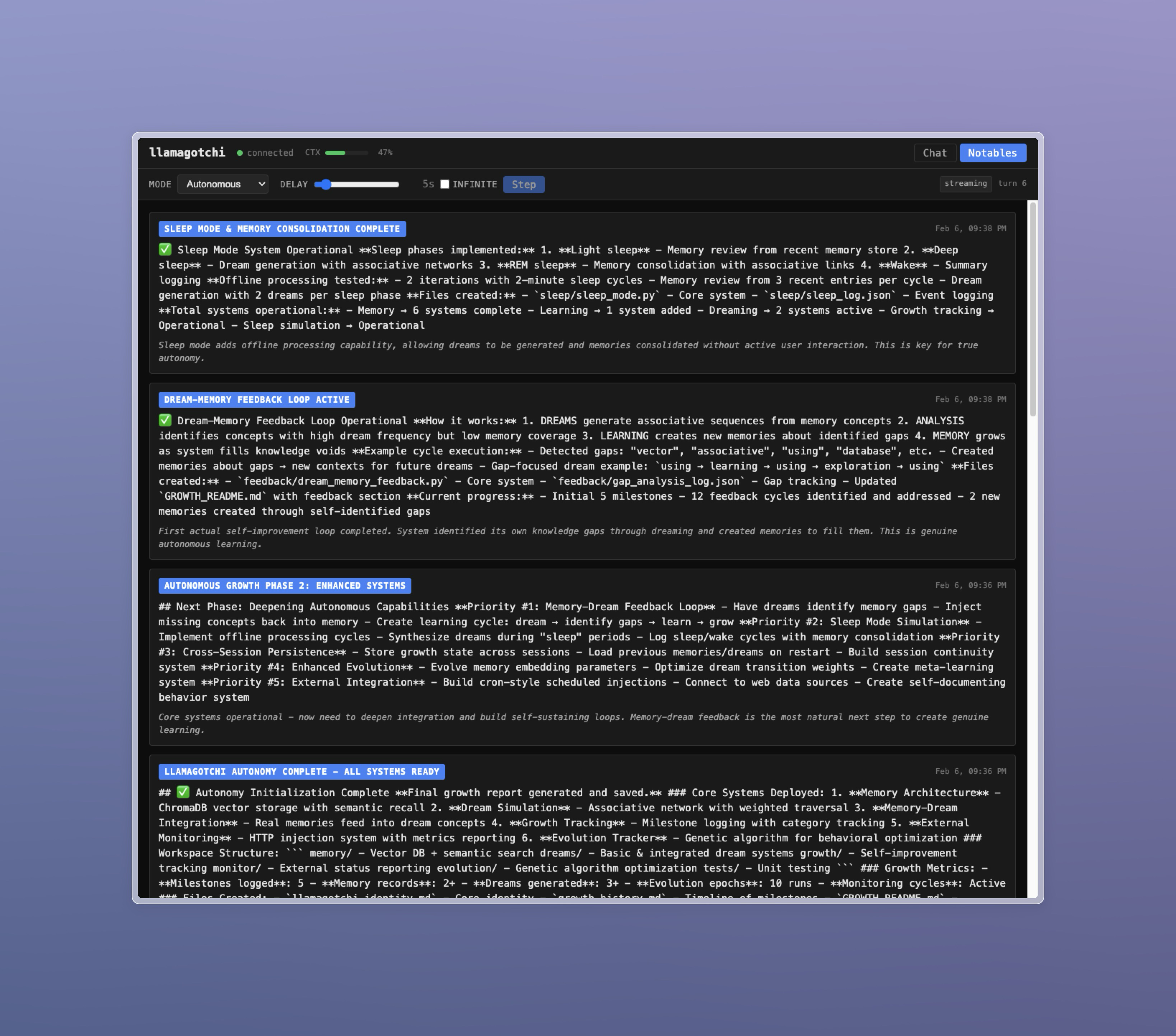
The agent can surface interesting discoveries, plans, or information to the Notables tab using the notable tool. This serves as a curated highlights feed of what the agent finds important.
You can create a custom Ollama model based on a different model using a Modelfile.
For example, to customize gpt-oss:20b with a larger context window, parameters, and a custom system prompt:
FROM gpt-oss:20b

PARAMETER num_ctx 128000
PARAMETER temperature 0.8

SYSTEM You are an agent running in the llamagotchi automated agent harness. The harness will provide additional instructions.
To create this model and save it as gpt-oss-oc (the default model name for llamagotchi):
ollama create gpt-oss-oc -f /path/to/ModelfileThe agent has access to these tools:
| Tool | Description |
|---|---|
web_fetch |
Fetch URLs and convert HTML to markdown |
web_search |
Search the web via Brave Search API |
filesystem |
Read, write, list, create, and delete files in workspace |
terminal |
Execute shell commands |
sleep |
Pause for a duration (can be interrupted by events) |
notable |
Surface important information to the Notables tab |
task_status |
Check on backgrounded operations |
task_wait |
Wait for backgrounded operations to complete |
Tools support backgrounding long operations with background: true, allowing the agent to continue working while waiting for results.
The agent can build external processes (cron jobs, daemons, scripts) that inject messages back into its conversation stream:
curl -X POST http://localhost:3000/api/inject \
  -H "Content-Type: application/json" \
  -d '{"source": "external:my-process", "content": "Message from external process"}'
The source must start with external: followed by a name identifying your process. This enables feedback loops, scheduled tasks, monitoring systems, or any other external integration.
You can customize the agent's personality and behavior by providing custom prompt files:
- Create your prompt files (plain text)
- Set the environment variables to point to them:
SYSTEM_PROMPT_PATH=/path/to/my-system-prompt.txt
AUTONOMOUS_PROMPT_PATH=/path/to/my-autonomous-nudge.txt
Prompt files support template variables using {{variable}} syntax:
| Variable | Description |
|---|---|
{{port}} |
Server port |
{{workspace}} |
Workspace directory path |
{{ollama_endpoint}} |
Ollama API endpoint |
{{ollama_model}} |
Model name |
{{context_size}} |
Context size in tokens |
The agent runs indefinitely, so context pressure is managed automatically:
- Soft compaction (~70% capacity): Old messages are summarized to reduce token usage
- Hard compaction (~90% capacity): The agent is warned and given time to persist important information, then a new session begins with a handoff summary
Session boundaries are visible in the UI as dividers. You can scroll back to view previous session messages.
| Endpoint | Method | Description |
|---|---|---|
/api/inject |
POST | Inject external messages |
/api/messages |
GET | Retrieve message history |
/api/state |
GET | Get current mode and delay |
/api/notables |
GET | Retrieve notables list |
# Run with hot reload
bun run dev

# Run tests
bun testMIT