Scroll helper for Thinkpad Compact keyboards, based off kobake/ThinkPadScrollHelper.
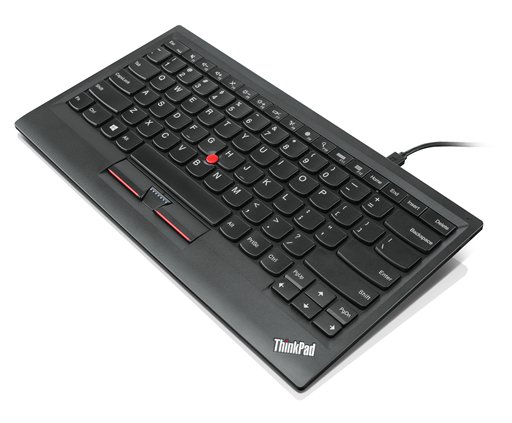
The Helper App fixes some issues occuring with the current Thinkpad compact driver, such as the HScrollFun process crashing when using Thinkpad preferred scrolling on applications such as Visual Studio 2019.
- Install driver of the ThinkPad Compact USB Keyboard from https://support.lenovo.com/us/en/solutions/pd026745
- Download the helper app from https://github.com/BitPatty/ThinkpadScrollHelper/releases
- Run the
ThinkPadScrollHelper.exe
The application will move itself to the system tray. To exit the application right-click the keyboard icon in your system tray and select Exit.