A tiny CLI tool for macOS that captures screen regions and helps debug issues using Claude Code CLI.
Watch Vibe in action (2:43):
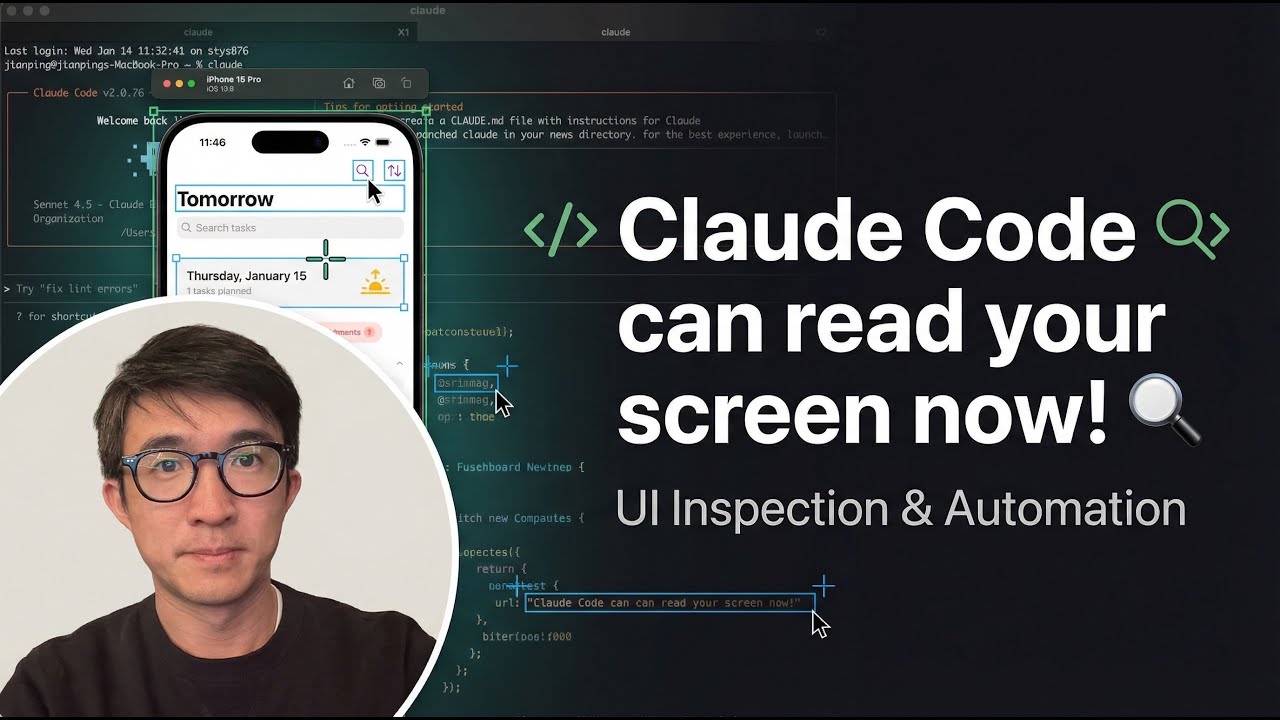
Click to watch: Claude Code Can Read Your Screen now!
- Region screenshot capture - Select any area of your screen to debug
- Context collection - Automatically includes git status, diffs, and terminal logs
- Claude Code integration - Works seamlessly with Claude Code CLI
- Session tracking - Maintains a log of debugging sessions
- Single workflow - Do everything from within Claude Code CLI
- macOS (uses
screencapturecommand) - Node.js
- Claude Code CLI installed
curl -sSL https://raw.githubusercontent.com/Blurjp/vibe/main/install.sh | bashOr clone and run:
git clone https://github.com/Blurjp/vibe.git
cd vibe
./install.sh
This installs vibe to ~/.vibe/ and sets up the vibe command globally. Also supports ccg (claude-glm).
- Clone this repo
- Set up Claude Code integration:
# For standard Claude Code CLI
cp tools/vibe/claude-commands/*.md ~/.claude/commands/

# For ccg (claude-glm)
cp tools/vibe/claude-commands/*.md ~/.claude-glm/commands/
This creates Claude Code commands (/vibe-select, /vibe-ask) that work globally with both claude and ccg.
vibe installs once globally, then works in any project folder.
If you run commands from a subdirectory, vibe will locate the nearest .vibedbg/ or fall back to the git root.
Everything happens in one interface:
# Start Claude Code CLI in your project
cd /path/to/your/project

# Use standard claude
claude
# Or use ccg (claude-glm)
ccg

# Then inside, use:
/vibe-select          # Capture screen region
/vibe-ask # Analyze and fix the issue# In your project folder
cd /path/to/your/project
# First time: initialize vibe
vibe init
# Then use vibe
vibe select --note "login error"
vibe ask "Fix the error"cd /path/to/your/project
vibe init # Creates .vibedbg/ in current project/vibe-select
# or: vibe select --note "describe the bug"This opens macOS's screenshot tool. Select the region showing the error/bug.
The screenshot is saved to .vibedbg/region.png.
If you have backend errors or stack traces:
pbpaste > .vibedbg/terminal.log/vibe-ask
# or: vibe ask "Fix the error shown"Claude will:
- Read the screenshot
- Check git status and diffs
- Review terminal logs
- Search the codebase
- Propose and implement fixes
- Verify the changes
| Command | Description |
|---|---|
/vibe-select |
Capture a screen region |
/vibe-ask |
Analyze screenshot and fix issues |
| Command | Description |
|---|---|
vibe init |
Initialize .vibedbg/ directory |
vibe select [--note "text"] |
Capture a screen region |
vibe ask "instruction" [options] |
Ask Claude to analyze and fix |
| Option | Description |
|---|---|
--model "name" |
Use specific Claude model |
--no-diff |
Skip git diff in prompt |
--logs <path> |
Use custom log file |
--tail <n> |
Number of log lines to include (default: 200) |
# Using Claude Code CLI (recommended)
claude
> /vibe-select
> /vibe-ask

# Using direct CLI
vibe select --note "500 error on API call"
vibe ask "Fix the API error shown"

# With custom log file
vibe ask "Debug this" --logs /tmp/backend.log --tail 500

# Skip git context
vibe ask "Just look at the screenshot" --no-diffThe install.sh script:
- Clones/updates vibe to
~/.vibe/vibe/ - Creates a symlink:
~/.local/bin/vibe - Adds
~/.local/binto your PATH in~/.zshrc(or~/.bashrc) - Installs Claude Code commands to
~/.claude/commands/and~/.claude-glm/commands/
If you need to set up manually:
# Create symlink
mkdir -p ~/.local/bin
ln -s ~/.vibe/vibe/tools/vibe/vibe ~/.local/bin/vibe

# Add to PATH (add to ~/.zshrc or ~/.bashrc)
export PATH="$HOME/.local/bin:$PATH"

# Install Claude Code commands
cp ~/.vibe/vibe/tools/vibe/claude-commands/*.md ~/.claude/commands/
cp ~/.vibe/vibe/tools/vibe/claude-commands/*.md ~/.claude-glm/commands/
Then use:
vibe select --note "what this is"
vibe ask "Fix the bug".vibedbg/
├── region.png # The captured screenshot
├── region.json # Capture metadata (timestamp, note)
├── session.md # Session log for tracking debug sessions
└── terminal.log # Terminal/backend logs (you populate this)
~/.claude/commands/
├── vibe-select.md # Claude Code: Capture screenshot
└── vibe-ask.md # Claude Code: Analyze and fix
- Capture:
/vibe-selectusesscreencapture -ito select a region - Collect:
/vibe-askgathers context:- Screenshot file path
- Git branch, status, and diffs
- Terminal logs (last N lines)
- Analyze: Claude Code reads the screenshot and identifies issues
- Fix: Proposes and implements surgical fixes
- Verify: Runs commands to confirm the fix works
When you use /vibe-ask, Claude follows this process:
- Facts Observed: Lists visible errors, stack traces, filenames
- Hypotheses: Ranks possible causes
- Evidence Gathered: Searches codebase, opens relevant files
- Fix Implemented: Makes smallest safe change
- Verification: Confirms the fix works
MIT