Excel Buttons
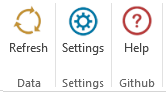
This button calls Api and reload all data on the active Spreadsheet.
If you have many functions this may take some time.
Refresh only reload Börsdata Functions. Any other Excel functions is not reloaded.If you have seveal Spreadsheet with Borsdata Functions, then you need to run Refresh on each Spreadsheet.
If you want all full refresh of all functions in all Spreadsheet you can use the excel command CTRL+ALT+F9.
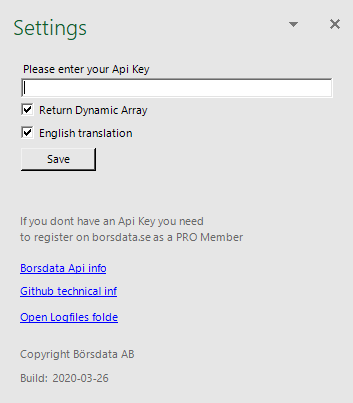
Here you enter your Börsdata API KEY.
This is saved localy on you computer.
If you dont have an API KEY you need to Apply for it on Börsdata MyPage.
Return data to excel as Dynamic Array or write data to each cell.
Dynamic array can only be used by lastest excel versions.
Return data with English or Swedish translation.
We save a new logfile for every day.
If you have error then check in last log file if you can see whats the problem.
If you cant fix the problem then email last logfile to Börsdata for support.