Installation
1. If you dont have an Api Key you need to apply for one as PRO member of Börsdata. (Link)
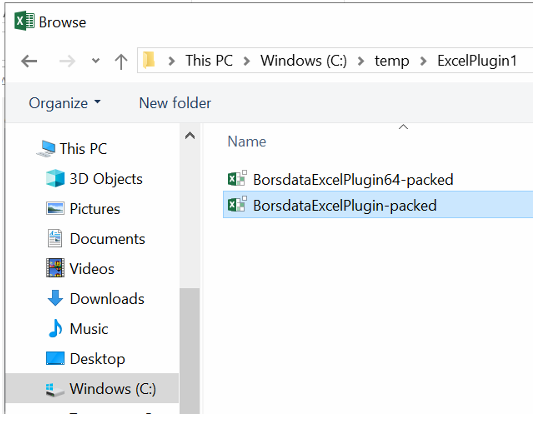
2. Download Zip file from github and unpack to local folder
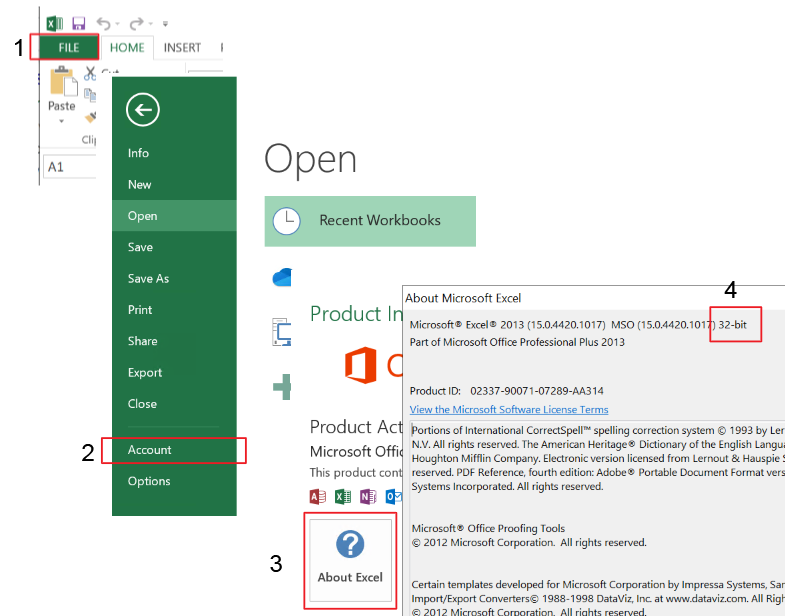
3. Check if your Excel is installed as 32bit or 64bit. (Link)
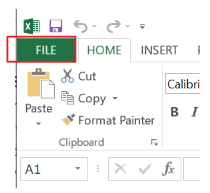
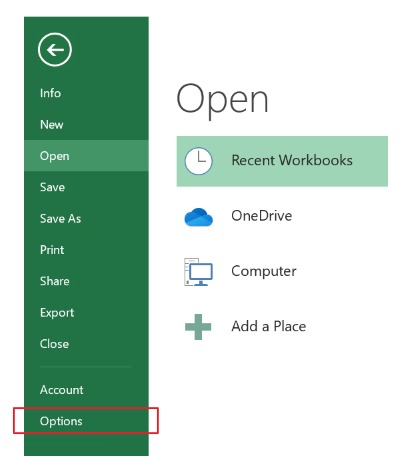
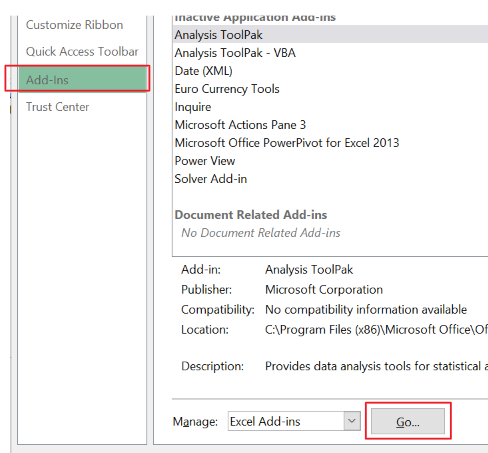
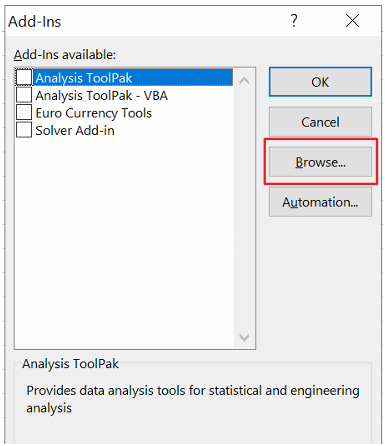
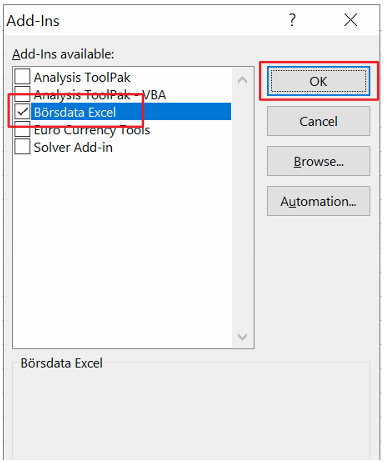
4. Install plugin in Excel. (See "Step by Step" below)
5. Enter API Key in Borsdata Excel plugin
6. Done
1. Open Excel and go to File (1) -> Account (2).
2. "About Excel" (3) -> Check if you have 32-bit or 64-bit (4).