
My challenge this week was to build a CMS-style blog site similar to a Wordpress site, where developers can publish their blog posts and comment on other developers’ posts as well. Tech Blog is an application built using Handlebars.js, MySQL, Node.js, CSS, Bulma and more. With Tech Blog, Users can sign up and sign-in to their profiles where they can create, edit and delete posts. There are three navigation links in Tech Blog such as Home, Dashboard, and Login/Logout. In the Home page, users can view posts created by others as well as their own. In the Dashboard, Users can create, edit and delete posts. While users are logged in, they may also comment on posts they're interested in. On every Post and Comment is a Timestamp of when it was created and the name of the user who posted it.
- clone the repository by entering the following command in the command line:
git clone git@github.com:BriagasD98/TechBlog.git
- Install the necessary dependencies by entering the following commands into the command line:
npm init -y
npm i mysql2 sequelize
npm i express
npm i dotenv
npm i express-handlebars
npm i express-session
npm i connect-session-sequelize
I have hidden my sql credentials. You must input your own personal mysql user and password into a new .env file on your local computer to use the application!
In your MySQL command line, enter the following commands to setup the database:
SOURCE db/schema.sql;
USE techblog_db;
Once all necessary dependencies have been installed, go to the command line and enter the following commands:
npm run seed
npm start
npm run seed will seed data into the database and npm start will connect to the database to so users may perform RESTful CRUD operations. Insomnia Core is our testing app of choice!
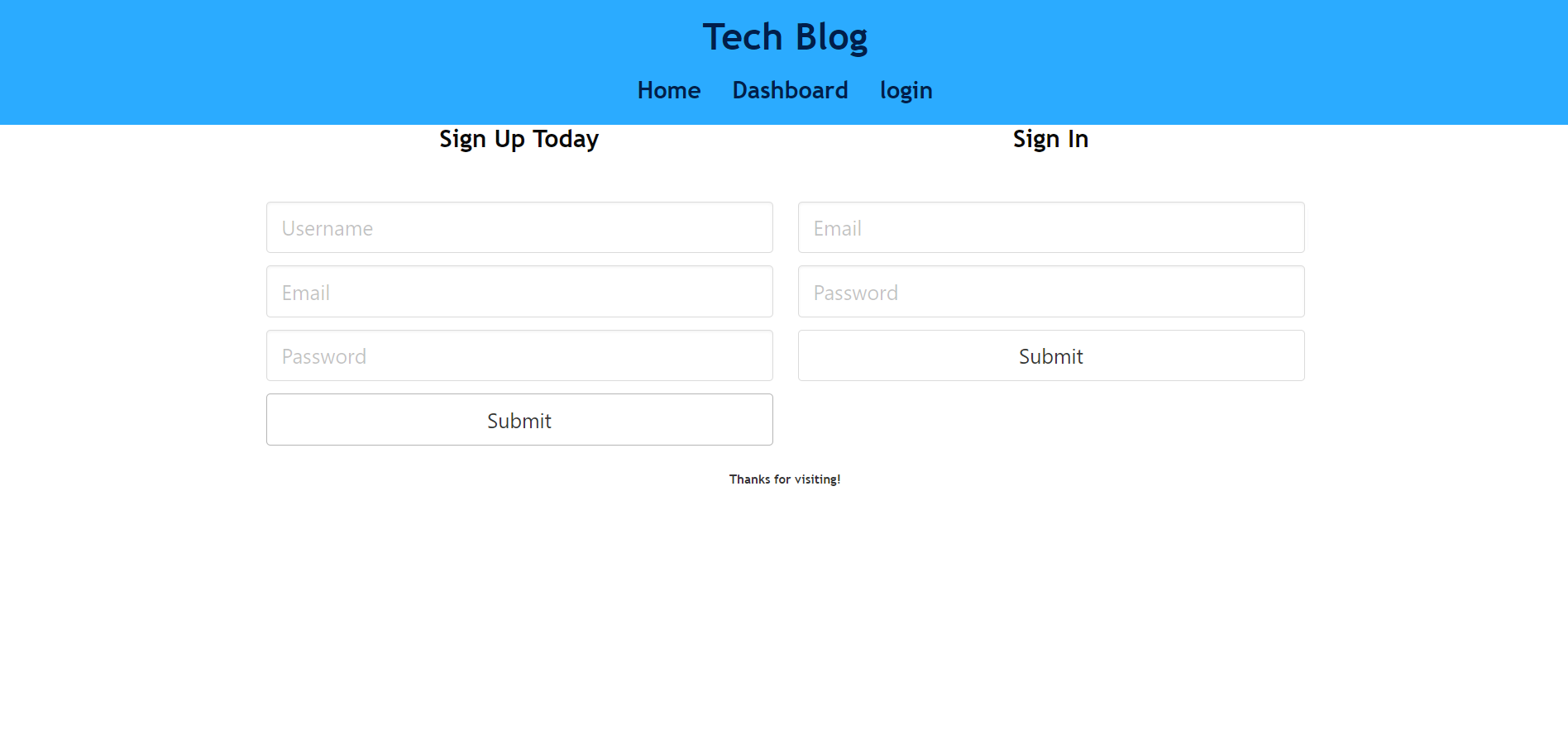
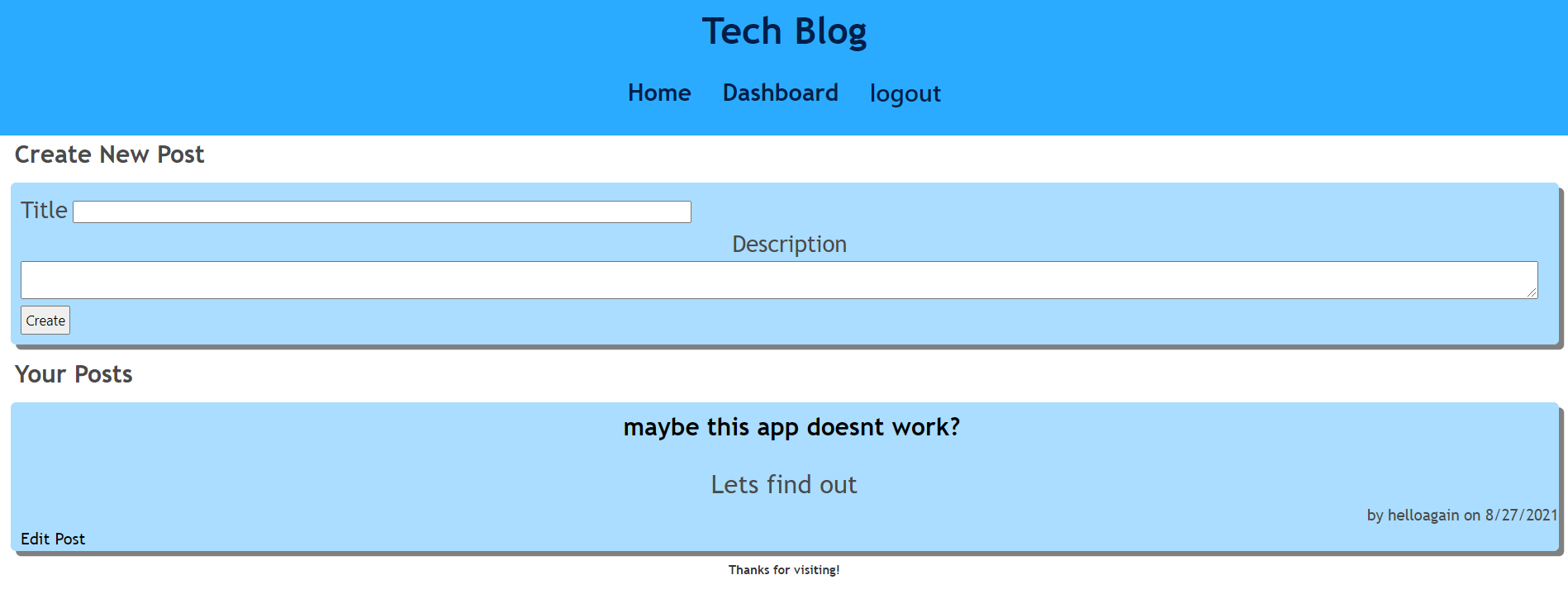
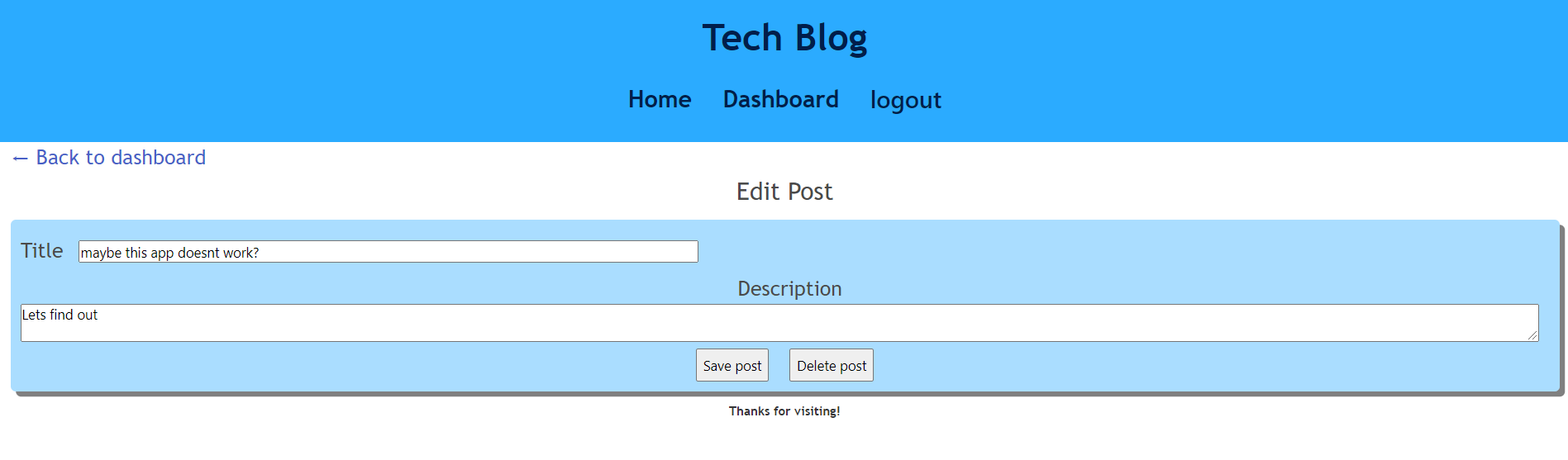
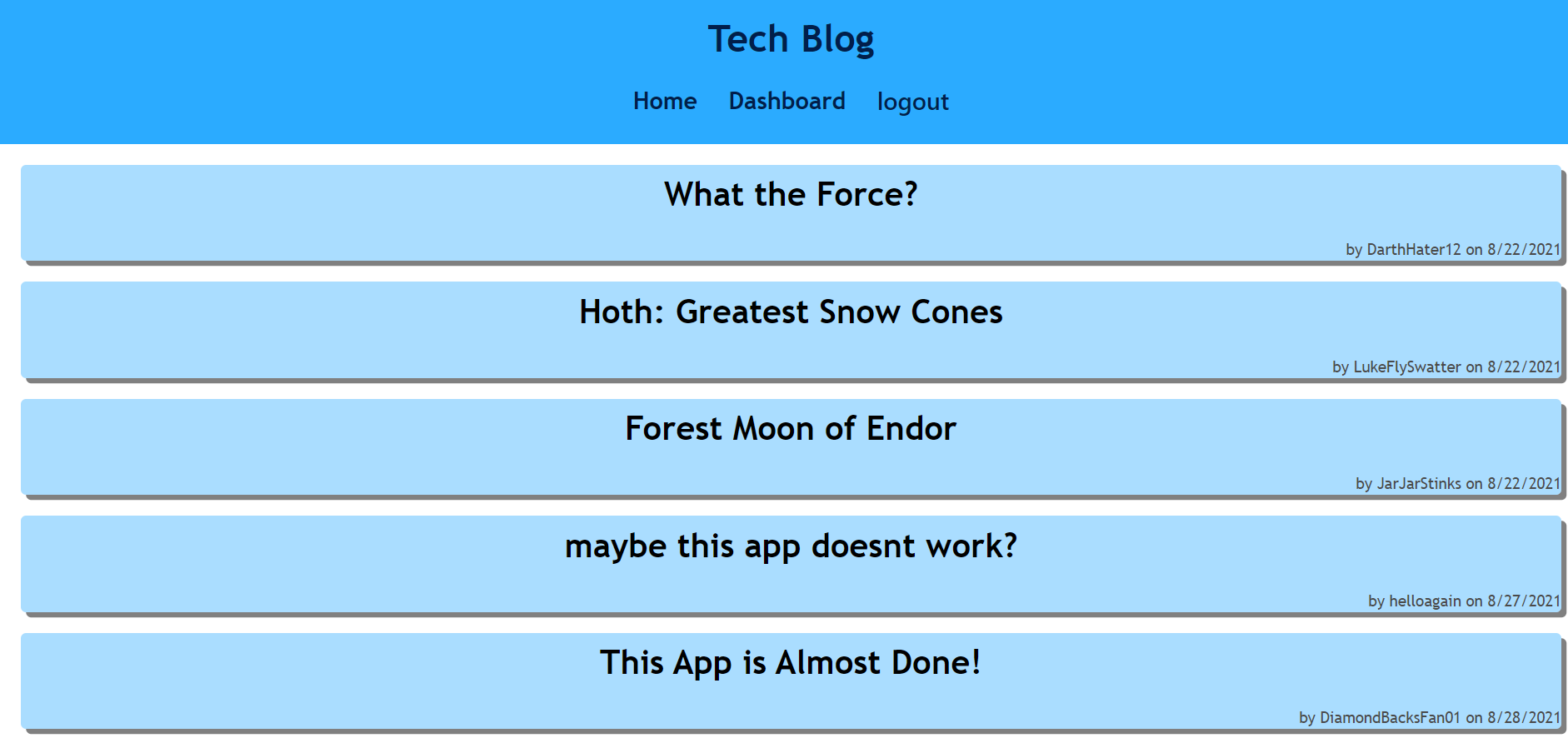

To see a deployed and live TechBlog, please follow this link:
https://tranquil-tundra-80963.herokuapp.com/login
Contact me Via Email or Github for more information on how to contribute!
If you have questions about the project, feel free to reach out to me via Github or Email:
My GitHub profile is BriagasD98
My Email: briagasdavid@yahoo.com.