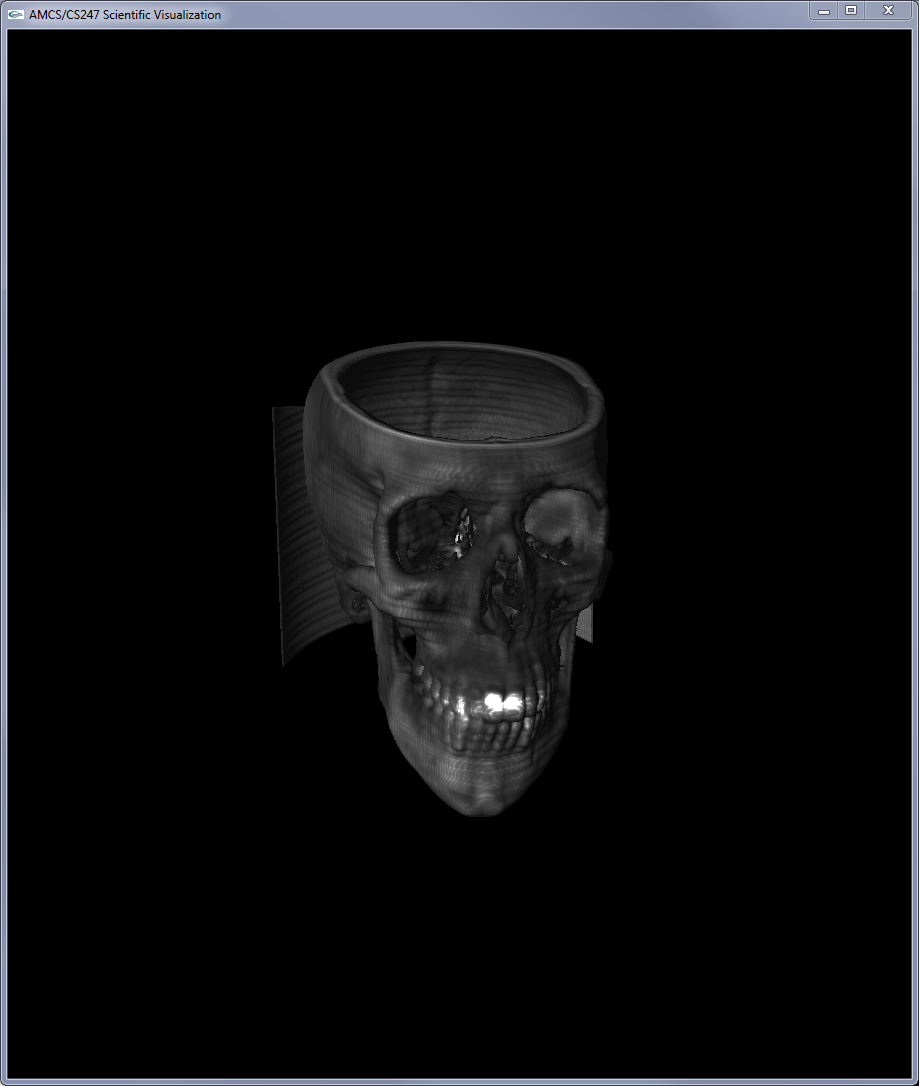
The task for this assignment is the implementation of Volume Raycasting.
- Real-Time Volume Graphics, Chapter 1 (Theoretical Background and Basic Approaches), from beginning to 1.4.4 (inclusive)
- Real-Time Volume Graphics, Chapter 2 (GPU Programming)
- Real-Time Volume Graphics, Chapter 3.2.3 (Compositing)
- Real-Time Volume Graphics, Chapter 4 (Transfer Functions) until Sec. 4.4 (inclusive)
- Real-Time Volume Graphics, Chapter 5 until 5.4 inclusive (Terminology, Types of Light Sources, Gradient-Based Illumination, Local Illumination Models)
- Real-Time Volume Graphics, Chapters 5.5, 5.6 (Gradients)
- Real-Time Volume Graphics, Chapter 7 (GPU-Based Ray Casting)
- Nelson Max, Optical Models for Direct Volume Rendering, IEEE Transactions on Visualization and Computer Graphics, 1995
- Jens Krüger and Rüdiger Westermann, Acceleration Techniques for GPU-based Volume Rendering, IEEE Vis 2003
- Implement volume raycasting on the GPU (using fragment shaders) * Use front and back geometry as input‐textures for a fragment shader that does the ray traversal.
- Update transfer function based on user input
- Implement two different render modes:
- iso‐surface raycasting corresponding to selected iso‐value
- DVR (direct volume rendering) using user‐specified transfer function
- Implement DVR (Direct Volume Rendering) in the GLSL fragment shader (35 points)
- Opacity correction (5 points)
- With shading (get the normals using central differences) (5 points)
- Early ray Termination (5 points)
- Simple interactive windowing transfer function (20 points)
- Implement Iso-surface rendering in GLSL fragment shader (20 points)
- With shading (get the normals using central differences) (5 points)
- Early ray Termination (5 points)
- Axis-aligned Clipping planes (atleast two) (+5 points)
- MIP (maximum intensity projection) mode (+5 points)
- Using Pre‐integrated Transfer Function for DVR (+10 points)
- Empty‐space skipping (+15 points)
- There aren't prototypes for every function you might need. Create functions as you need them.
Transfer Function 0 (No shading)
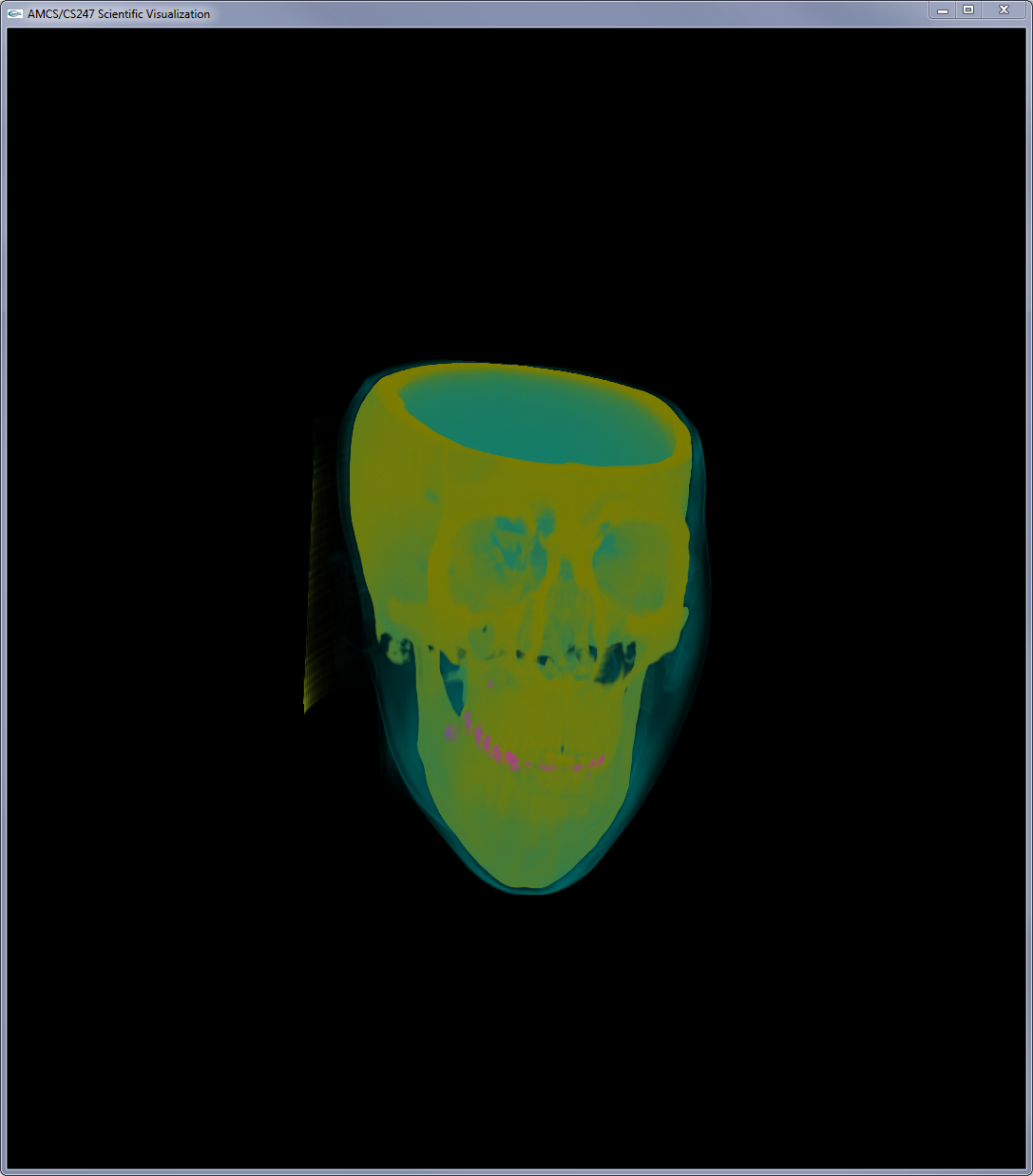
Transfer Function 0 (with shading)
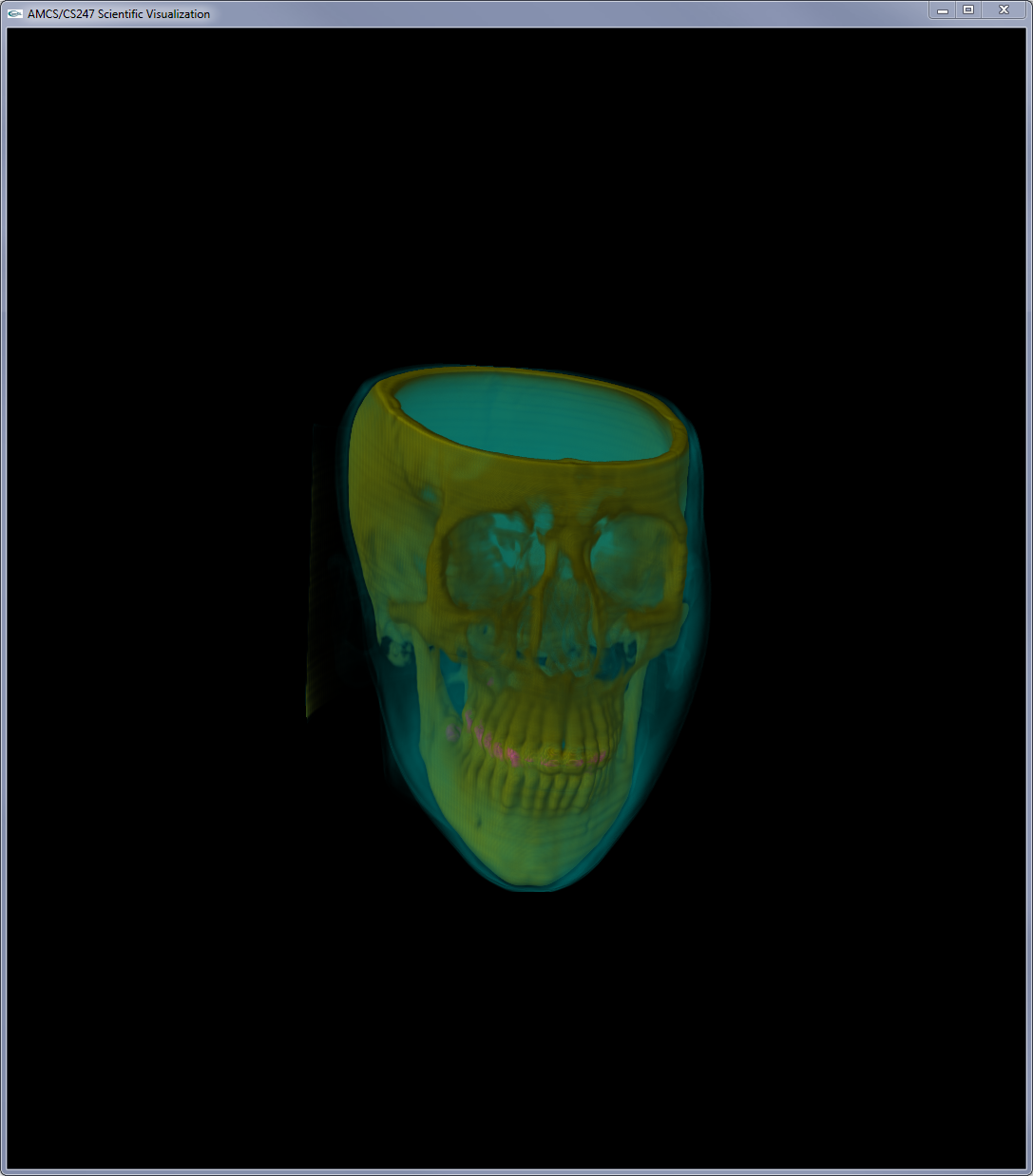
Transfer Function 5 (with shading)
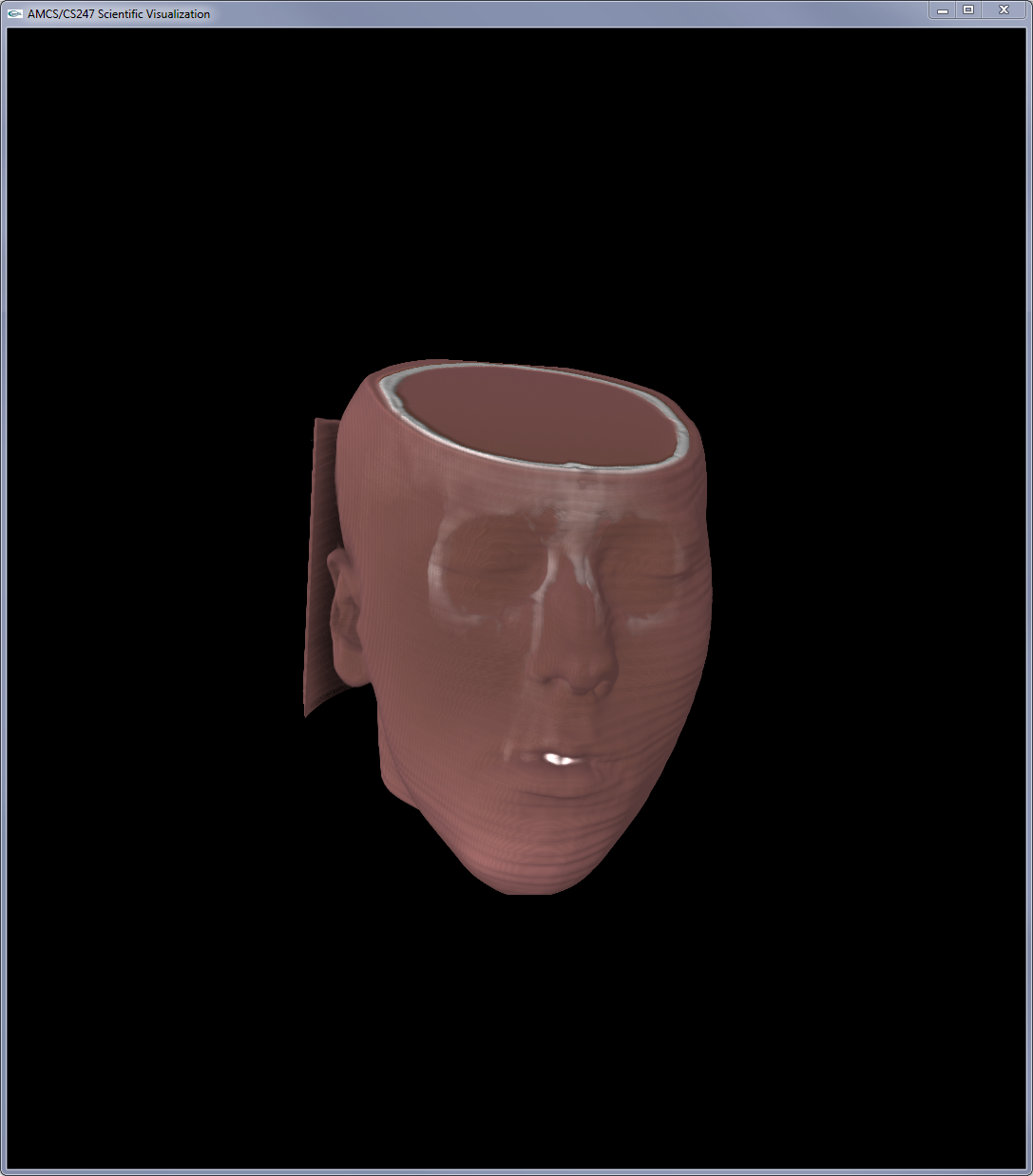
Isosurface - isovalue:0.2 (with shading)
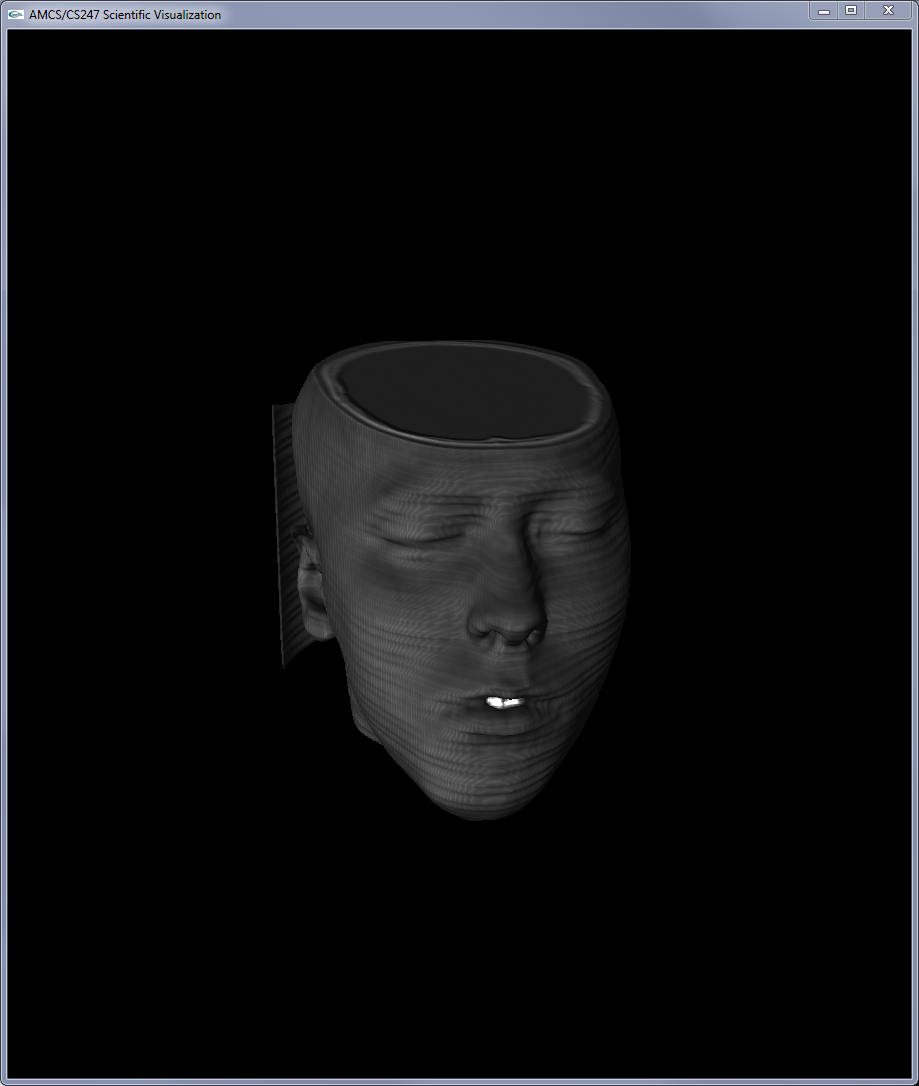
Isosurface - isovalue:0.3 (with shading)