A one-to-one chat using a bash script with netcat
This script allows two users using it to communicate with each other through TCP using netcat.
Grant execution permission to the file
chmod +x ./message.sh- Then, the first user needs to run the command as the server
./message.sh -s-
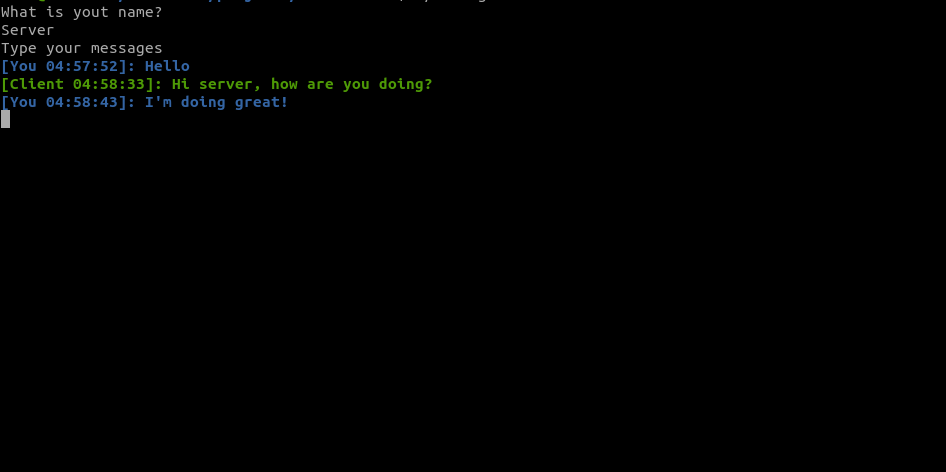
The program will then ask for your name and then you can start sending messages.
-
To connect the client to the server run the following command on another terminal
./message.sh -c <SERVER'S IP ADDRESS>-
If you don't provide an IP address, the script will use "localhost" as the default.
-
If you want to use this chat outside your LAN, the server user will have to port forward or use a tool like ngrok
The app creates a file that when run alone, asks for the user's name and then formats all the next messages to
[ <CURRENT_TIME>]: <MESSAGE> and to [YOU <CURRENT_TIME>]: <MESSAGE>.
The first one is sent through stdout while the latter is redirect to stderr.
The server user will listen on port 1234 with netcat using the generated file as stdin. The server user will then connect to port 1234 on the server's IP and also use the file as stdin. Which means that everytime a user sends a message, this message will be sent through stdout to the other user and also replicated in the user's terminal through stderr