
Link to application - https://eager-northcutt-8458dc.netlify.app/
Vanilla html, css, and javascript
I started out with basic idea of a grid card format with a few option buttons for changing the amount of cards. I use an array of colors and pull/shuffle the appropriate number for each game. I use a default background color as an easy way to differentiate cards a player has chosen. After building base functionality and designing CSS layout I began adding additional enhancements such as a turn counter, timer, and random themes.
The following function pushes the number of colors (j for loop pushes 2 of each for matching) specified by the gamesize variable from colorMaster, an array of 15 colors, to cardColorsForGame. The gamesize variable is controlled by difficulty buttons seen at top of image above. Once the correct number of cards are pushed the array is shuffled using a Fisher-Yates shuffle function into the cardsForGame array.
function setCardColorsForGame() {
	cardColorsForGame = [];
	for (i = 0; i < gameSize / 2; i++) {
		for (j = 0; j < 2; j++) {
			cardColorsForGame.push(colorMaster[i]);
		}
	}
	cardsForGame = shuffle(cardColorsForGame);
}
Cards are created and removed using the following 2 blocks of code with the first being part of the primary function used on page load, page reset, or difficulty changes
	for (i = 0; i < gameSize; i++) {
		document
			.querySelector('.board')
			.appendChild(document.createElement('div'))
			.setAttribute('id', i);
		document.getElementById(i).setAttribute('class', 'card');
	}
function clearCurrentCards() {
	let removeCards = document.querySelector('.board');
	while (removeCards.firstChild) {
		removeCards.removeChild(removeCards.firstChild);
	}
}
Card listeners added with 2 checks for activation and other functions called on click. There are 2 checks that must be passed before event listener will allow activation: backgroundColor of card must be white (used to signify "back of card") - prevents players from clicking on cards already flipped as background colors are changed and a busy boolean that must be false. The busy variable is set to true/false by various functions. This prevents players from clicking during the delay where "flipped colors are shown before being flipped back to white.
function setCardListeners() {
	for (i = 0; i < cards.length; i++) {
		cards[i].addEventListener('click', function selectCard(event) {
			if (this.style.backgroundColor === 'white' && !busy) {
				flipCard(this);
				trackClickCount();
				setCardCondition(this);
				checkCards();
			}
		});
	}
}
The following functions flip cards, track which card players click, and check for matches. Nonmatching cards have their backgroundColor set back to "white" to allow them to be chosen again.
function flipCard(c) {
	c.style.backgroundImage = null;
	c.style.backgroundColor = cardsForGame[c.id];
}
function setCardCondition(c) {
if (firstChoice.id === '') {
firstChoice.id = c.id;
firstChoice.color = c.style.backgroundColor;
} else if (secondChoice.id === '') {
secondChoice.id = c.id;
secondChoice.color = c.style.backgroundColor;
}
}function checkCards() {
if (firstChoice.id != '' && secondChoice.id != '') {
busy = true;
if (firstChoice.color === secondChoice.color) {
checkWin();
} else {
setTimeout(() => {
cards[firstChoice.id].style.backgroundColor = 'white';
cards[secondChoice.id].style.backgroundColor = 'white';
cards[firstChoice.id].style.backgroundImage = cardBackgroundImg;
cards[secondChoice.id].style.backgroundImage = cardBackgroundImg;
resetCards();
}, 500);
}
}
}Example of one of the four difficulty buttons and their settings. Each button sets a different card size and amount of cards per row/column while keeping the same width of grid area.
const buttonD4 = document.querySelector('#buttonD4');
buttonD4.addEventListener('click', function d4() {
	gameSize = 30;
	difficultyColumns = 'repeat(6, 100px)';
	difficultyRows = 'repeat(5, 120px)';
	cardWidth = '90px';
	cardHeight = '90px';
	buildBoard();
});
Button used to select random theme and change settings. Avoids overwriting already flipped matches to allow player to continue with current game.
const themeButoon = document.querySelector('#themeButton');
themeButton.addEventListener('click', function ranTheme() {
    busy = true
	randomThemeOld = randomTheme;
	while (randomThemeOld === randomTheme) {
		randomTheme = Math.floor(Math.random() * themes.length);
	}
	bodyBackgroundImg = themes[randomTheme][1];
	cardBackgroundImg = themes[randomTheme][2];
	document.querySelector('body').style.backgroundImage = bodyBackgroundImg;
	for (i = 0; i < cards.length; i++) {
		if (cards[i].style.backgroundColor === 'white') {
			setCardBackgroundImg(cards[i]);
		}
	}
    busy=false
});- Different difficulty levels
- Random theme option
- Ability to change theme without losing game progress
- Turn counter
- Game timer
- Buttons load as transparent on iOS (Safari and Chrome)
- Allow players to select themes in addition to choosing random ones.
- Change for just colors when flipped to pictures.
- Transition to a more education based game using themes with pictures of fruits, vegetables, animals, planets, etc.
- Assess viability of mobile or mobile only version (different sizing, restricted card amounts, etc.)
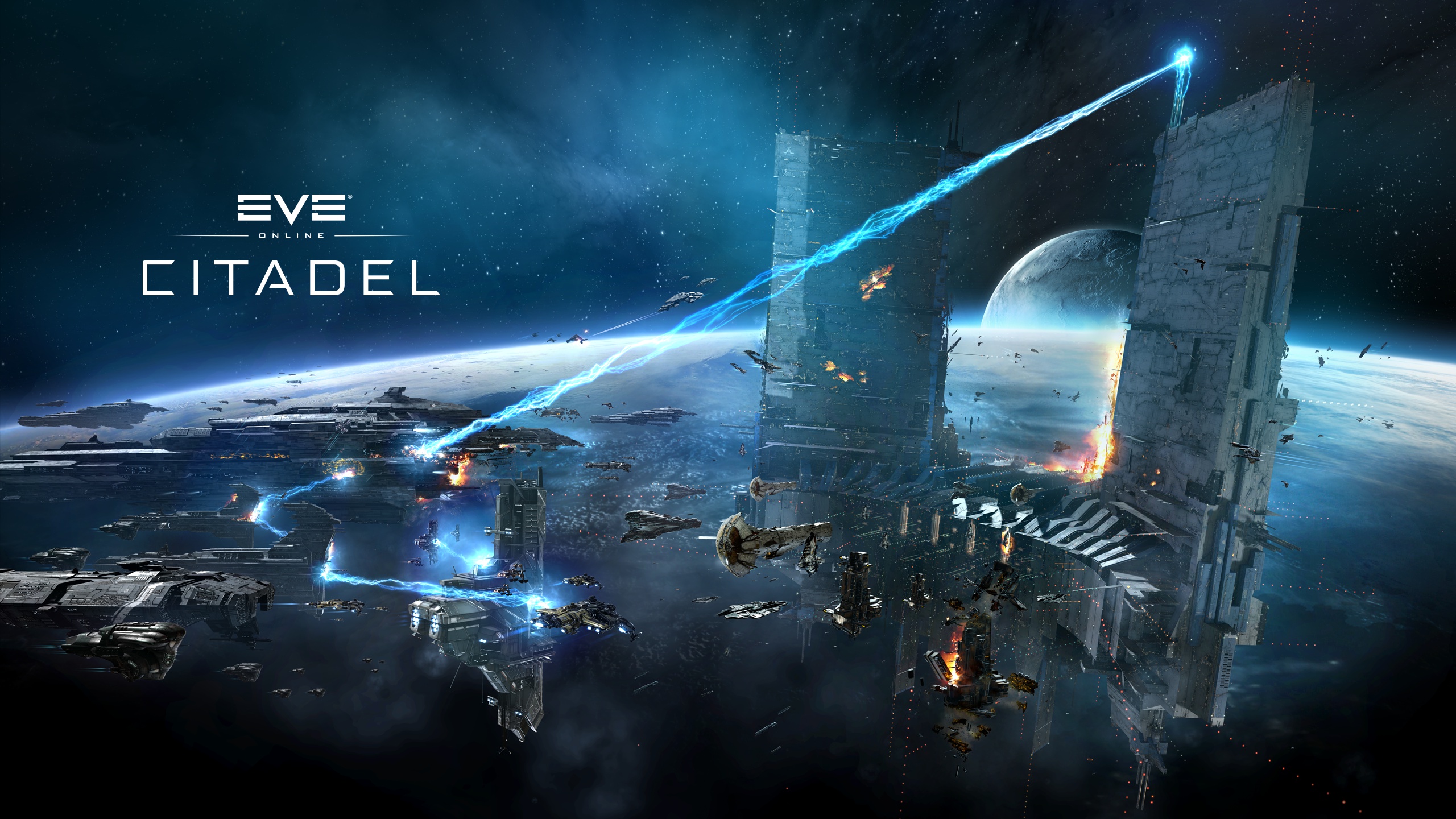
Eve Online Theme:
Saw Theme:
- https://wallpapercave.com/w/wp3250609
- https://staticr1.blastingcdn.com/media/photogallery/2017/7/11/660x290/b_1200x680/jigsaw-is-set-to-return-to-unleash-terror-once-again-photo-via-youtube-screenshot_1436825.jpg

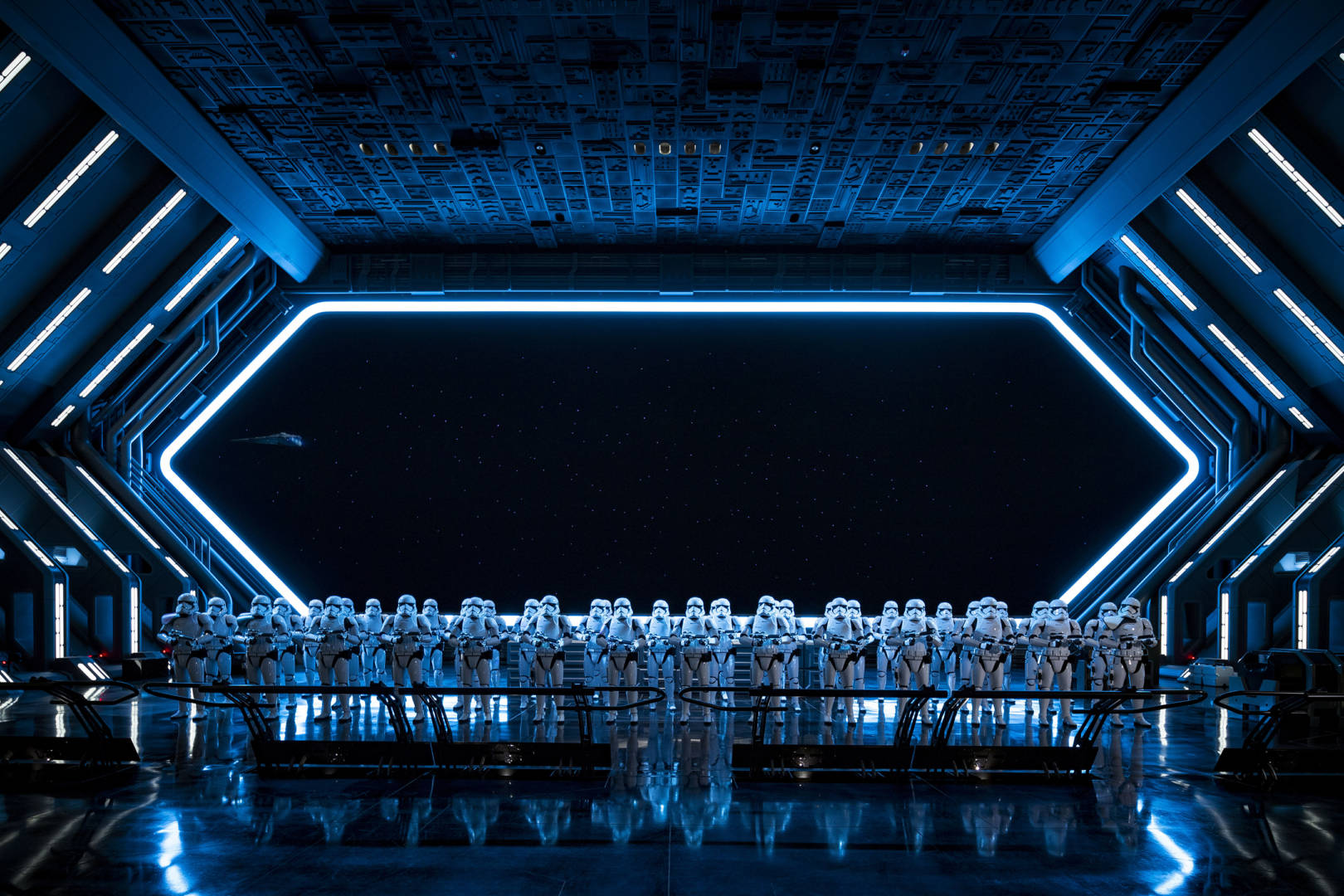
Star Wars Themes:
- http://laptop.hdimagesandwallpaper.com/wp-content/uploads/2020/10/Star-Wars-Laptop-Background.jpg
- https://storage.googleapis.com/spikeybits-staging-bucket/2021/03/fcfb56f3-yoda-fight.jpg
- https://www.micechat.com/wp-content/uploads/2020/01/1117ZR_0792MS.jpg
- https://static.wikia.nocookie.net/star-wars-canon/images/5/51/Star-wars-bb-8-remote-controlled-robot-white_sku-header.png



Matrix Theme:
- https://blog.zoombackground.io/media/posts/4/82abdc6c0818f80ada086fb1b912a62e.jpg
- https://tecavis.fr/wp-content/uploads/2021/09/23888/le-site-web-matrix-4-recree-un-classique-culte-original-450x300.jpg

This website may contain copyrighted material, the use of which may not have been specifically authorized by the copyright owner. The material contained in this website is distributed without profit for research and educational purposes. This should constitute a ‘fair use’ of any such copyrighted material (referenced and provided for in section 107 of the US Copyright Law). If you wish to use any copyrighted material from this site for purposes of your own that go beyond ‘fair use’, you must obtain expressed permission from the copyright owner.