Here is the official repository of Growthy Android App project. In this project we use XML for app layout and Kotlin to develop the application in order to complete the Bangkit Academy led by Google, Tokopedia, Gojek, & Traveloka product-based Capstone Project.
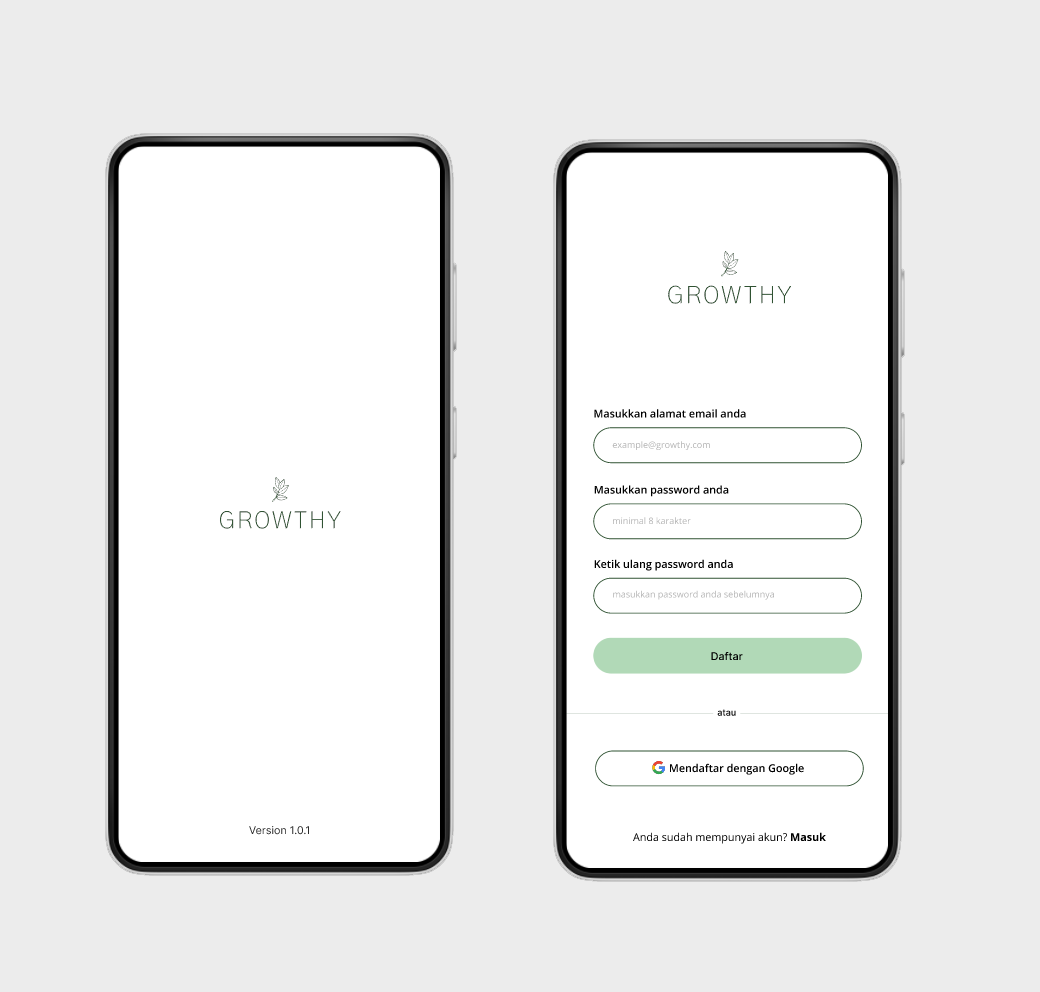
- Splash Screen, There is animation before entering the login page
- Login, Allows a user to have an access to the application by entering their username and password
- SignUp, Enables users to register and have an access to the application
- Home, The starting page that is displayed when you have logged in on your device. It will allow user to enter 4 our main features
- Tanaman Hias Screen, This page will be displayed the list of ornamental plant. By clicking on any of the plants, you can navigate to the plant's specific details page. Additionally, you can also access information about the plant's nursing care in this section.
- Hama/Penyakit Screen, you will find a list of different diseases. By selecting a specific disease from the list, you can view the detailed information about that particular disease.
- Deteksi Penyakit Tanaman, find out what disease our plants are suffering from. we can take pictures through the camera or gallery. then we click the submit button to see the results. this is the result of the disease scan and our houseplants.
- Financial Dashboard, The features that can help us manage our income and expenditure of money specifically for the cost of caring for our ornamental plants.
- Discussion features will be launching soon.
- Kebun Sendiri features will be launching soon. -Profile Screen, The users will be able to access their profile here. They can edit their profile by pressing edit profile button or logout from the account by pressing Logout button. -Edit Profile Screen, The users will be able to edit their profile such as editing profile picture, username, and email.
- Lifecycle and Live Data
- Navigation Component
- Retrofit
- CameraX
- TFLite
- Glide
- Android Studio
- JRE (Java Runtime Environment) or JDK (Java Development Kit).
- Clone this repository and import into Android Studio
- Download and intall the APK version from the link below Growthy.apk.