 ██████╗ ██╗████████╗██████╗ ██╗   ██╗███████╗██╗  ██╗    ██████╗ ██████╗  ██████╗
██╔════╝ ██║╚══██╔══╝██╔══██╗██║   ██║██╔════╝██║  ██║    ██╔══██╗██╔══██╗██╔═══██╗
██║  ███╗██║   ██║   ██████╔╝██║   ██║███████╗███████║    ██████╔╝██████╔╝██║   ██║
██║   ██║██║   ██║   ██╔═══╝ ██║   ██║╚════██║██╔══██║    ██╔═══╝ ██╔══██╗██║   ██║
╚██████╔╝██║   ██║   ██║     ╚██████╔╝███████║██║  ██║    ██║     ██║  ██║╚██████╔╝
 ╚═════╝ ╚═╝   ╚═╝   ╚═╝      ╚═════╝ ╚══════╝╚═╝  ╚═╝    ╚═╝     ╚═╝  ╚═╝ ╚═════╝



GitPush Pro is a lightweight Android app that lets you push any file directly to your GitHub repository — straight from your phone, no PC required.
Set up your GitHub token and repository URL once. Everything is saved. After that, just select a file and push.
- One-time Setup — Enter your GitHub Token and Repository URL once. Saved securely in SharedPreferences.
- Push Any File — APKs,
.swbfiles, images, or any binary/text file. - Live Terminal Output — Watch the push process in real time, just like a terminal.
- Commit History — Every push is logged with commit SHA, branch, and timestamp.
- Switch Repo — Change your target repository anytime from the app.
- Minimal & Fast — App size is just ~7–8 MB.
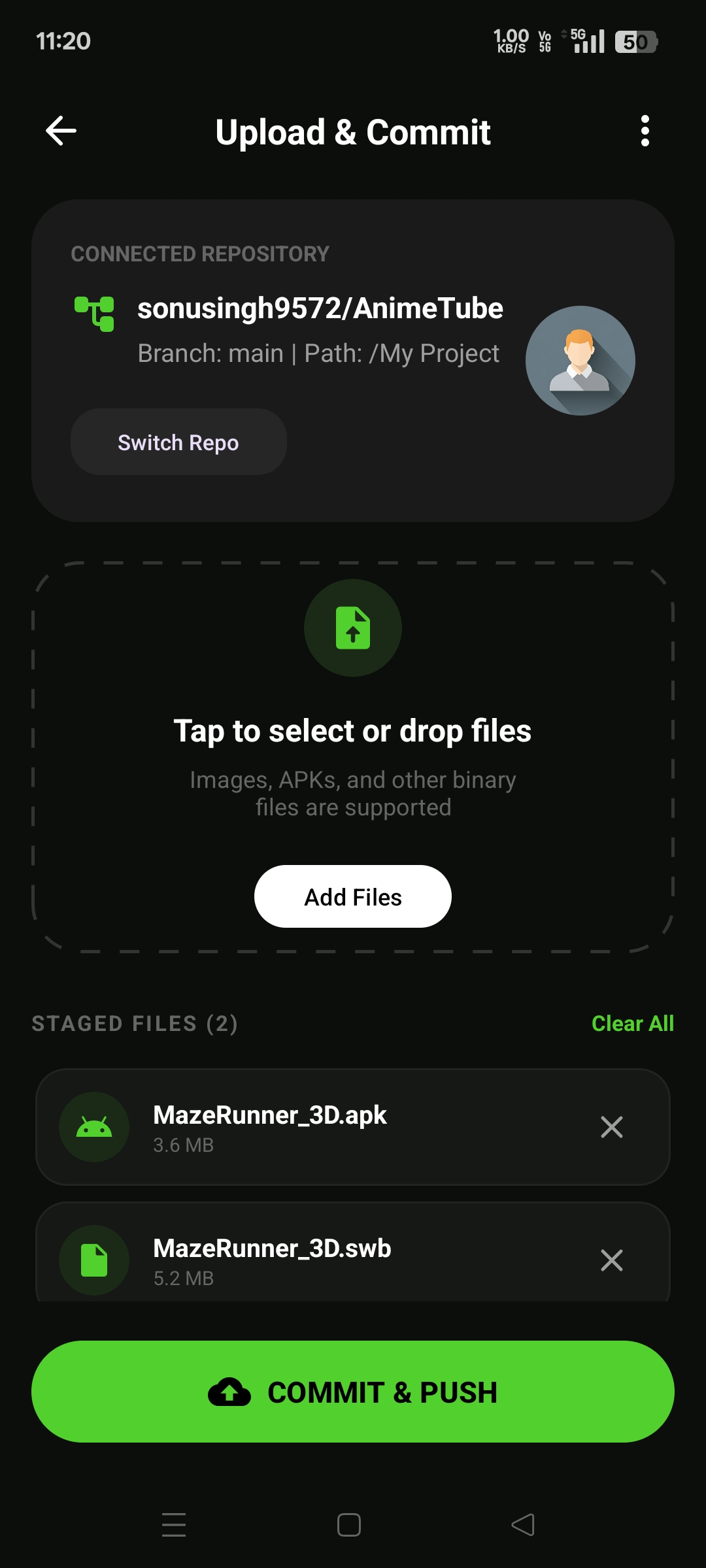
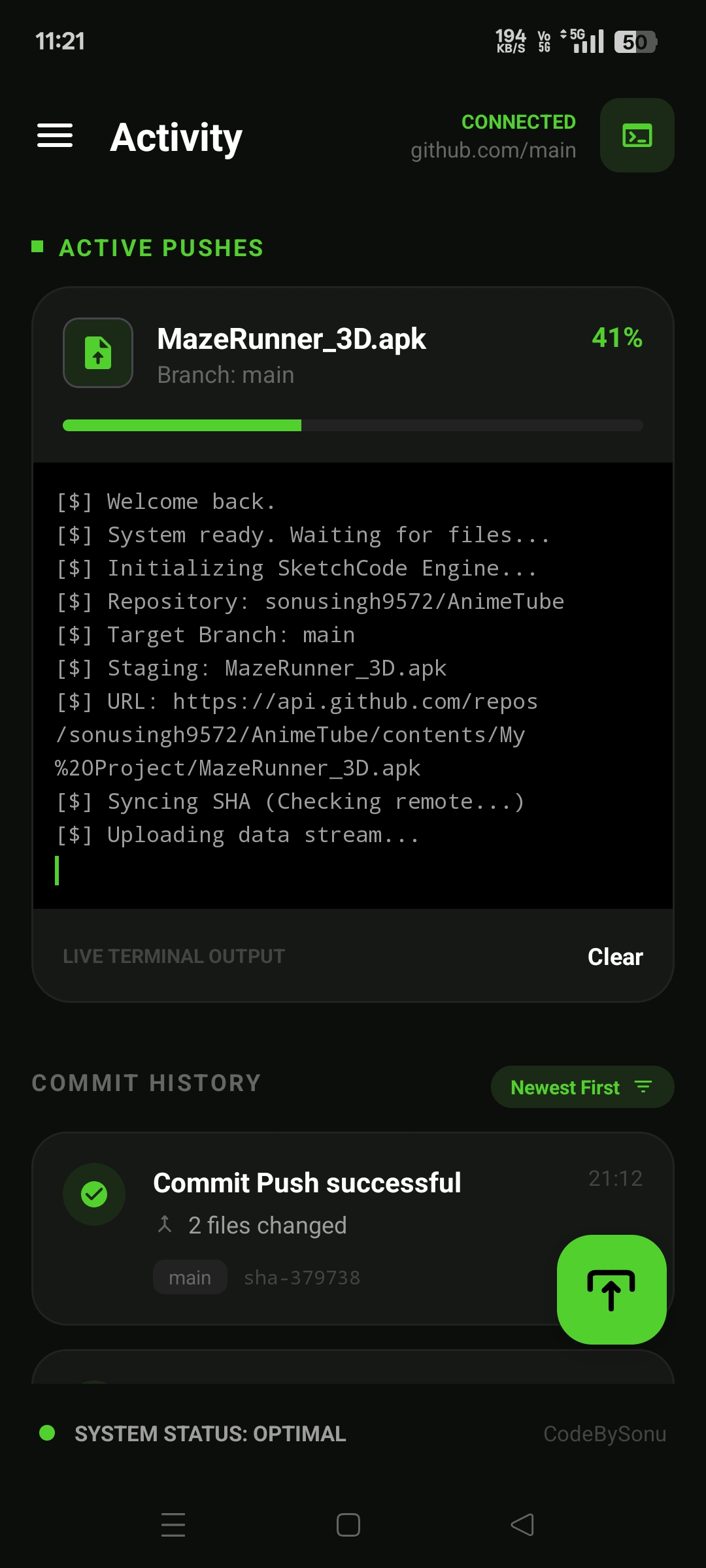
1. Setup (one time only)
Open app → Enter your GitHub Personal Access Token (
reposcope) → Enter Repository URL → Tap Connect Repository
2. Push a File
Tap Select Files → Choose your file → Add to staging → Enter commit message → Tap COMMIT & PUSH
3. Done
Live terminal shows upload progress. Push is logged in Commit History.
Language     →  Java 8+
Platform     →  Android
Built With   →  Sketchware Pro
API          →  GitHub REST API v3
Storage      →  SharedPreferences
License      →  GNU GPL v3.0
App Size     →  ~7–8 MB
This project is open source under GPL v3.0. Contributions are welcome.
1. Fork this repo
2. Create your branch     →  git checkout -b feature/YourFeature
3. Commit your changes    →  git commit -m "Add YourFeature"
4. Push to the branch     →  git push origin feature/YourFeature
5. Open a Pull Request
Found a bug? Open an Issue
GitPush Pro — Copyright (C) 2026 CodeBySonu95

This program is free software: you can redistribute it and/or modify
it under the terms of the GNU General Public License as published by
the Free Software Foundation, either version 3 of the License, or
(at your option) any later version.
See the full LICENSE for details.
Built with ❤️ by CodeBySonu95