
An automated, pipeline-friendly bidirectional bridge connecting Blender and Substance Painter. Stop exporting meshes, configuring bakers, and wiring shader nodes one-by-one; BakeBridge automates your entire texturing loop in a single click.


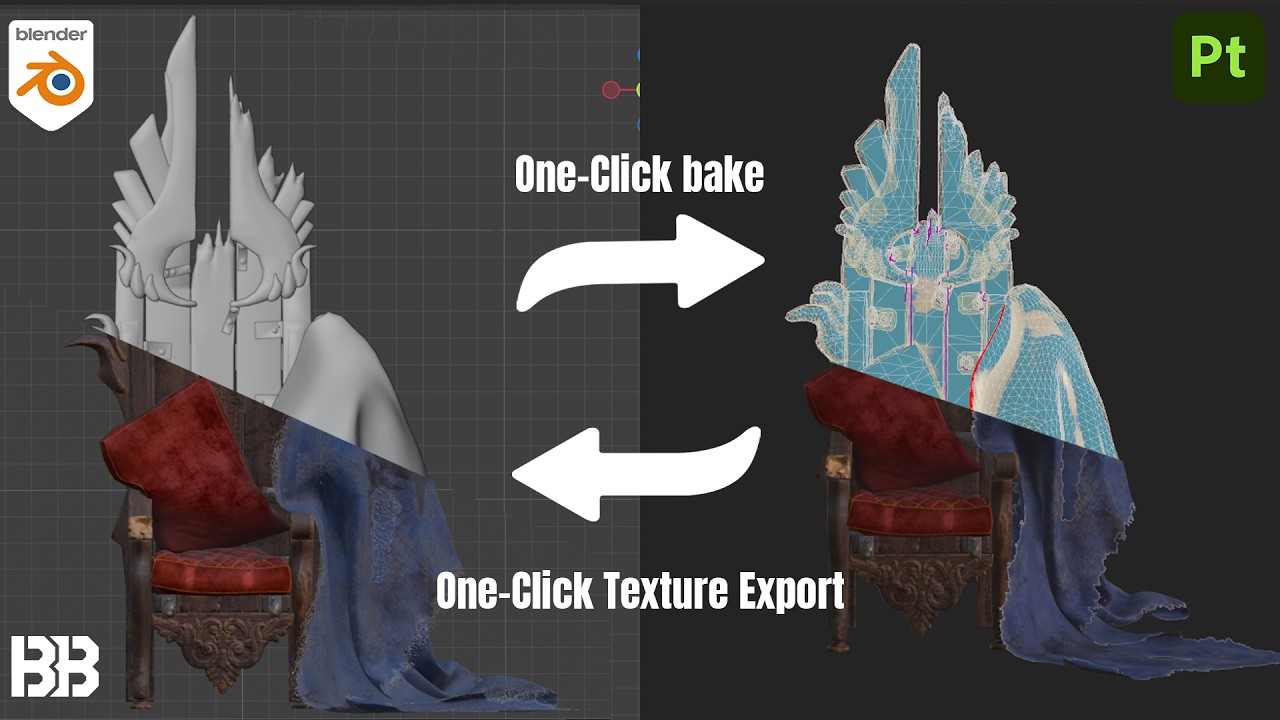
- 🚀 One-Click Pipeline: Auto-saves your active Blender scene, cleans up your geometry, exports FBX files, and boots up Substance Painter instantly.
- 🛠️ Geometry Pre-Processing: Cleans up meshes dynamically by merging double vertices, fixing inverted normals, applying smooth shading, and adding a non-destructive Triangulate modifier. Run it manually to inspect your model, or let the exporter handle it automatically.
- 🎛️ Three Baking Modes: Choose Setup Only to configure project templates, Test Bake to run speed-optimized bakes (auto-lowered resolution, no anti-aliasing), or Full Quality for final anti-aliased bakes.
- 💾 Custom Preset System: Configure your preferred export formats, normal map spaces, and baking settings once, and save them as reusable presets (e.g., Stylized, Realistic).
- 📏 Per-Material Overrides: Customize texture sizes per material slot in Blender (e.g. 2K for accessories, 4K for the main body) and Substance Painter will automatically export them at their correct sizes.
- 🔌 Background Watcher & Shader Auto-Wire: An automatic file listener detects your exports, automatically imports sRGB and Non-Color maps, and wires them into the Principled BSDF node in Blender.
Note
BakeBridge is architected to be fully compatible with Windows, macOS, and Linux. However, because I currently only own Windows hardware, it has only been actively tested on Windows. If you run into any issues on macOS or Linux, please submit a bug report – resolving platform-specific bugs is a high priority for me.

BakeBridge auto-saves your file, cleans up geometry, and boots up Substance Painter in a single click.

Set different resolutions for individual materials in Blender, and let the bridge handle the export config automatically.

Click the BB button in Substance Painter, and watch Blender instantly build the Principled BSDF node tree with correct color spaces.
- Installation Guide – How to set up the Blender addon and the Substance Painter plugin.
- Quick Start Guide – Your first bake: from Blender collections to Substance Painter and back.
- Troubleshooting & FAQ – Fixes for common setup issues, file formats, and color management.
I track all bugs and feature requests directly in this repository.
- Go to the Issues tab at the top of this page.
- Click New Issue.
- Describe the problem clearly, including your Blender and Substance Painter versions, and any console logs.