- Create a separate branch for this task.
- You have to use Typescript! We recommend using Vite with the template react-ts. Alternatively you can use CRA with the template --typescript (please, take a look at this comment from Dan Abramov).
- Set up eslint and prettier so that the project would not build if there are errors. Use configs. Add command to you package.json file to run linting command.
- Add React-Router version 6. Add header which shows the current page. Also add pages “About Us”, “404”. If user will input unknown route into url – application should redirect to “404”.
- Draw the following on the main page:
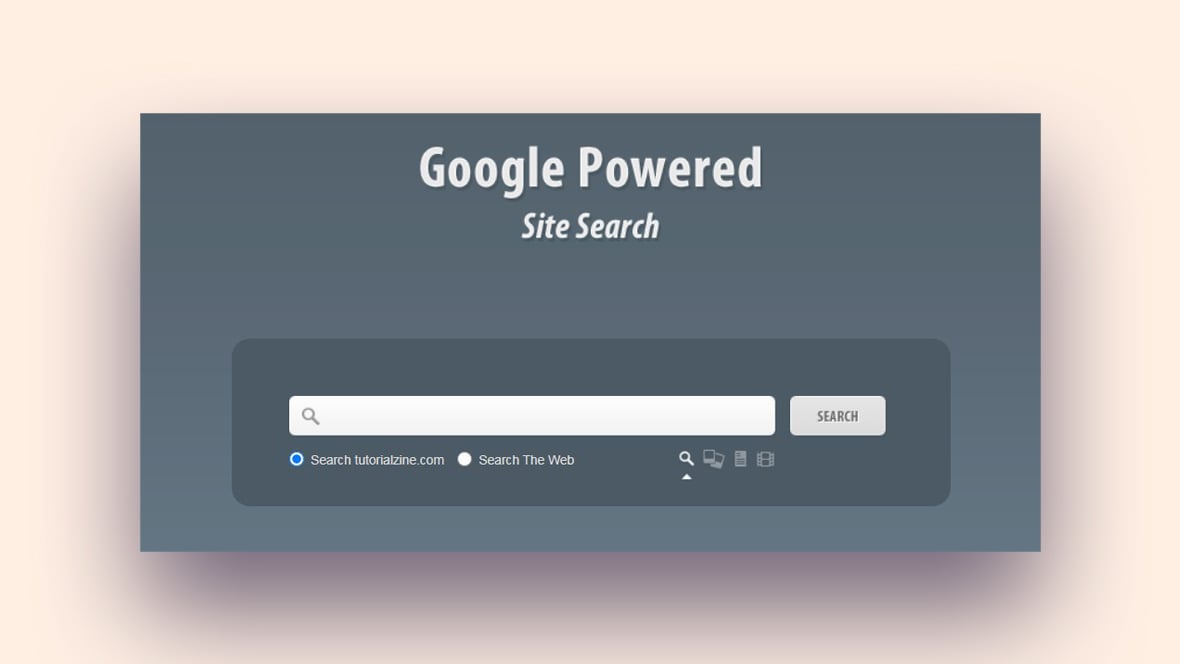
- Search Bar.
examples:
https://studio.uxpincdn.com/studio/wp-content/uploads/2020/09/BlogHeader_SearchBar_1200x600.png
https://www.sliderrevolution.com/wp-content/uploads/2021/02/cssheader1.jpg
Input value should be saved to LocalStorage during component’s unmount. During the initialization pick the value from LocalStorage and show it. - Cards. The more details are on the card – the better.
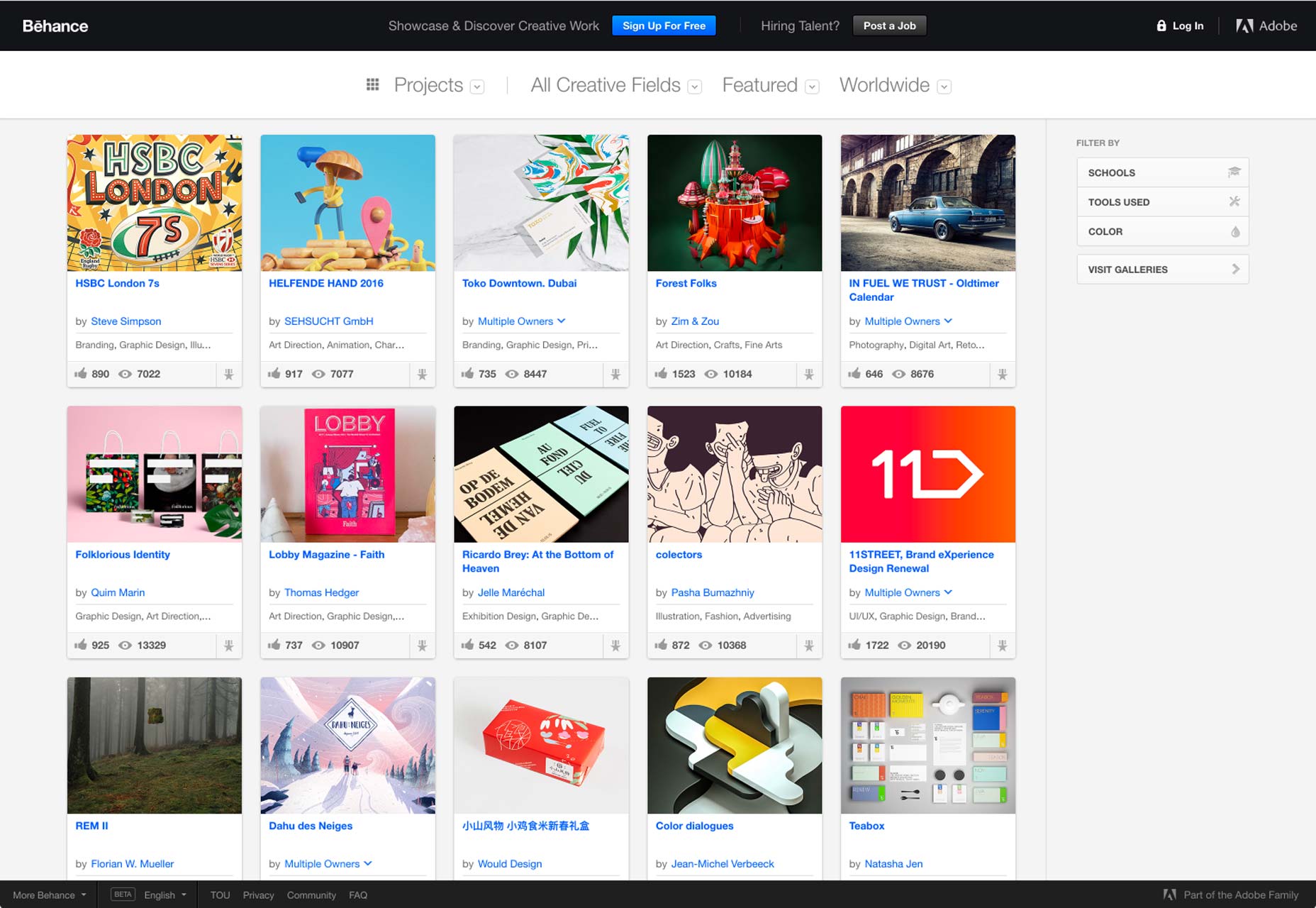
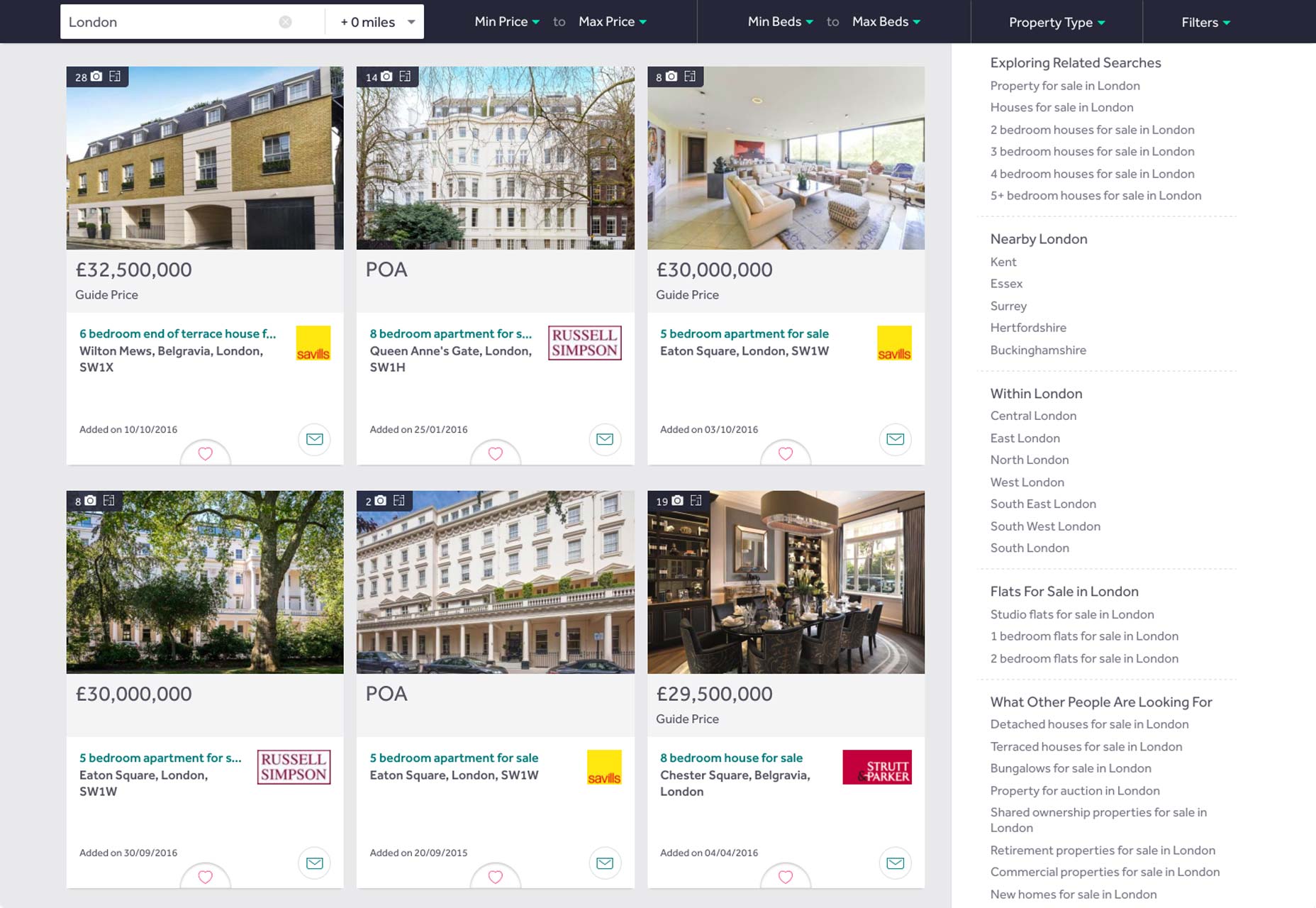
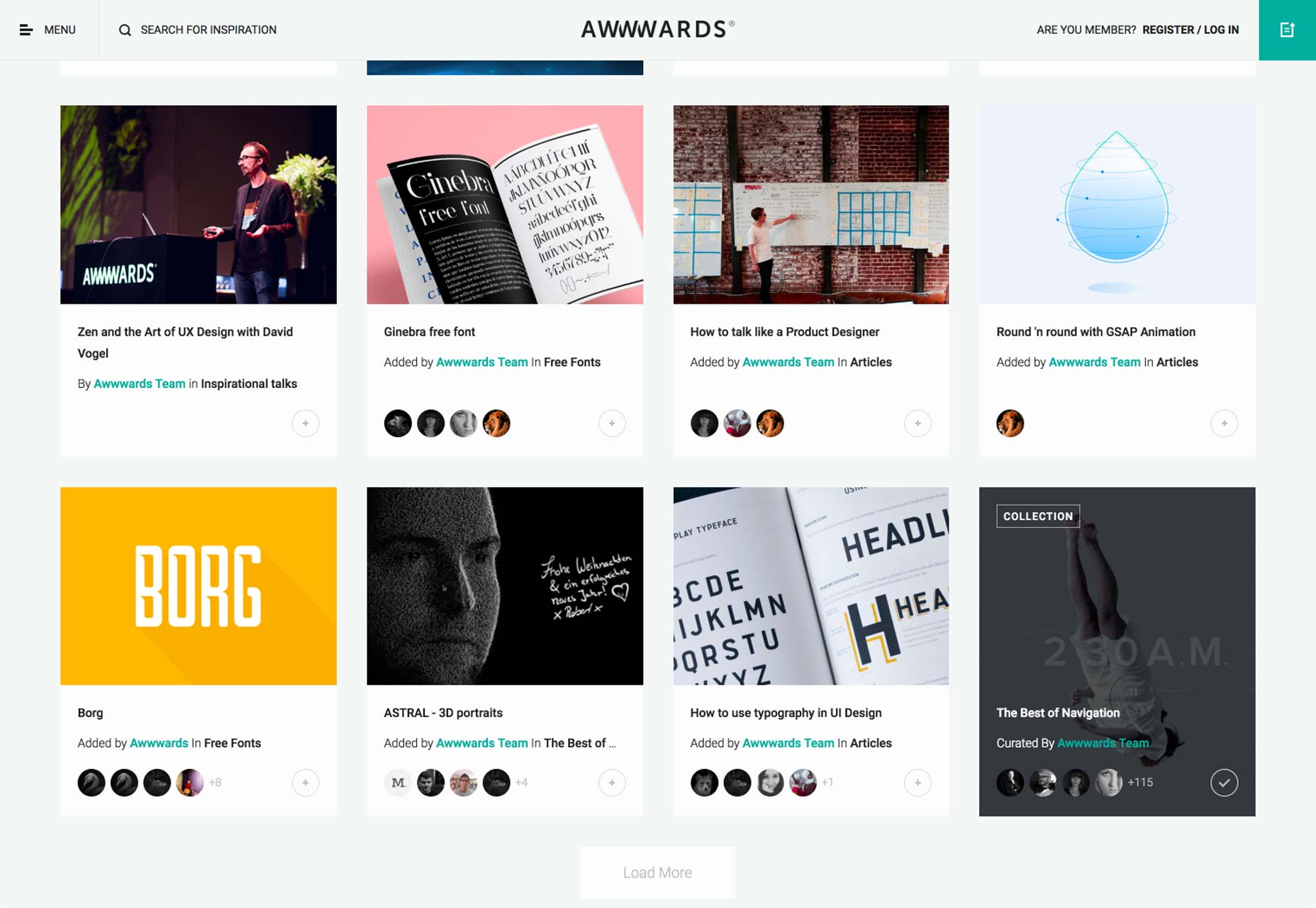
examples:
https://www.webdesignerdepot.com/cdn-origin/uploads/2017/01/behance.jpg
https://www.webdesignerdepot.com/cdn-origin/uploads/2017/01/rightmove.jpg
https://www.webdesignerdepot.com/cdn-origin/uploads/2017/01/awwwards.jpg
Use class components to get access to lifecycle events or state. Using hooks is forbidden at this stage. Patience, it won't last long.

- Setup test runner if necessary. You can use either Jest or Vitest Add tests for components. Add test for one card, as well as tests for the list of all cards. You can use React Testing Library. Some time ago Enzyme was an alternative, but it is not compatible with the latest version of React. When ran, tests should show the coverage (you will be gradually increasing test coverage during next modules) Add command to your package.json file to run tests. Snapshot testing is forbidden in all modules (you can check the documentation of what is snapshot testing with Jest)
All logical parts should be set into separate components.
Task should be based on the previous task.
-
Create a separate branch for this task from the previous branch task.
-
Create a separate route for forms.
-
Form should be implemented using uncontrolled components (with refs)
-
Add functionality to your app:
- Collect information through a form
- You can collect any type of information, but form has to include at least those controls:
- text input
- date input
- dropdown/select
- checkbox
- switcher (radio)
- file upload (image)
Example:
text input - name, surname (or both), zip-code;
date input - birthday, date of delivery;
dropdown/select - list of countries, list of states (User can choose only one element from the list)
checkbox - "I consent to my personal data" field, list of extra presents (User can choose several items from the list)
switcher - male/female, "I want to receive notifications about promo, sales, etc." / "I don’t want to receive notifications about promo, sales, etc."
file upload - profile picture
After the Submit button is clicked, all data from the form has to be displayed as Card in the cards list below the form. The confirmation message (with information that the data has been saved) should be displayed, after that form has to be cleared.
The quantity of cards should equal the number of form submissions (if the user filled in and submitted the form five times, then five cards have to be displayed under the form).
Form validation
Validation should happen after the Submit button was clicked. In case when some field was filled in incorrectly, error message should be displayed below the field. The card mustn’t be created until the user fixes all errors. Examples of validation:
- mandatory field - check if input contains any information (no text in text input, radio or checkbox isn't selcted, etc);
- if text input is used for the name or surname, check if name or surname starts with uppercased letter
Remove erorrs in case they have been fixed on next Submit button click.
-
Add tests.
-
All logical parts should be extracted into components. All data must be stored in a local state of the component. For accessing state, or lifecycle events use class components. Components should not make calls to APIs.
The usage of Redux or any other solutions for state management is prohibited.
Use class components to get access to lifecycle events or state. Using hooks is forbidden at this stage.
The usage of any libraries with components or form libraries is prohibited.