Board minigame. Players take turns in marking squares on a grid. The first player unable to move loses.
The game is played on a grid, usually 6 x 6 is a good size. One player is 'O' and the other is 'X'.
The players take turns in writing their symbol in an empty cell. Placing a symbol blocks all of the neighbouring cells from both players, which is indicated by shading the blocks.
The AI opponent in this game utilizes a robust decision-making algorithm based on the Minimax approach, which is a widely adopted technique in game theory and artificial intelligence. This algorithm enables the AI to consider all available moves and their potential outcomes, allowing it to strategically select the most optimal move against the player
- It's used the simple feature-driven development.
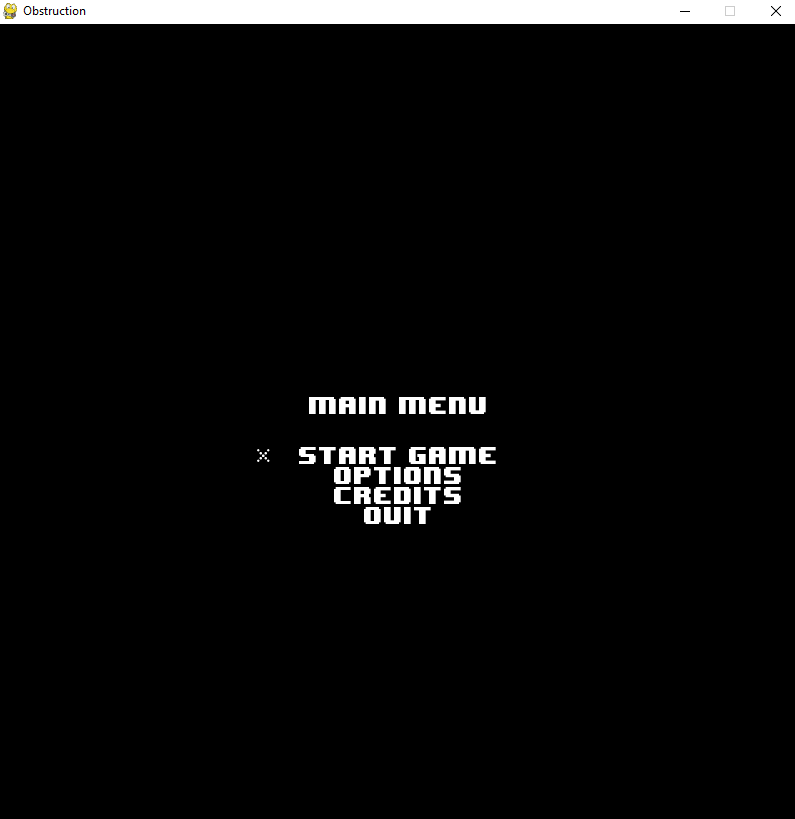
- The program provides console user interface or graphical user interface. The game is started by running the main.py, either by simply running the executable.
- Implementation employs layered architecture and classes.
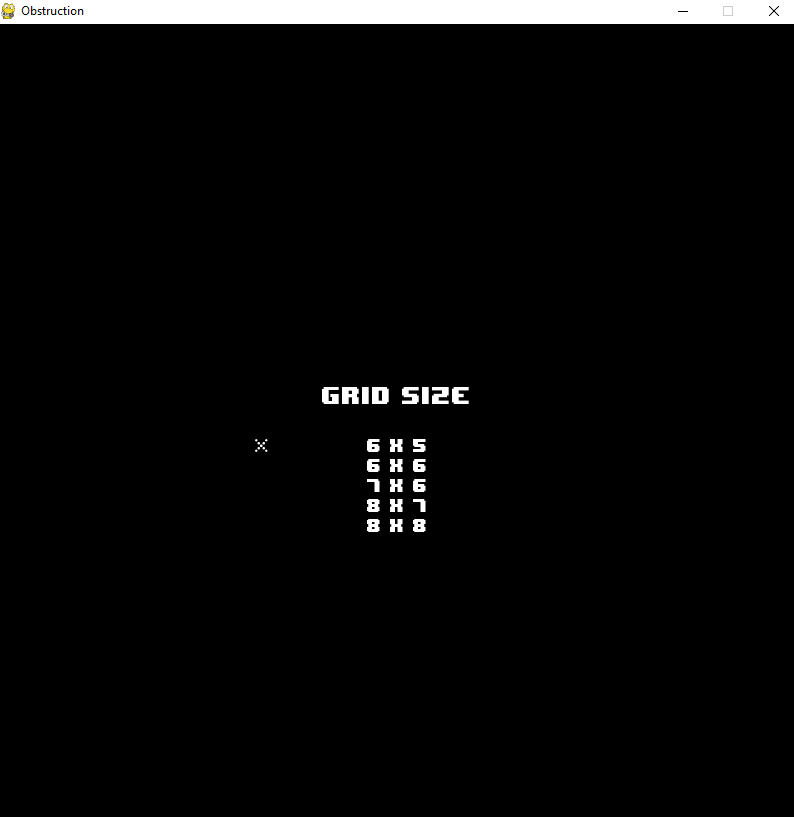
- The player can select the size of the grid (by default is 6x6).
- Provides specification and tests for all non-UI classes and methods(PyUnit test cases).
- Implemented and used own exception classes.
- A version of Python 3 must be installed, recommended a version above 3.9.7.
- To run the app I would recommend using an IDE, recommended PyCharm (Community Edition, which is the free version, is more than enough).
- The extra modules requiered to run the game are: PyGame(2.1.2 or above), Texttable(1.6.4 or above).
- Use Backspace to go to the previous page.
- Upp arrow to select the option above the star.
- Low arrow to select the option below the star.
- Enter to select the current option indicated by the star.
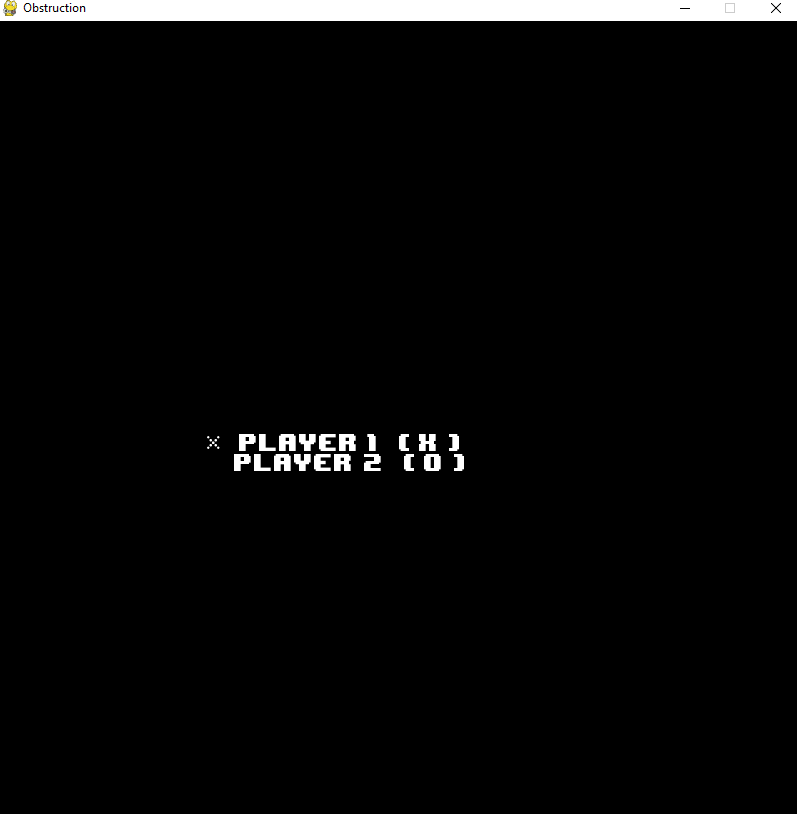
- When starting the game you need the select which player you want to be by using the arrows.
- Use the left click to select the box which you want to mark.