Repository navigation
Home
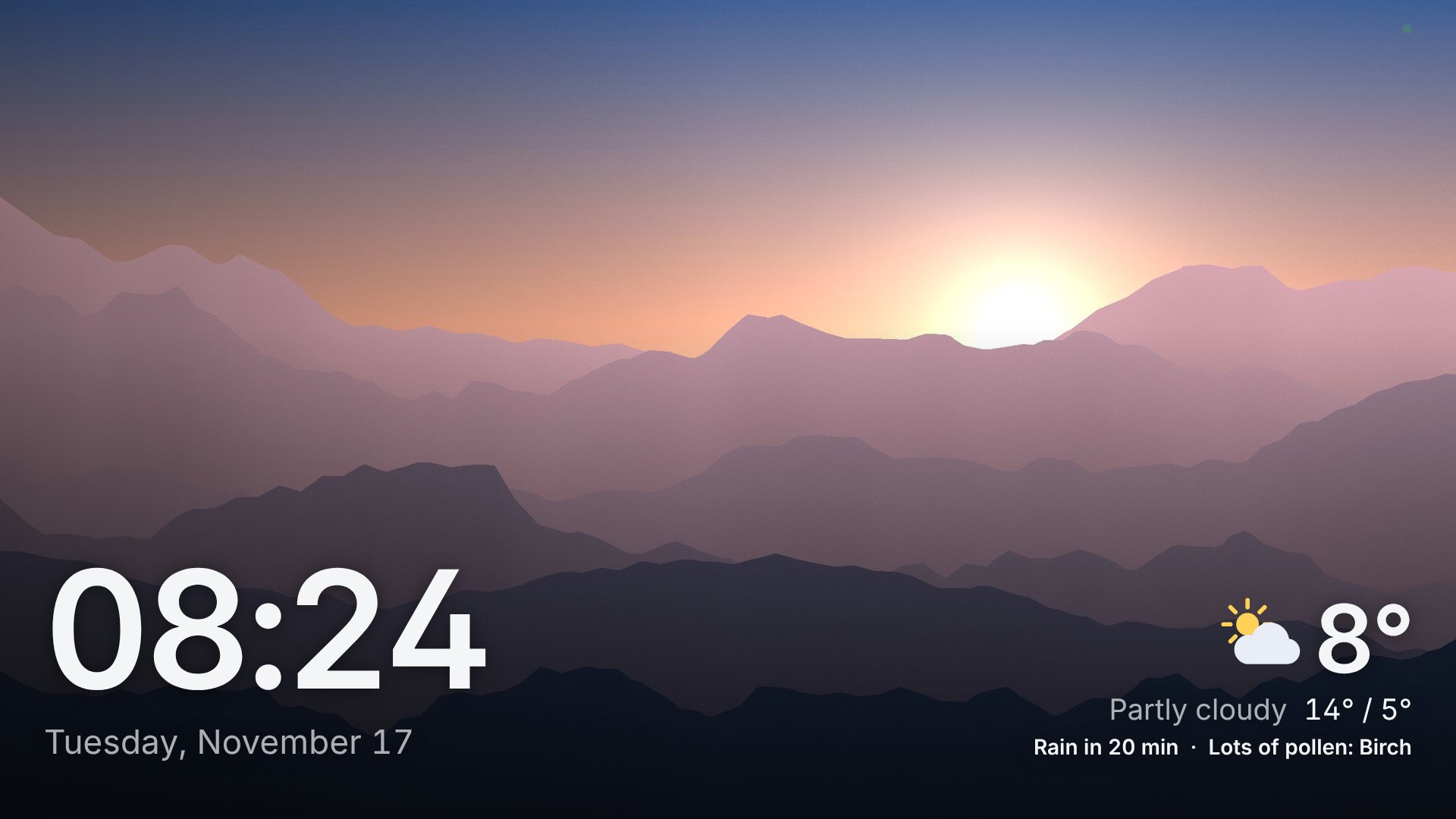
PiDash turns a Raspberry Pi into a calm screen for the TV: your photos, the time and the weather, with apps, games and films one press away, all driven by the TV's own remote.
New here? Installation takes one line, and the dashboard asks its three questions on the first start. The short version of everything is in the README.
| Page | What is in it |
|---|---|
| Installation | Installing on a Raspberry Pi, updating, uninstalling, the first start |
| Other computers | A Pi 4, other ARM boards, ordinary PCs: what to expect on each |
| Container | The dashboard alone for any browser, with Docker; on a Synology NAS |
| Troubleshooting | When something does not work |
| Page | What is in it |
|---|---|
| Using the dashboard | The remote's buttons, keyboard and mouse, language and layout, night mode |
| Settings | The settings page, the lock, backups, Wi-Fi for visitors |
| Photos | Synology Photos, Immich, a shared folder; places, trips, the quiz, art mode |
| Weather, calendar and departures | The forecast and rain radar, the calendar, the next trams and trains |
| Apps | YouTube, Netflix, Spotify and the others; your own websites and programs |
| Games and videos | Games from your PC and emulators; films from the Pi or the NAS |
| Music and sound | Radio, what is playing, the Pi as a speaker for phones, Bluetooth |
| TV and remote | Switching the TV on and off, other devices on the TV, game controllers |
| Performance and status | What a Pi can do at 4K, keeping it cool, the status page |
| Page | What is in it |
|---|---|
| Security | What PiDash guards against, and what it fetches from outside |
| Development | Building, the tests, releasing, where things are in the code |