Initializes a Git repository and configures it for GitHub based on your deno.json(c) settings.
deno run --allow-read --allow-write --allow-run jsr:@deno-forge/git-ignite--branch=<name>– specify a branch name (default: main)--dry-run– print commands instead of executing them--no-commit– skip initial commit--open– open the GitHub repository creation page (default: true)
This CLI requires:
--allow-read- required for parsing the deno.json(c) file--allow-write- required for writing the .gitignore file--allow-run- required for runninggitcommands via shell
import { runGitSetup } from "jsr:@deno-forge/git-ignite"

await runGitSetup({
  dryRun: true,
  branchName: "main",
  noCommit: false,
  open: true,
})- Git must be installed and available in your system path.
- Your project must include a
deno.jsonordeno.jsoncfile with a validgithubPath(e.g.,"owner/repo"). - Optionally include a
descriptionfield to prefill the GitHub repo creation page.
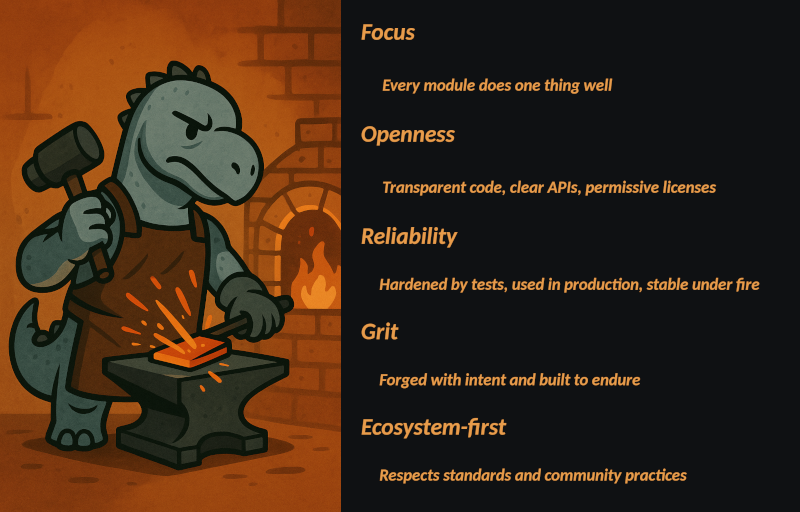
Learn more about our philosophy in the Deno Forge Manifest.