The following project aims to perform a multiclass image classification using Convolutional Neural Networks(CNN), being applied to facial recognition database of images imported from Kaggle. The code is purely written in Jupyter notebook through the use of existing pytorch libraries. The final results are available in the 'Later Trainings' Section with certain pre-trained models available for download via the 'Models' Section. A set of 3 models namely, ShuffleNetV2, MnasNet and MobilenetV2 were chosen for the purposes of the project. The default parameters for the training are as follows:
Optimizer: Adam
Learning Rate: 0.001
Batch Size: 32
No_of_Epochs: 100
Image Size: 224*224 pixels
Loss Function: Cross Entropy
Decaying LR: Step LR with step size=20 and gamma=0.5
The Source Code and Datasets are under the 'Project_Final_Code.ipynb' and 'Datasets.rar' file respectively
All the obtained results can found within the 'Later Trainings' Subsection
Jupyter Notebook can be installed using pip install notebook and then executed using run notebook
The following libraries need to be imported afterwards:
- Pytorch :
pip install torch, Used for importing all the various functions - Torchvision :
pip install torchvision, Used for executing the dataloader commands - Matplotlib :
pip install matplotlib, Used for displaying and storing the results in the form of graphs - Torchsummary/Pthflops :
pip install torchsummary/pip install pthflops, Used for calculating a models's learnable parameters and flops respectively
The code makes use of a single folder consisting of the various image multiclasses.
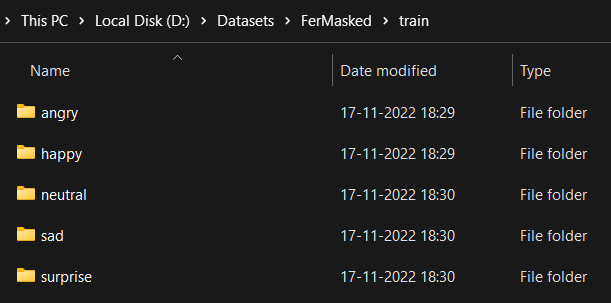
The path to these folders can be modified with the train_path list, in conjuction with modifiying the path for storing the trained models and their graphical results.
train_paths=['D:/Datasets/Natural-Faces/train/','D:/Datasets/Tiny/train/','D:/Datasets/FerMasked/train/']
mdl_path='D:/Datasets/Models/'
img_path='D:/Datasets/Images/'
The default parameters can be changed as per the system's compuatational capability and project requirements
batch_size=32
image_size=(224,224)
num_epochs=100
learning_rate=0.001
weight_dec=0.001
Define the models within the mdls list, with weights=True for the purposes of trasnfer Learning.
The respective labels to be displayed within the results can also be altered.
mdls=[torchvision.models.shufflenet_v2_x0_5(),torchvision.models.mnasnet0_5(),torchvision.models.mobilenet_v2(weights=True)]
dtaname=['Natural-Faces','Tiny','Fer-Masked']
mdlname=['Shufflenet','MnasNet','MobileNetV2_TL']
Run all the cells to initiate the training process.
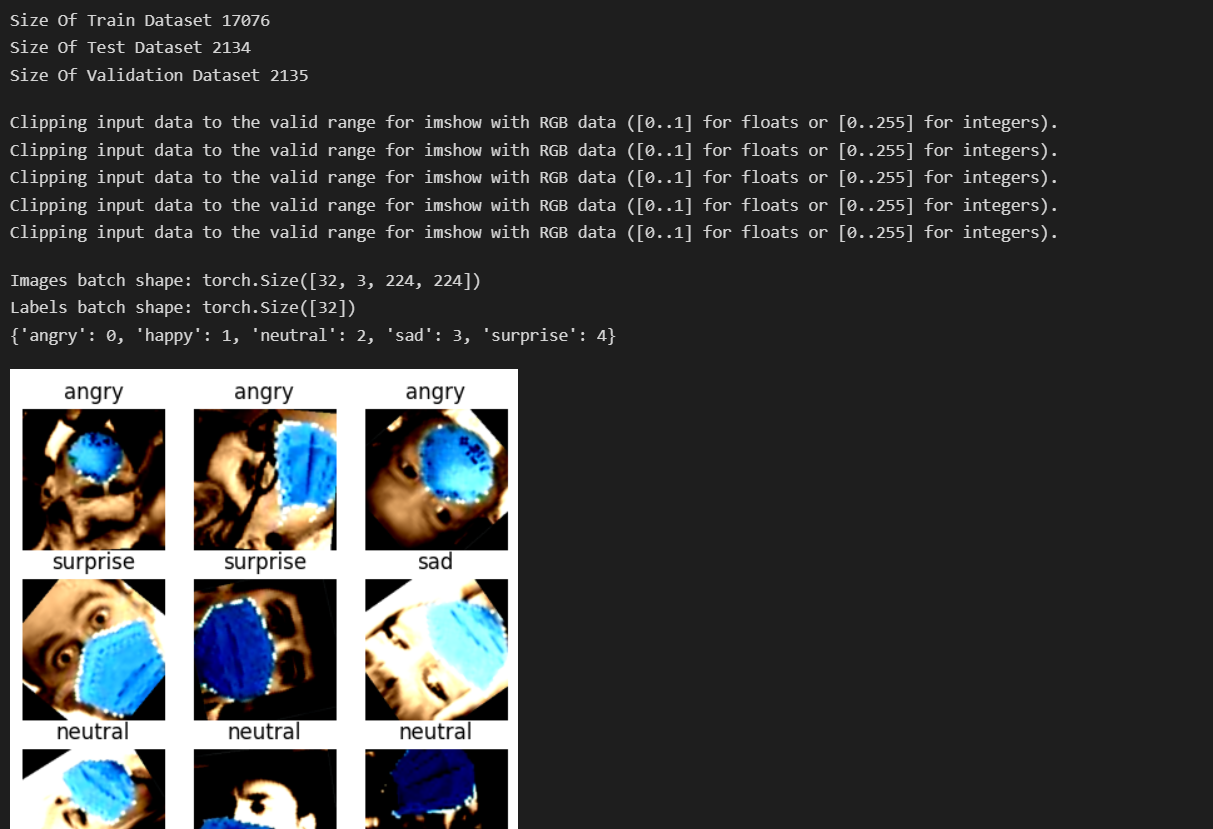
The accuracy and loss metrics will be displayed for each epoch as shown below:

A total of 6 (3 Normal+ 3 Trasnfer Learned) models trained on the Fer-Masked Dataset have been provided within the 'Models' Section. The Sample Dataset of 500 randomly selected images is available within the 'Sample Set' Section.
The following code can thus be used to test it on any of the models preferred. Run the imports block to retreive all the necessary packages
import torch
import torch.nn as nn
import torch.optim as optim
import torch.nn.functional as F
import numpy as np
import torchvision
from torchvision import *
from torch.utils.data import Dataset, DataLoader
import torchvision.transforms as transforms
import matplotlib.pyplot as plt
import time
import copy
import warnings
from sklearn.manifold import TSNE

from torchsummary import summary
from pthflops import count_ops
warnings.filterwarnings('ignore')
torch.cuda.empty_cache()
Define a function for testing the model
from torch.cuda import device
from sklearn.metrics import confusion_matrix,ConfusionMatrixDisplay

def test_model(model,test_loader):
    model.eval()

    predlist=torch.zeros(0,dtype=torch.long, device='cpu')
    lbllist=torch.zeros(0,dtype=torch.long, device='cpu')

    with torch.no_grad():
        correct = 0
        total = 0
        for data in test_loader:
            images, labels = data[0].to(device), data[1].to(device)

            outputs = model(images)
            _, predicted = torch.max(outputs.data, 1)
            total += labels.size(0)
            correct += (predicted == labels).sum().item()
            predlist=torch.cat([predlist,predicted.view(-1).cpu()])
            lbllist=torch.cat([lbllist,labels.view(-1).cpu()])


        print('Test Accuracy of the model on the {} test images: {} %'.format(total, (correct / total) * 100))
        conf_mat=confusion_matrix(lbllist.numpy(), predlist.numpy())
        ConfusionMatrixDisplay(conf_mat).plot()
        plt.show()
Change the paths for loading the pretrained model and sample set corresponding to your respective machine and run the following block of code
#CHANGE THESE TWO
test_path='D:/Datasets/Sample Set'
model=torch.load('D:/Datasets/Models/Shufflenet Fer-Masked')

mn=[0.4149, 0.4694, 0.5233]
sd=[0.2617, 0.2725, 0.3079]
batch_size=32

transform_dict={"src":transforms.Compose([transforms.ToTensor(),transforms.Resize(size=(224,224)),transforms.Normalize(mean=mn,std=sd),transforms.RandomHorizontalFlip(),transforms.RandomVerticalFlip(),transforms.RandomRotation(degrees=180),transforms.RandomAdjustSharpness(sharpness_factor=1.4)])}
test_dataset=datasets.ImageFolder(root=test_path,transform=transform_dict["src"])
test_loader = torch.utils.data.DataLoader(test_dataset, batch_size=batch_size,shuffle=False, drop_last=False,num_workers=0)

device = torch.device("cuda:0" if torch.cuda.is_available() else "cpu")
print("Device: {}".format(device))
model.to(device)

test_model(model,test_loader)
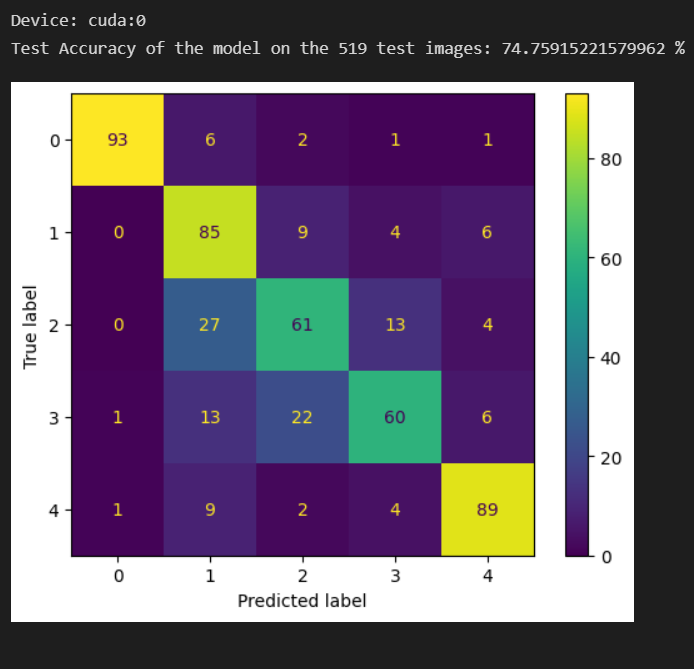
The output classification matrix highlighting the True positives as the diagonal elements