

Comment Remover is a powerful VS Code extension that helps you clean up your codebase by removing comments from your files and folders with ease. Whether you're preparing code for production, creating clean examples, or just want a comment-free view of your code, this extension has you covered!
- Remove comments from single files or entire folders
- Undo functionality - Made a mistake? No problem!
- Smart comment detection - Handles line comments (
//,#) and block comments (/* */) - Preserve special comments - Keep JSDoc, TODOs, or custom-prefixed comments
- Flexible ignore patterns - Skip specific files, folders, or patterns
- Highly configurable - Customize the behavior to fit your needs
- Multi-language support - Works with JavaScript, TypeScript, Python, Java, C++, and more!
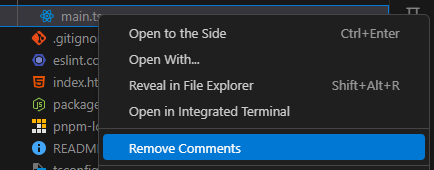
Right-click on any file in the Explorer and select "Remove Comments":
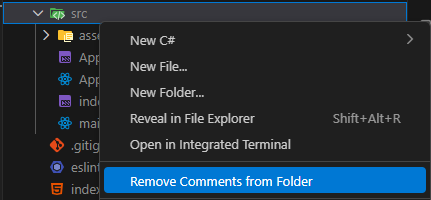
Right-click on any folder in the Explorer and select "Remove Comments from Folder":
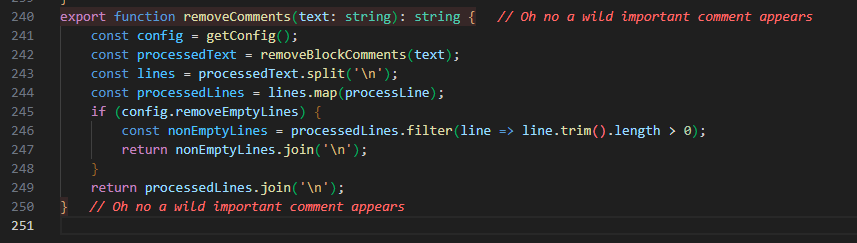
No worries! After removing comments, all changes are clearly displayed. You can review changes individually and easily undo any modifications if needed:
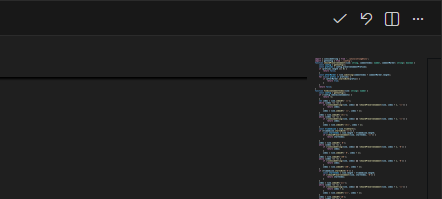
With the Keep or Undo buttons, you decide which files to keep or restore:
You can also access all commands through the Command Palette (Ctrl+Shift+P / Cmd+Shift+P):
Comment Remover: Remove Comments- Remove comments from current fileComment Remover: Remove Comments from Folder- Remove comments from selected folderComment Remover: Undo Last Comment Removal- Undo the last operationComment Remover: Add Ignore Pattern- Add files/patterns to ignoreComment Remover: Add Preserve Comment Prefix- Preserve comments with specific prefixesComment Remover: Show All Settings- View current configuration
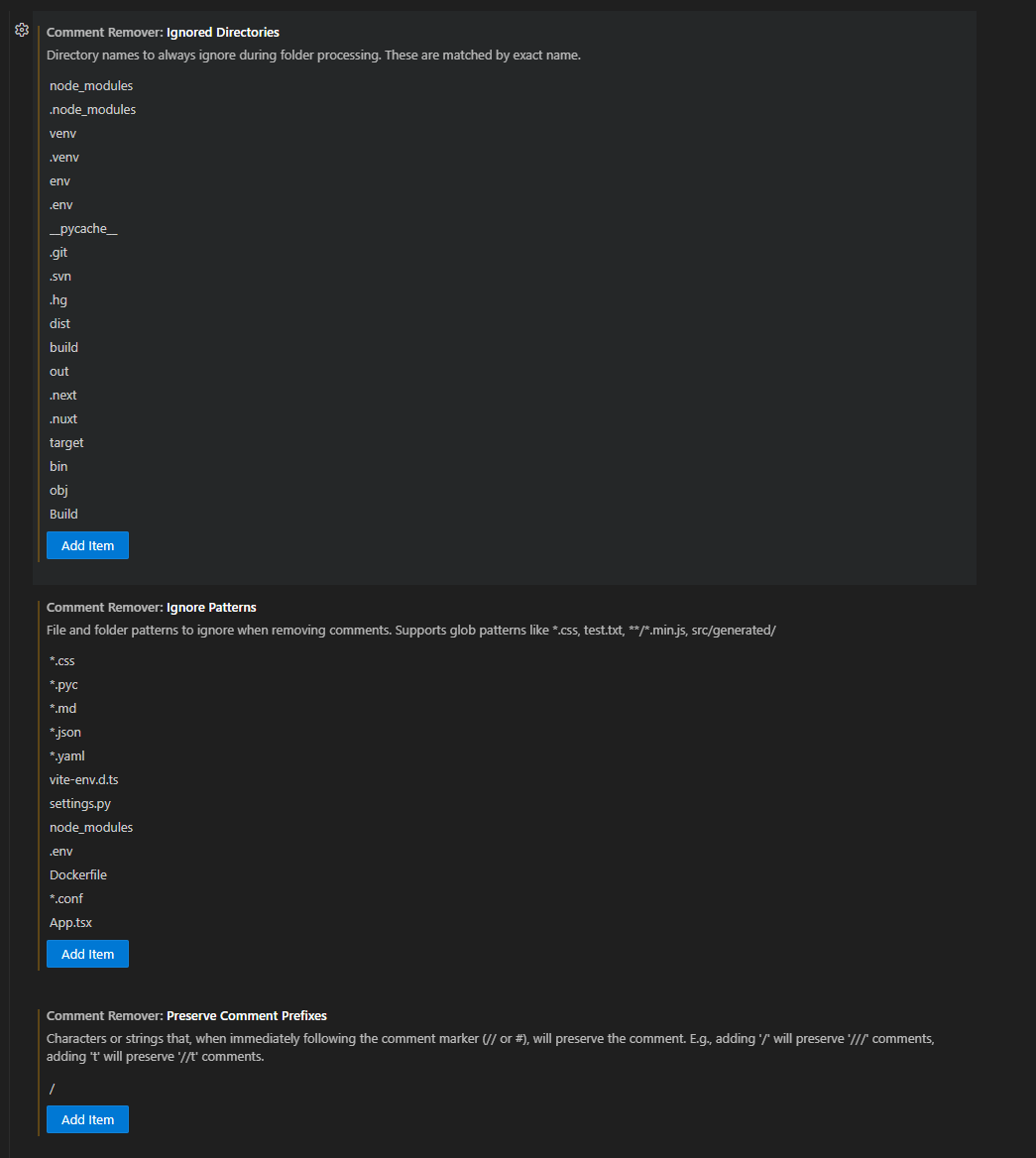
Customize the extension's behavior in your VS Code settings:
// This is a line comment
function calculateSum(a, b) {
    /* This is a block comment
       that spans multiple lines */
    return a + b;
}

// TODO: This will be preserved if configured
const result = calculateSum(5, 3);function calculateSum(a, b) {
return a + b;
}
const result = calculateSum(5, 3);- Production Deployment - Remove comments before deploying to reduce file size
- Code Sharing - Share clean code snippets without internal comments
- Documentation - Create clean code examples for documentation
- Learning - Study code structure without comment distractions
- Code Review - Focus on the actual code implementation
Thank you so much for using Comment Remover! I hope this extension makes your coding life a little easier and your codebase a little cleaner. Your support and feedback mean the world to me!
If you encounter any issues or have suggestions for improvements, please feel free to:
If you find this extension helpful and want to support its development, consider buying me a coffee! Your support helps me maintain and improve this extension, but it's completely optional - the extension will always be free to use.

Every coffee keeps the code flowing! ☕✨
This extension is released under the MIT License. See the LICENSE file for details.
Made with ❤️ by einsphoenix
Happy Coding! 🚀