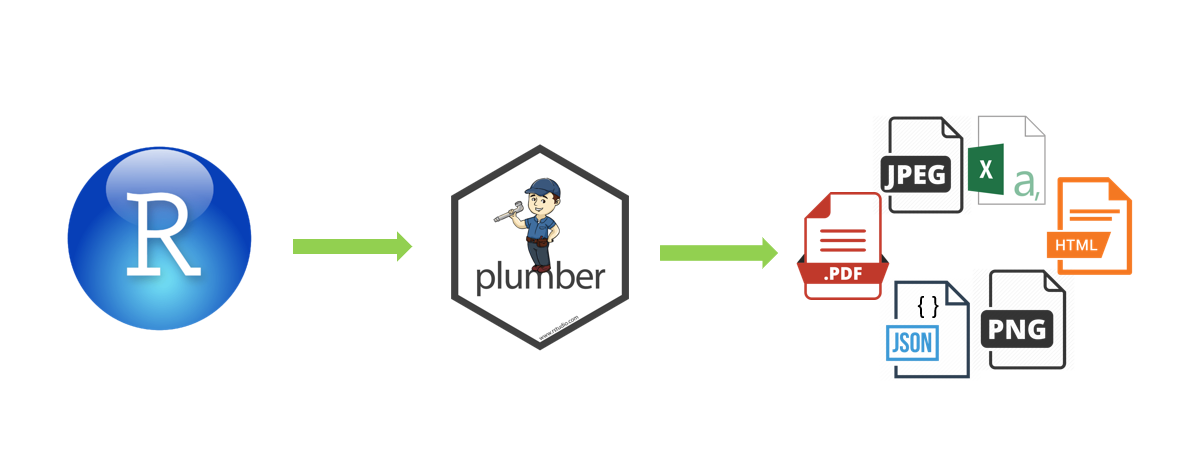
API (Application Programming Interface) bir uygulamanın özelliklerinin, başka bir uygulama tarafından kullanılmasına imkan sunan bir arayüzdür. REST (REpresentational State Transfer), istemci-sunucu arasındaki haberleşmeyi sağlayan, HTTP metotları kullanılarak isteklerde bulunup, bu isteklere çeşitli formatlarda yanıt alınan esnek yapılı bir mimaridir.
Plumber, mevcut R kodlarını API yazım formatına uyarlayarak bir web hizmeti olarak sunmaya izin veren ve REST API yazımı için kullanılan R kütüphanesidir. Plumber, R’da yapılan işlemlerin diğer platformlarda veya programlama dillerinden kullanma imkanını sunar. Plumber ile R’da yapılan analiz veya görselleştirmelerinizi bir web uygulamasına entegre edebilirsiniz.
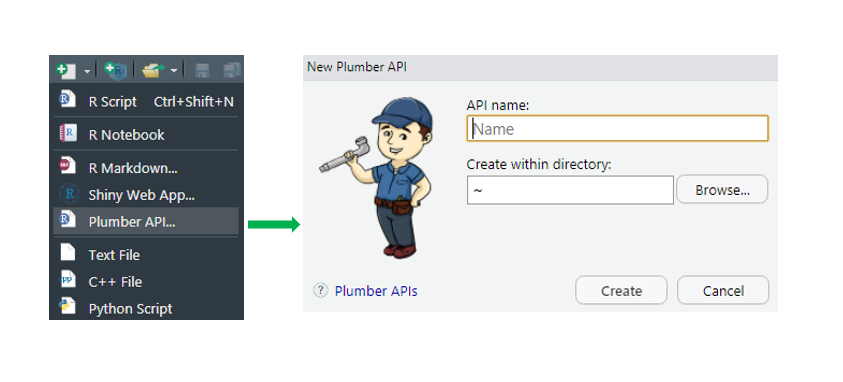
R’da API yazmak için plumber dosyasının aşağıdaki resimde görüldüğü gibi eklenmesi gerekir.
library(plumber)
library(dplyr)
library(plotly)
library(gridExtra)
library(leaflet)
library(grid)
library(jsonlite)
Kullanılan veri seti : https://www.kaggle.com/START-UMD/gtd
# * getPng
# * @png
# * @get / png

function () {
  attack_type_data <- turkey_data%>%
    select (attacktype1_txt)%>%
    filter (attacktype1_txt! = "Unknown")%>%
    group_by (attacktype1_txt)%>%
    summarise (count = n ())

  plot <- ggplot (attack_type_data,
    aes (x = "", y = count, fill = attacktype1_txt)) +
    geom_bar (stat = "identity", width = 1) +
    coord_polar ("y" , start = 0) +
    theme_void () +
    scale_fill_brewer (palette = "Set2") +
    labs (fill = "Attack Type")

  print (plot)
}
# * getPdf
# * @serializer contentType list (type = "application / pdf")
# * @get / pdf

function () {
  attack_type_data <- turkey_data%>%
                      select (attacktype1_txt)%>%
                      filter (attacktype1_txt! = "Unknown") ))%>%
                      group_by (attacktype1_txt)%>%
                      summarise (count = n ())

  total_name <- rbind (attack_type_data [, 1], "Toplam")
  sum <- addmargins (as.matrix (attack_type_data [-1]) , 1)
  attack_type_data <- cbind (total_name, sum)

  attack_type_data <- attack_type_data%>%
    mutate (Yuzde = round ((attack_type_data $ count /
    attack_type_data [length (attack_type_data [,) 1]), 2]), 2) * 100)
    attack_type_data $ Yuzde <- paste0 (attack_type_data $ Yuzde, "%")

  colnames (attack_type_data) [colnames (attack_type_data) == "attacktype1_txt ] <- "Attack Type"
  colnames (attack_type_data) [colnames (attack_type_data) ==  "count"] <- "Sayi"

  tmp <- tempfile ()
  pdf (tmp)
  pdf_title <- textGrob ("List Percentages of Attack Types",
                         gp = gpar (fontsize = 14, col = '
                         Darkblue', fontface = 'bold'))

  tema <- ttheme_minimal (
    core = list (bg_params = list (fill = blues9 [1: 4], col = NA),
              fg_params = list (fontface = 3)),
              colhead = list (fg_params = list (col = "navyblue",
              fontface = 4L) ),
    rowhead = list (fg_params = list (col = "darkblue", fontface = 3L)))

  grid.arrange (pdf_title,
               tableGrob (attack_type_data, theme = thema))
  dev.off ()

  readBin (tmp, "raw", n = file.info (tmp) $ size)
}
# * getJson
# * @serializer contentType list (type = "application / json")
# * @get / json

function () {
  attack_type_data <- turkey_data%>%
    select (attacktype1_txt)%>%
    filter (attacktype1_txt! = "Unknown") ))%>%
    group_by (attacktype1_txt)%>%
    summarise (count = n ())

  df <- jsonlite :: toJSON (attack_type_data)
  return (df)

}
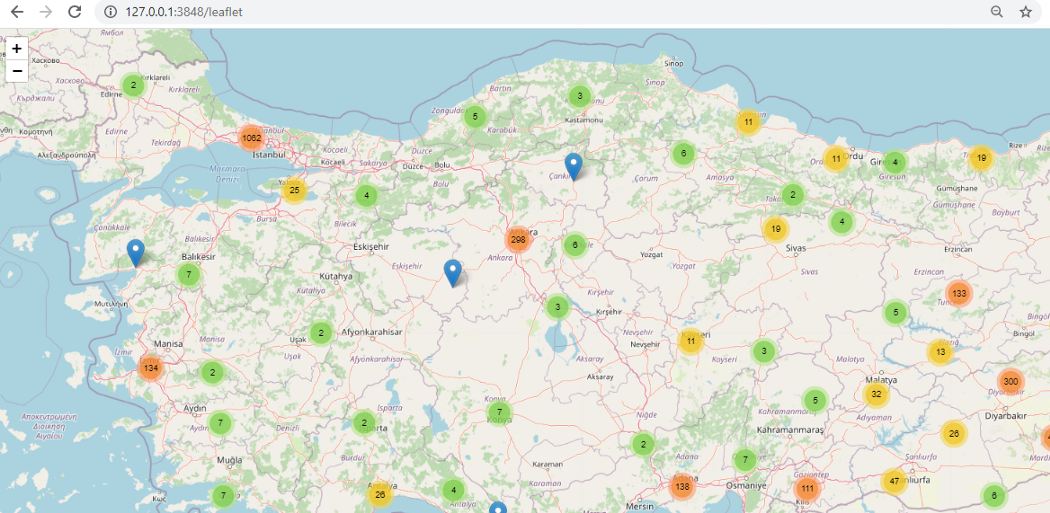
# * getLeaflet
# * @serializer htmlwidget
# * @get / leaflet

function () {
  leaflet ()%>%
    addTiles ()%>%
    addMarkers (data = turkey_data, clusterOptions =
               markerClusterOptions (),
               popup = ~ paste (country_txt, " / ", city))

}
# * deleteMethod
# * @serializer contentType list (type = "application / json")
# * @delete / deleteMethod

function (attack_type) {
  attack_type_data <- turkey_data%>%
    select (attacktype1_txt)%>%
    filter (attacktype1_txt! = "Unknown")%>%
    group_by (attacktype1_txt)%>%
    summarise (count = n ())

  attack_type_data_delete <- attack_type_data %>%
    filter (attacktype1_txt != attack_type)

  df <- jsonlite :: toJSON (attack_type_data_delete)
  return (df)
}
# * updateMethod
# * @serializer contentType list (type = "application / json")
# * @put / updateMethod

function (attack_type, countValue) {
  countValue <- as.numeric (countValue)
  attack_type_data <- turkey_data%>%
    select (attacktype1_txt )%>%
    filter (attacktype1_txt! = "Unknown")%>%
    group_by (attacktype1_txt)%>%
    summarise (count = n ())

  attack_type_data [attack_type_data $ attacktype1_txt == attack_type, "count"] <- countValue

  attack_type_data_update <-  attack_type_data

  df <- jsonlite :: toJSON (attack_type_data_update)
  return (df)

}
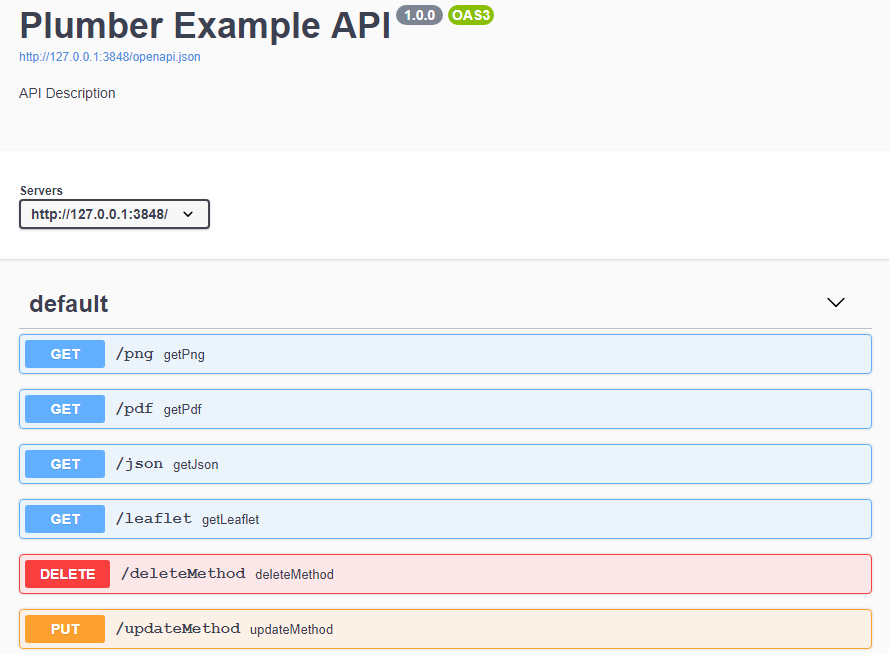
Yazılan kodların çalıştırılması ile Swagger ekranı açılır. Bu ekranda metodların çalıştırılması ile kodların testi yapılabilir.
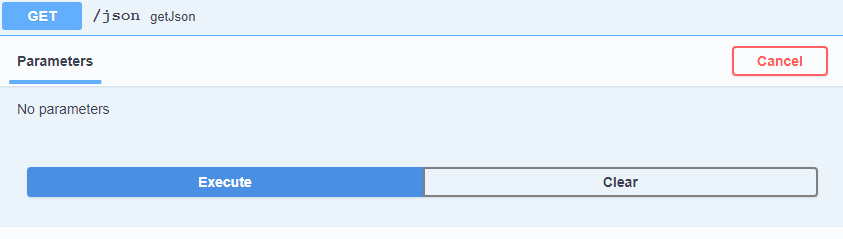
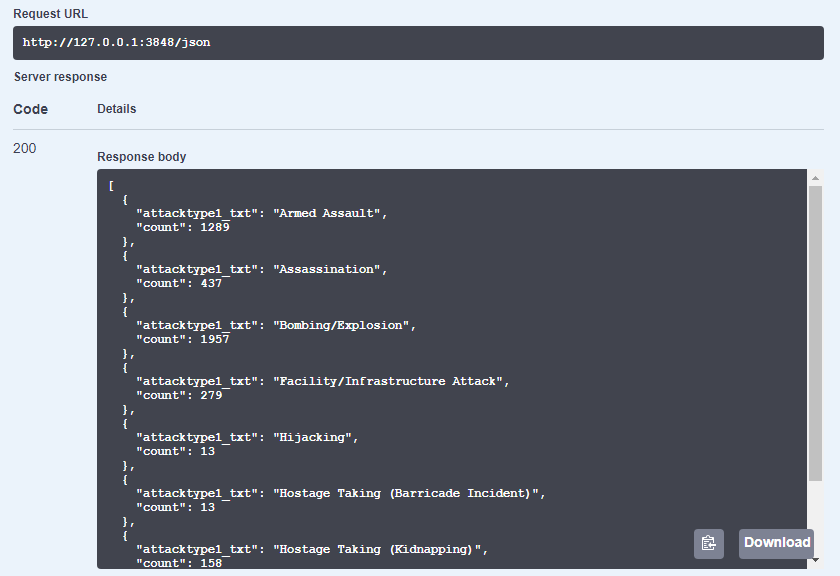
Swagger ekranında ilgili metod seçilerek Execute butonuna tıklanarak sonuç görüntülenebilir. Server response kısmında 200 dönmesi metodun başarılı olduğunu göstermektedir.
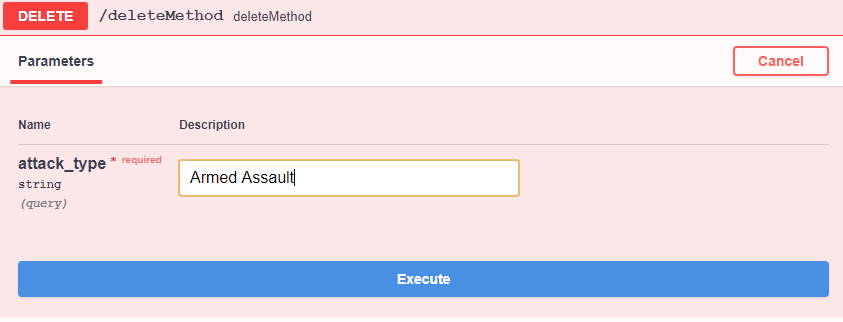
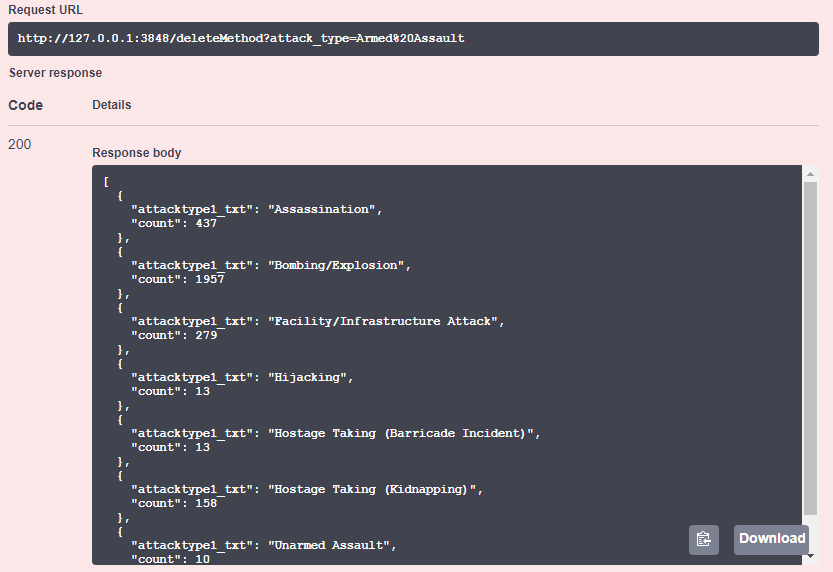
Delete metodunda fonksiyondaki parametreye göre girilen değer veri içinden silinir, verinin son hali elde edilir.
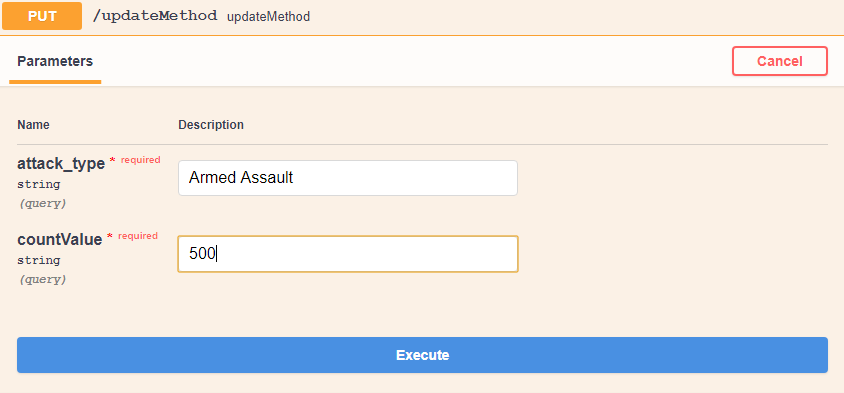
Put metodunda fonksiyondaki parametreye göre girilen değer veri içinde güncellenir, verinin son hali elde edilir.
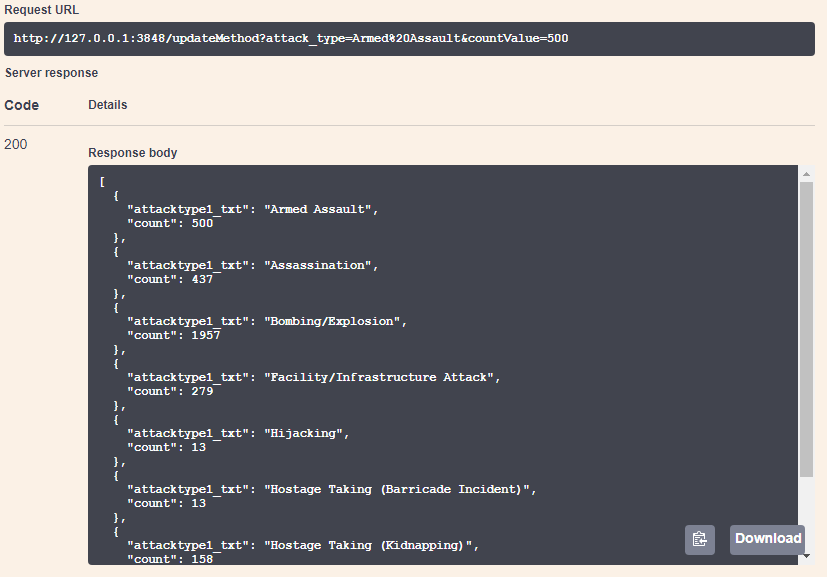
Ek olarak Request URL ile tarayıcıdan da sonuçları görebilirsiniz.