This tool provides PowerShell reverse shell with AMSI bypass and several additional features such as PsExec download and persistence via WMI event subscription.
The sole purpose of this tool is for red-teamers and pentesters assessments.
Almost all amsi bypass techniques have already been flagged and blocked. Therefore I choose Paul Laîné's technique which is still stealth. This technique manipulate amsi.dll by modifing the instructions of the Amsi ScanBuffer function, hence patching it in order to block the detection of "malicious" content.
For additional information: https://www.contextis.com/us/blog/amsi-bypass
Windows Management Instrumentation (WMI) Event Subscription is one of various ways to establish persistence on a local machine.
WMI events run as an nt-authority\system, persists across reboots and Administrator privilege is required to use this technique.
By default, the WMI service - Winmgmt is running and listening on tcp port 135.
A restart is required in order for the persistence to start.
Persistent WMI objects are stored in the subscription Namespace in the WMI repository:
%windir%\System32\wbem\Repository\OBJECTS.DATA

After running the file, three new classes (Pentest-WMI) will be created in the repository:


Before compiling the script, IP (and port if different from 443) must be changed.
There are several methods to compile ps1 to executables, however IExpress utility is a "Living off the Land". IExpress is a built-in Windows application that’s typically used for packaging files or creating software installers.
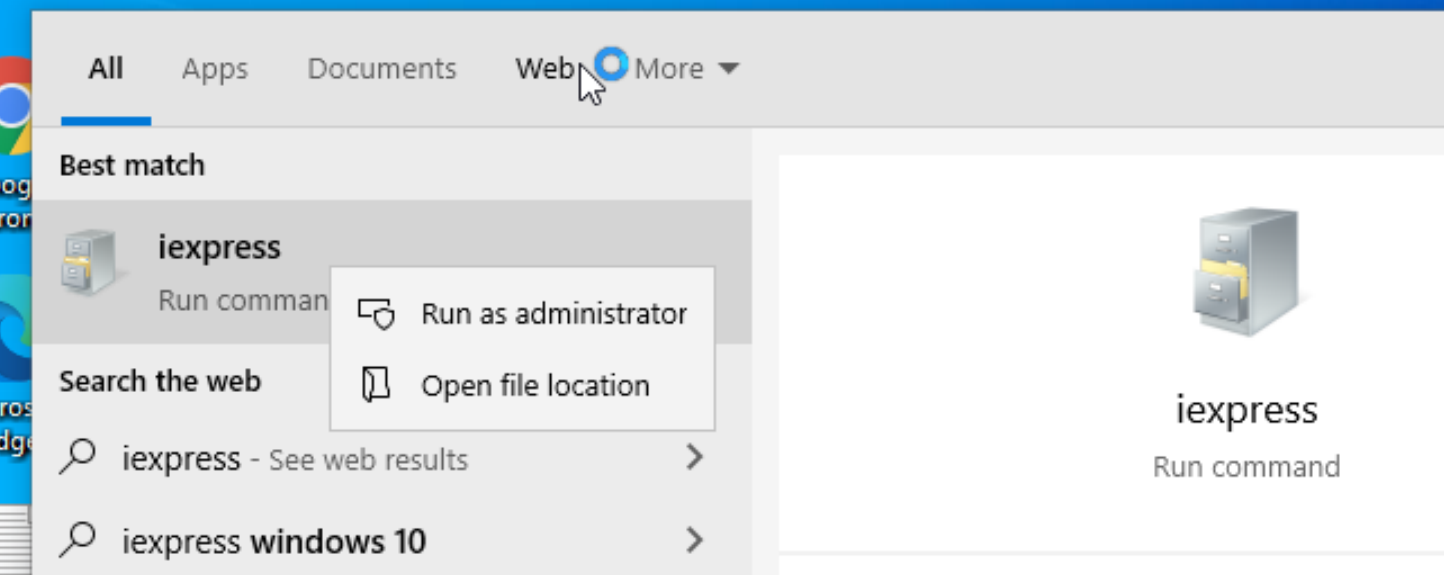
IExpress must be opened with an admin:
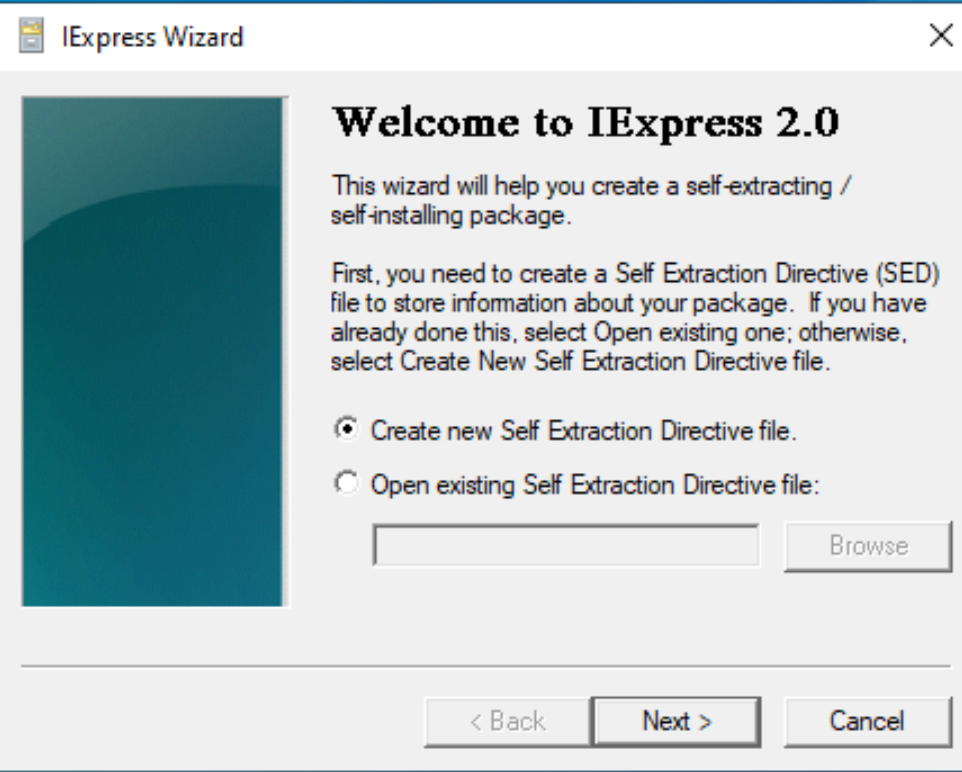
Select Create new Self-Extraction Directive File option and click Next:
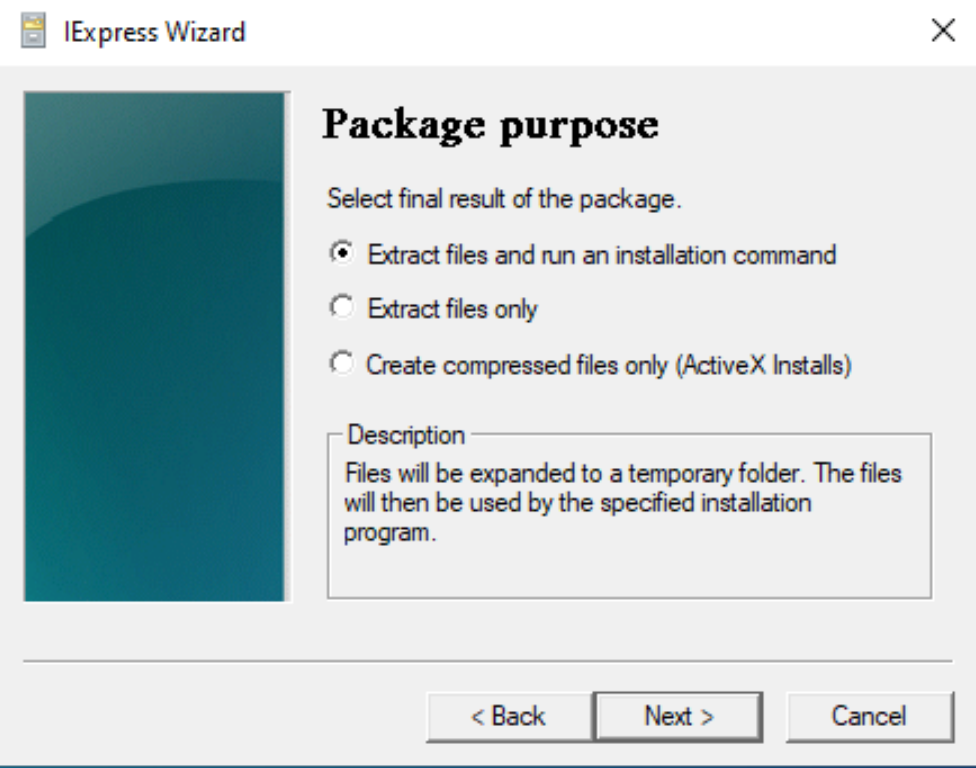
Select the Extract files and run an installation command
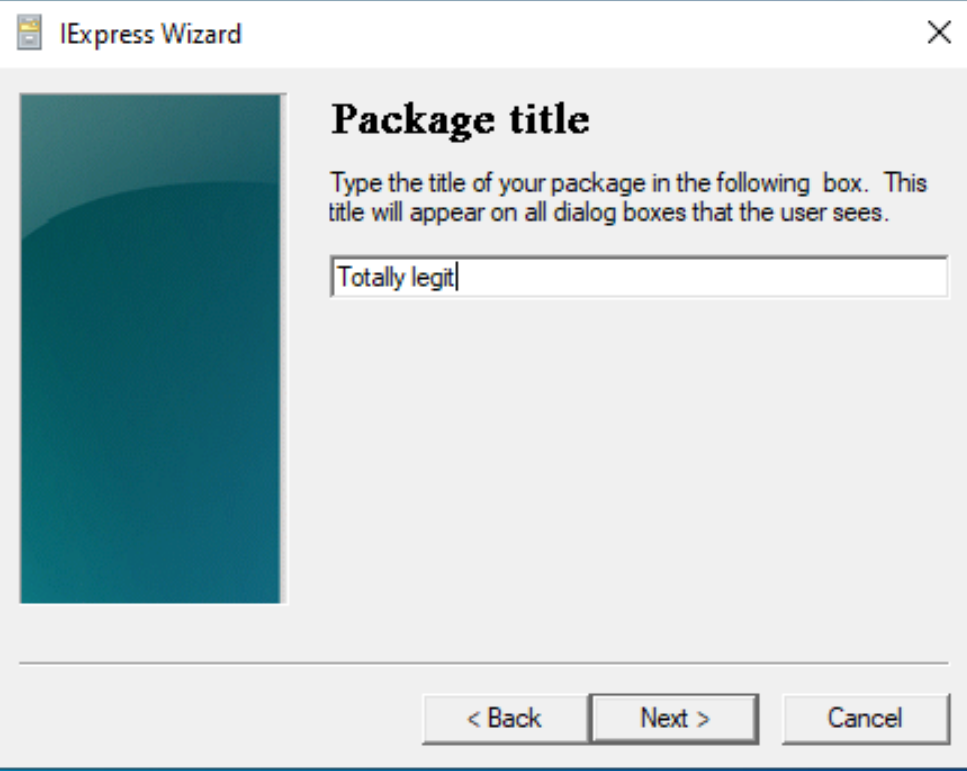
Write a Package Title and click Next:
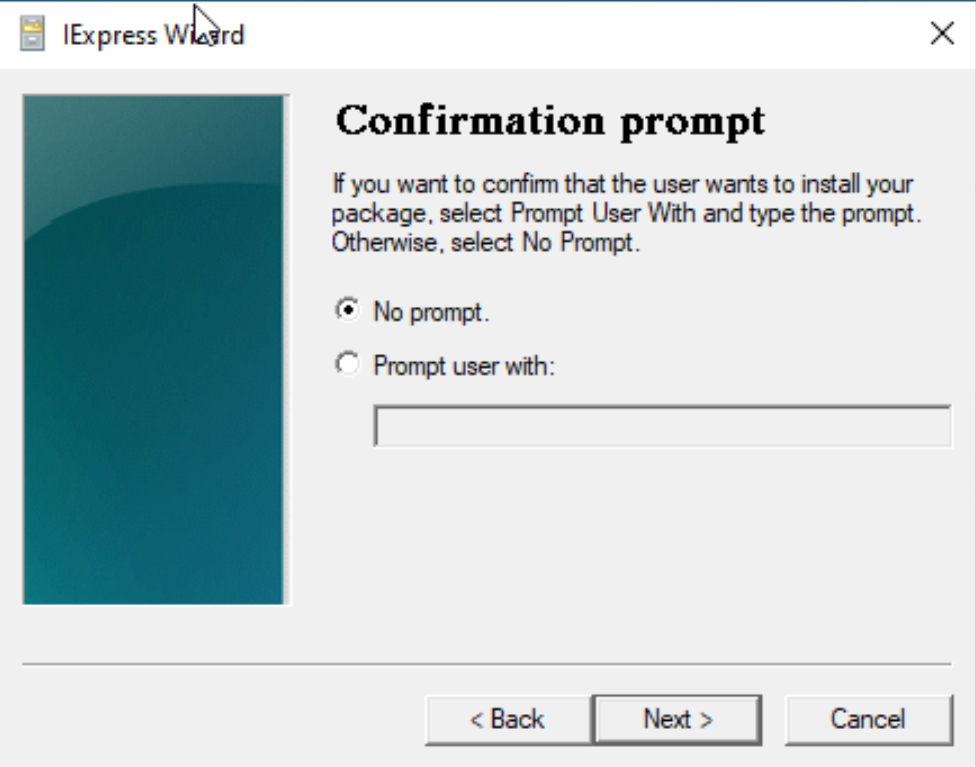
Next, choose No prompt:
In the License Agreement choose Do not display a license option and click Next:

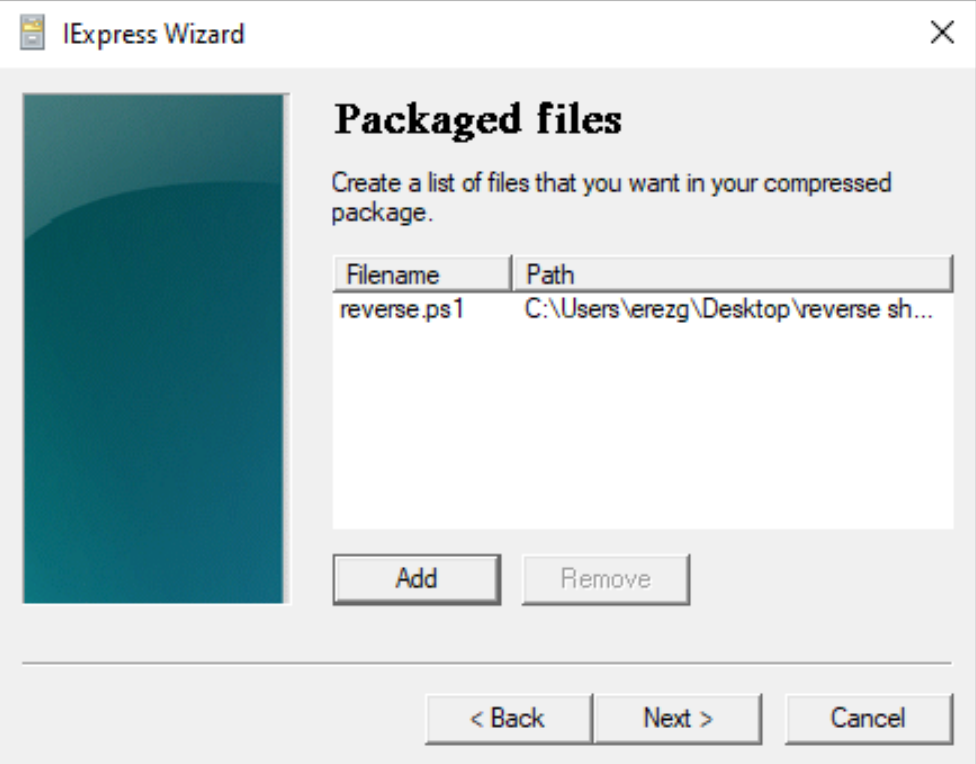
Now click on Add and select the reverse.ps1 file:
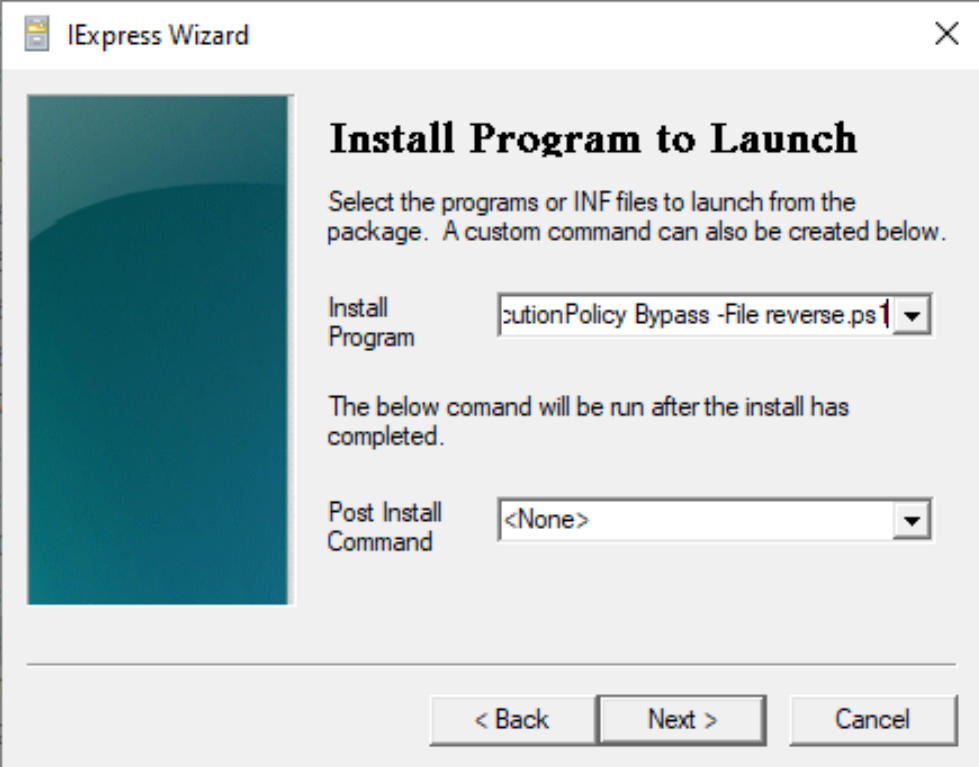
On the Install Program window, write powershell.exe -ExecutionPolicy Bypass -File reverse.ps1 and click Next:
As the exe file is supposed to run in the background, choose Hidden and click Next:

Select No message and Next:

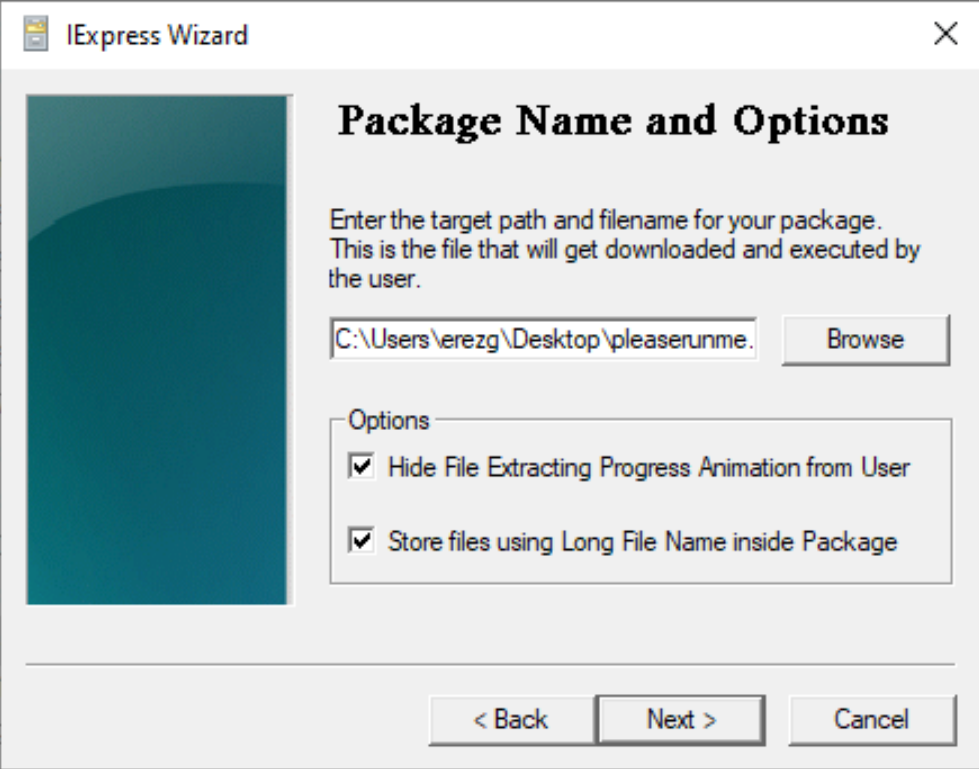
Now browse the path and write the exe file's name (pleaserunme.exe) you are going to create. Enable both options and click Next:
No restart is needed:

Selecting Save Self Extraction Directive (SED) file option will allows you to modify any options you have previously selected after compliation is completed:

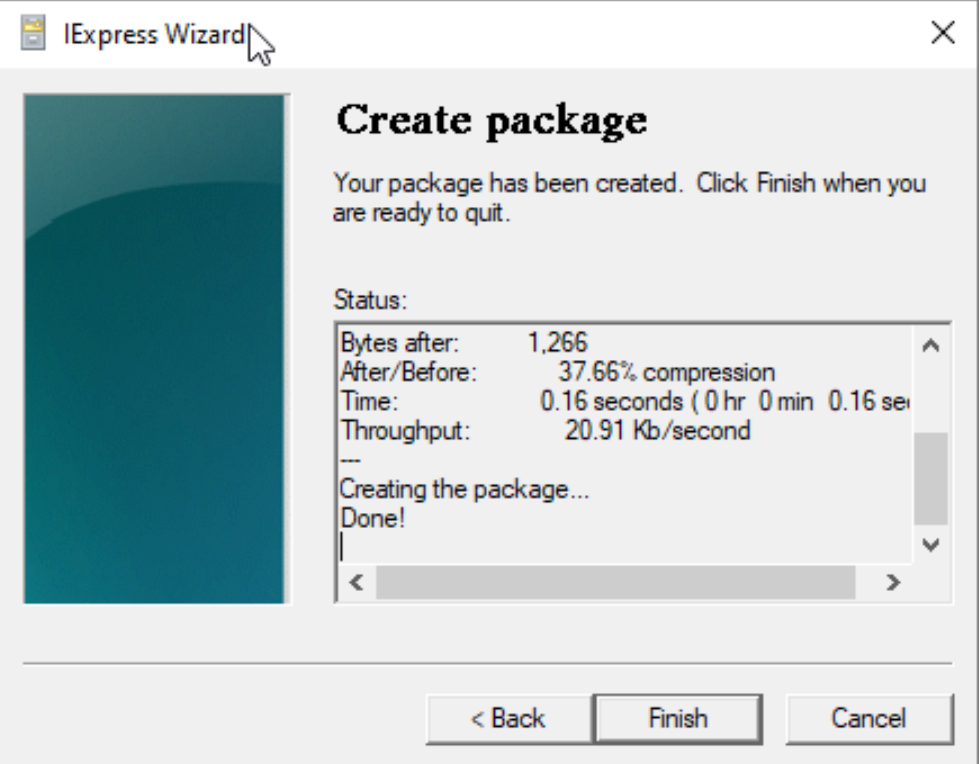
Select Next to create the executable file:
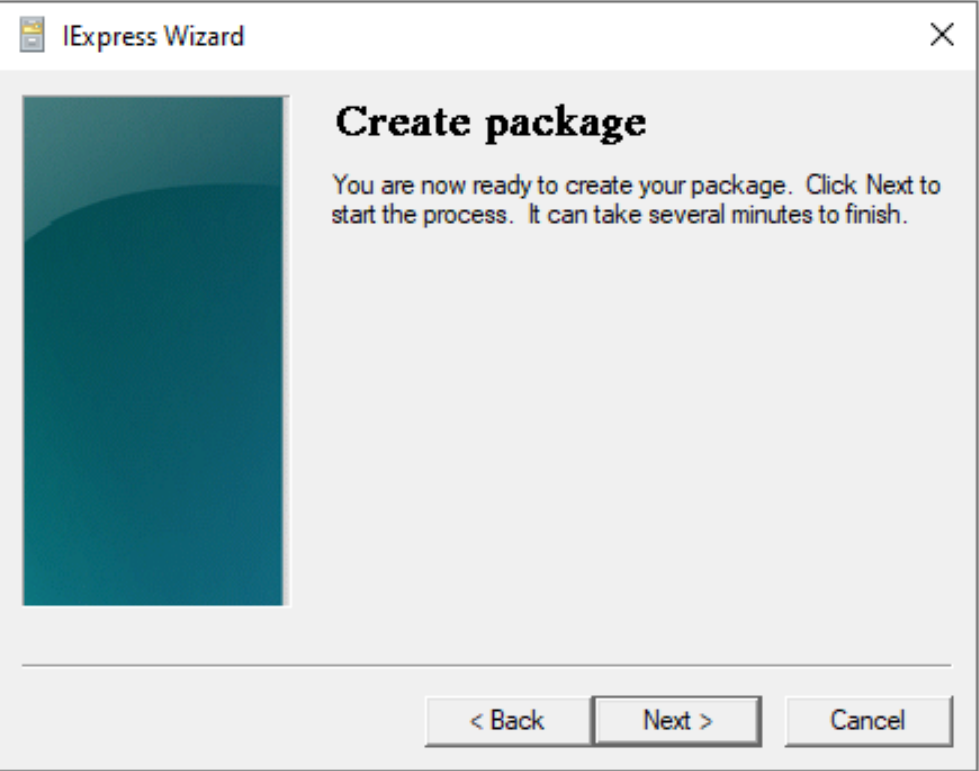
File is now ready: