6.1.0

Radial Timeline 6.1.0
This release adds workflow enhancements and improved UI, with session tracking, daily goals, clearer timeline controls, and contextual scene insertion from the timeline.
New Features
- Added Goals & Sessions for tracking writing momentum.
- Settings → Core dashboard for drafting pace, daily targets, weekly goal days, and local writing stats.
- Title-bar numeric counter for quick session visibility.
- Timeline popover for starting, pausing, and saving sessions.
- Multi-mode count ring beside the center progress ring with animated ring feedback while a tracking session is active.
- Added right-click Add Scene in Progress, Narrative, and Chronologue modes, using the selected scene as the anchor for placement, act,
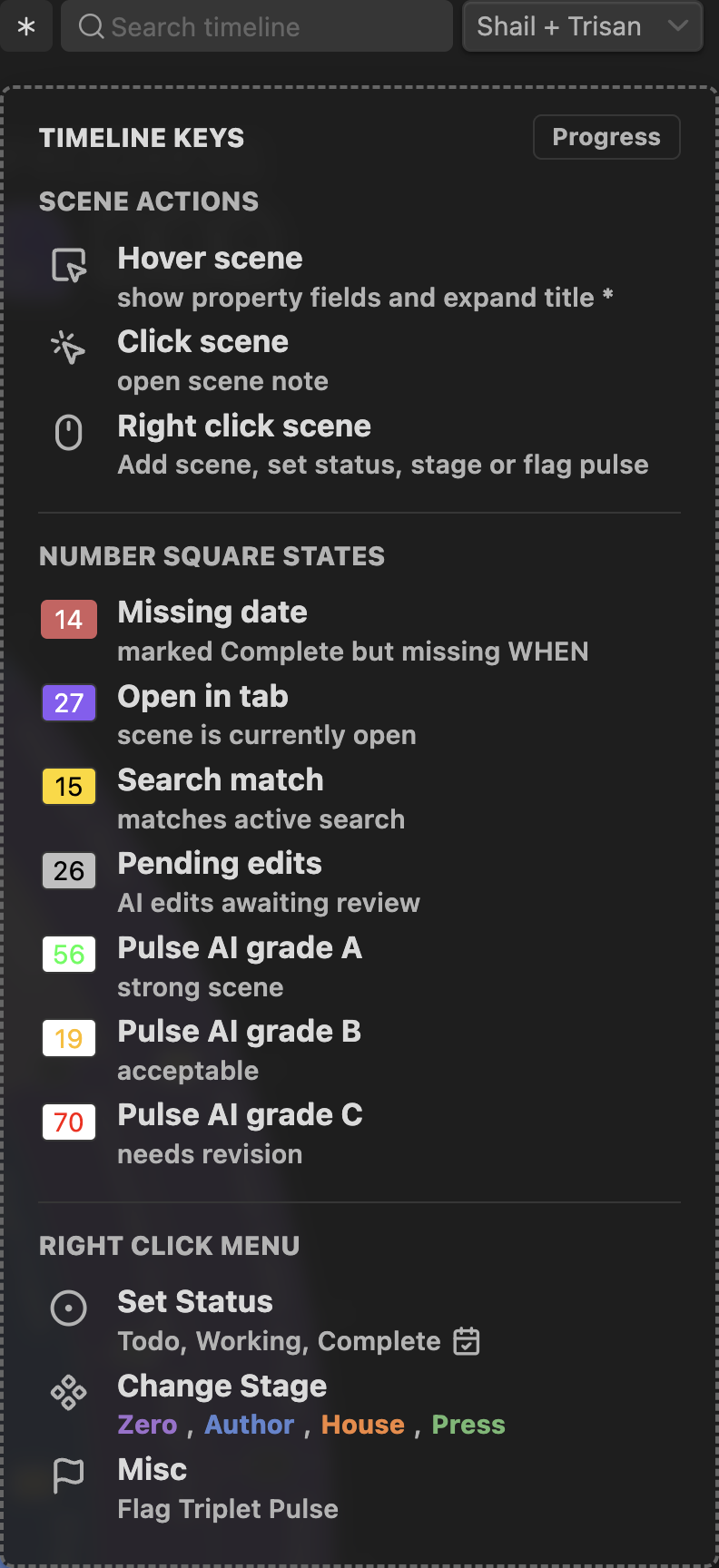
When, YAML mode, and subplot context. - Restyled the Radial Timeline mode buttons with a smaller, cleaner control treatment and updated the timeline legend.
Visual Highlights
Goals & Sessions
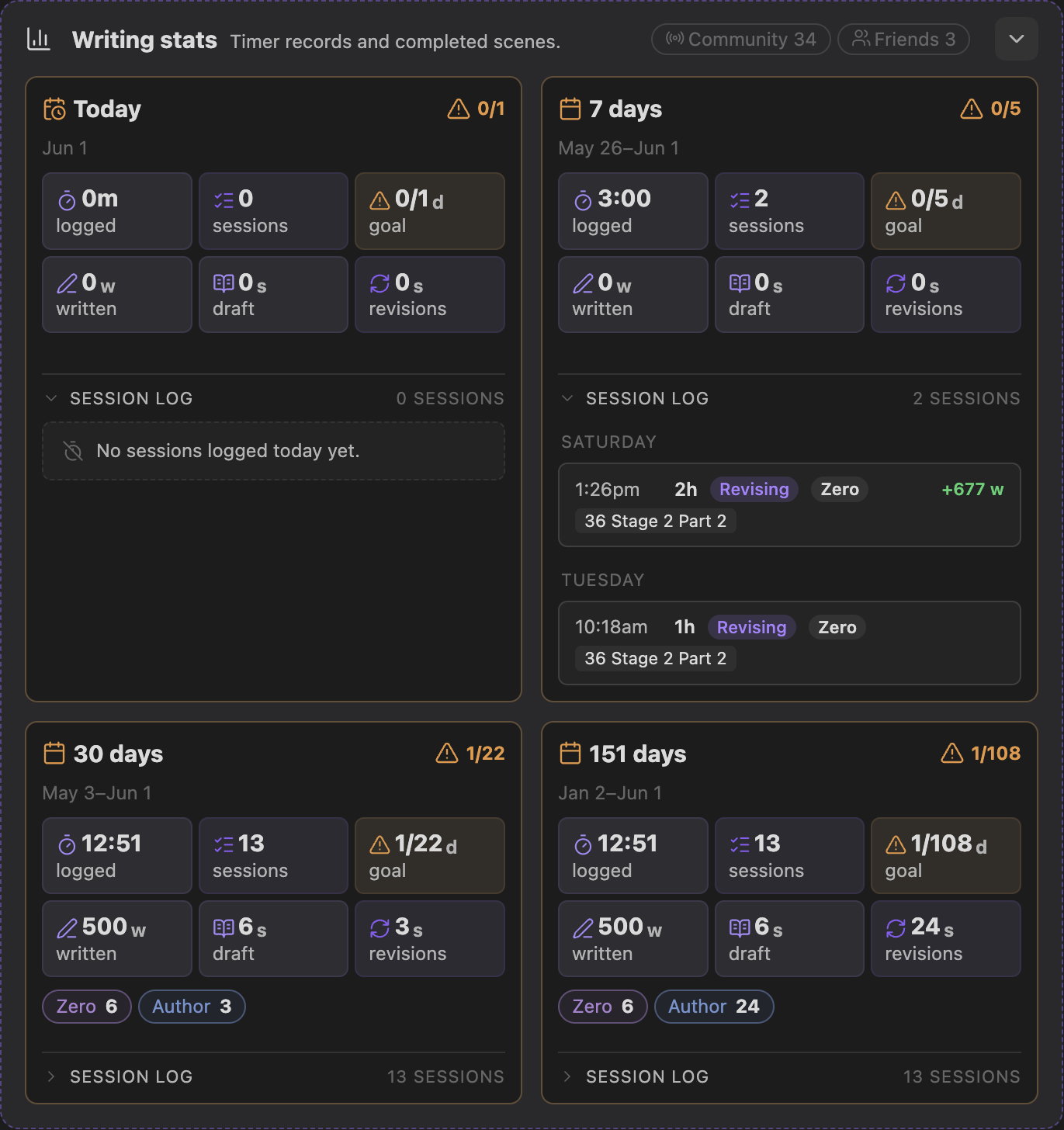
Timeline session controls

Right-click Add Scene
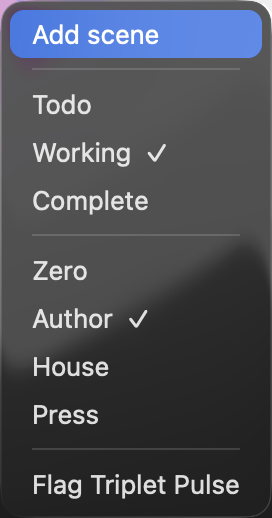
Add Scene confirmation
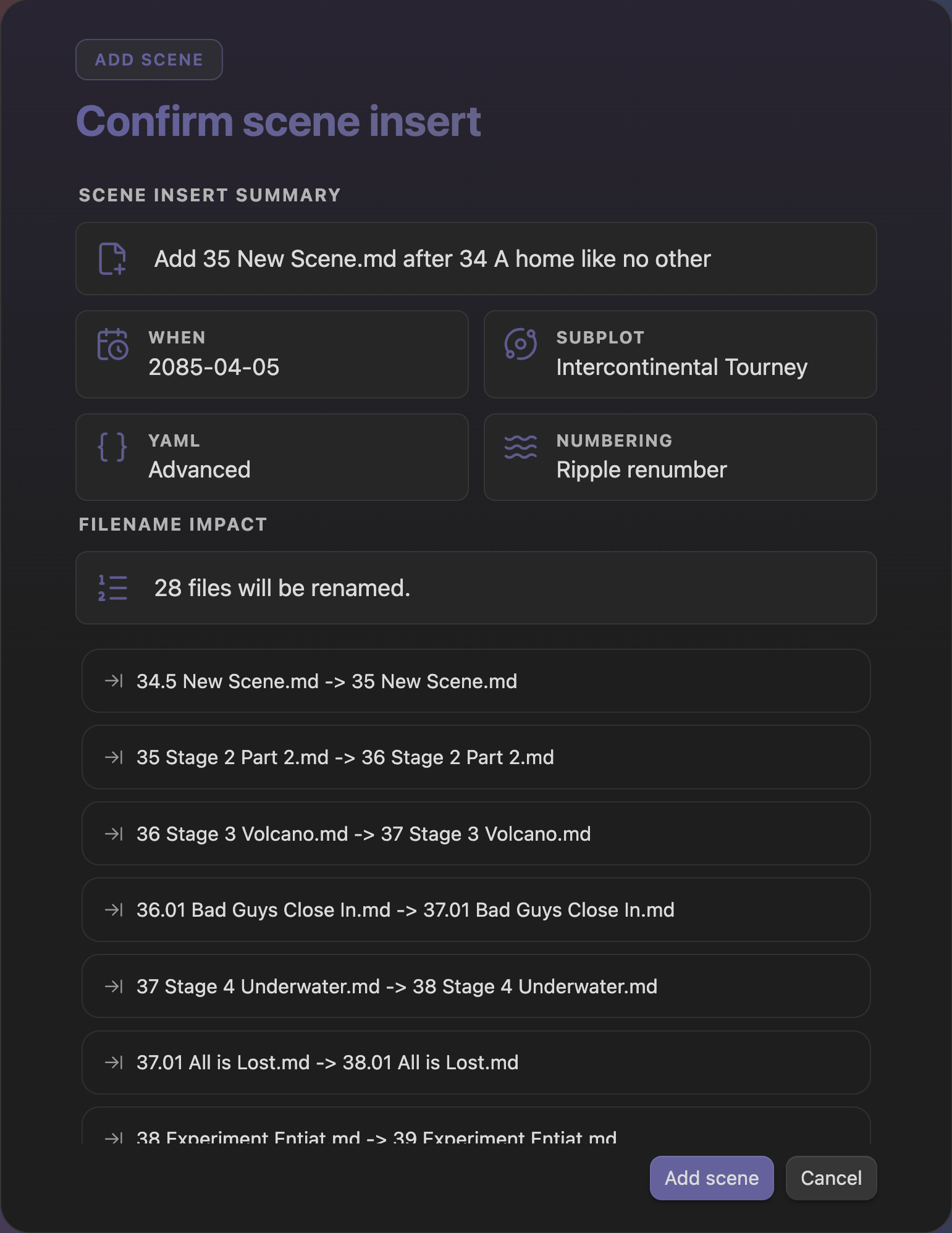
Radial Timeline mode buttons
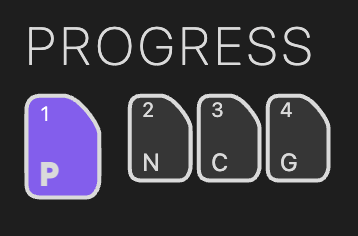
Radial Timeline legend
Improvements
- Improved AI model handling with request profiles for provider-specific capabilities, including models that manage sampling or reasoning settings differently.
- Added ChatGPT 5.5 to the supported OpenAI models.
Bug Fixes
- Fixed timeline count and mode-control styling regressions.