| Hardware parts | Recommendation | Alternatives |
|---|---|---|
| System: | Raspberry Pi Zero W | Raspberry Pi Model A/A+/B/B+ |
| Wlan stick: | EDIMAX EW-7811 (if no Wifi is integrated) | any out there, or LAN |
| SD card: | Class 10, min. 4GB better 8, 16 or 32GB | any out there |
| Temperature + Humidity: | AM2302 | DHT22 or DHT11 |
| Pressure: | BMP180 | BMP085 |
*If you buy all hardware from Ebay the complete weatherstation (listed above) will cost about ~20€
- Get the project:
git clone https://github.com/F481/pi-weatherstation.git --recursive - Configure your weatherstation in the
pi-weatherstation.cfgconfig file - Setup the pi-weatherstation:
cd pi-weatherstation/ && sudo bash setup.sh - Connect the sensors to your raspberry (you can find the wire layout in the doc/ folder):
- Check if all is working fine:
cd pi-weatherstation/ && sudo bash check.sh - You're done! Open your browser and enjoy:
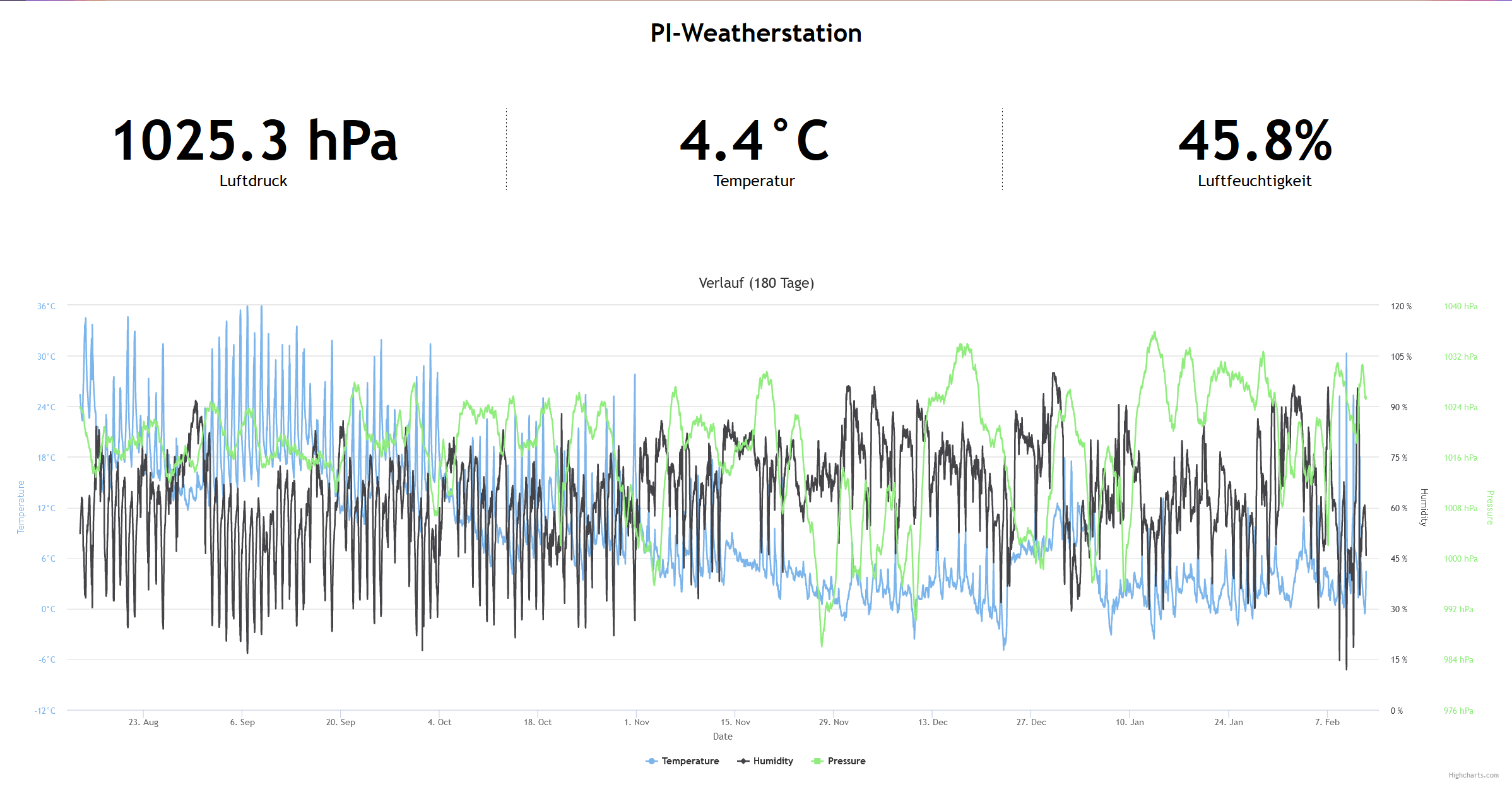
http://<IP/Host of your Raspberry>/pi-weatherstation