PreAllocate for speed (privilege) setting NOT works properly #173

Description

OS: Windows 11 22H2
FastCopy version: v5.0.3
I've configured "PreAllocate for speed (privilege)" in "Main Settings\Copy Options" as follows.
None(default) -> Always

But, when I open "Copy Options" settings again, the manual tweak as above restores to default.

What's wrong with my handling of the settings?
I've loaded FastCopy as administrator privilege as below.
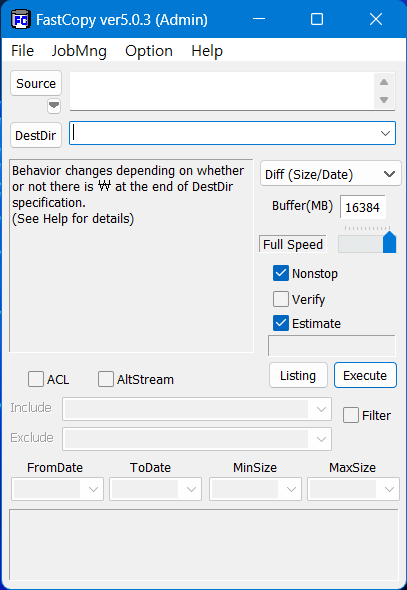
p.s.)
I still have no idea what "privilege mode" means.
Can you explain it in a more easy way, plz?