Project template for BlackSheep web applications using MVC architecture. This project template can be used to build web applications that serve static files, support server side rendering of HTML, and expose APIs.
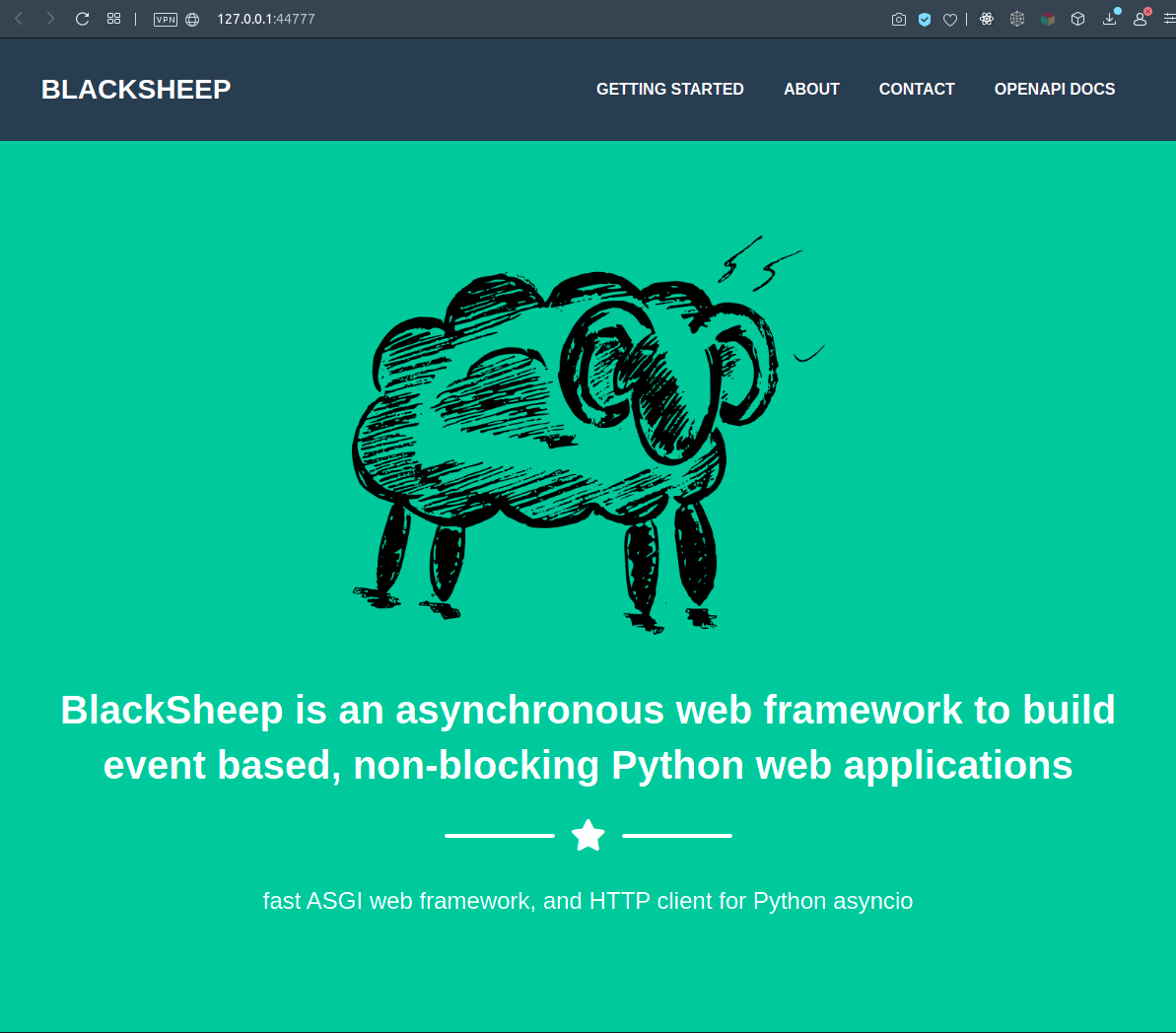
This project template is documented in the following tutorial: Getting started with the MVC project template. The documentation of the framework can be read here.
- Clone the repository
$ git clone https://github.com/Neoteroi/BlackSheepMVC.git yourproject-
Navigate to its folder
-
Create a Python virtual environment and install requirements.txt
-
Run the application
$ uvicorn server:app --port 44777 --reload --log-level info- Basic folder structure
- Strategy to organize request handlers in controllers, and folder structure of views (HTML templates used by Jinja2)
- Strategy to read configuration from YAML, JSON, INI files, and environmental
variables; using
roconfiguration - Handling of dependency injection, using
rodi🌷 - Configuration of exceptions handlers
- Handling of application start and stop events
- Strategy to handle authentication and authorization, using
guardpost - Integration with
Jinja2 template engine - Automatic generation of OpenAPI Documentation
In BlackSheep, request handlers can be defined as functions, or class methods.
Using class methods has the benefit of reducing code repetition, when the same
context is needed for several request handlers. In both cases, services
configured at startup and described in handlers' signatures, are injected
automatically by the framework (see app.services and how the Container class
is used). Controllers also receive injected services to their constructors
(__init__ methods), hence potentially reducing code repetition.
Controllers also offer extra extensibility points: on_request, on_response,
base route for all handlers defined on the class, and automatic selection of
view by method name.
from blacksheep.server.controllers import Controller, get


class Home(Controller):
    @get()
    def index(self):
        # Since the @get() decorator is used without arguments, the URL path
        # is by default "/"

        # Since the view function is called without parameters, the name is
        # obtained from the calling request handler: 'index',
        # -> /views/home/index.html
        return self.view()

    @get(None)
    def example(self):
        # Since the @get() decorator is used explicitly with None, the URL path
        # is obtained from the method name: "/example"

        # Since the view function is called without parameters, the name is
        # obtained from the calling request handler: 'example',
        # -> /views/home/example.html
        return self.view()
It is also possible to define API endpoints, using the provided ApiController
class (endpoints defined this way are automatically prepended with /api/ and,
if desired, a version of the API:
from blacksheep import Response
from blacksheep.server.controllers import ApiController, delete, get, patch, post


# In this case, the entity name is obtained from the class name: "cats"
class Cats(ApiController):
    @get(":cat_id")
    def get_cat(self, cat_id: str) -> Response:
        """
        Handles GET /api/cats/:id
        """

    @patch(":cat_id")
    def update_cat(self, cat_id: str) -> Response:
        """
        Handles PATCH /api/cats/:id
        """

    @post()
    def create_cat(self) -> Response:
        """
        Handles POST /api/cats
        """

    @delete(":cat_id")
    def delete_cat(self, cat_id: str) -> Response:
        """
        Handles DELETE /api/cats/:id
        """


# To specify an api name different than the class name, use a @classmethod called "class_name",
# like in this example:
class FooExample(ApiController):
    @classmethod
    def class_name(cls) -> str:
        return "foo"

    @get(":foo_id")
    def get_cat(self, foo_id: str) -> Response:
        """
        Handles GET /api/foo/:id
"""BlackSheep implements automatic generation of OpenAPI Documentation for most
common scenarios, and provides methods to enrich the documentation with
details. More complex scenarios can be expressed through manual configuration.
This project template includes an example of OpenAPI Documentation, and exposes
a Swagger UI to inspect the API at /docs path.
After running the application using, navigate to its /docs path to see the
documentation:
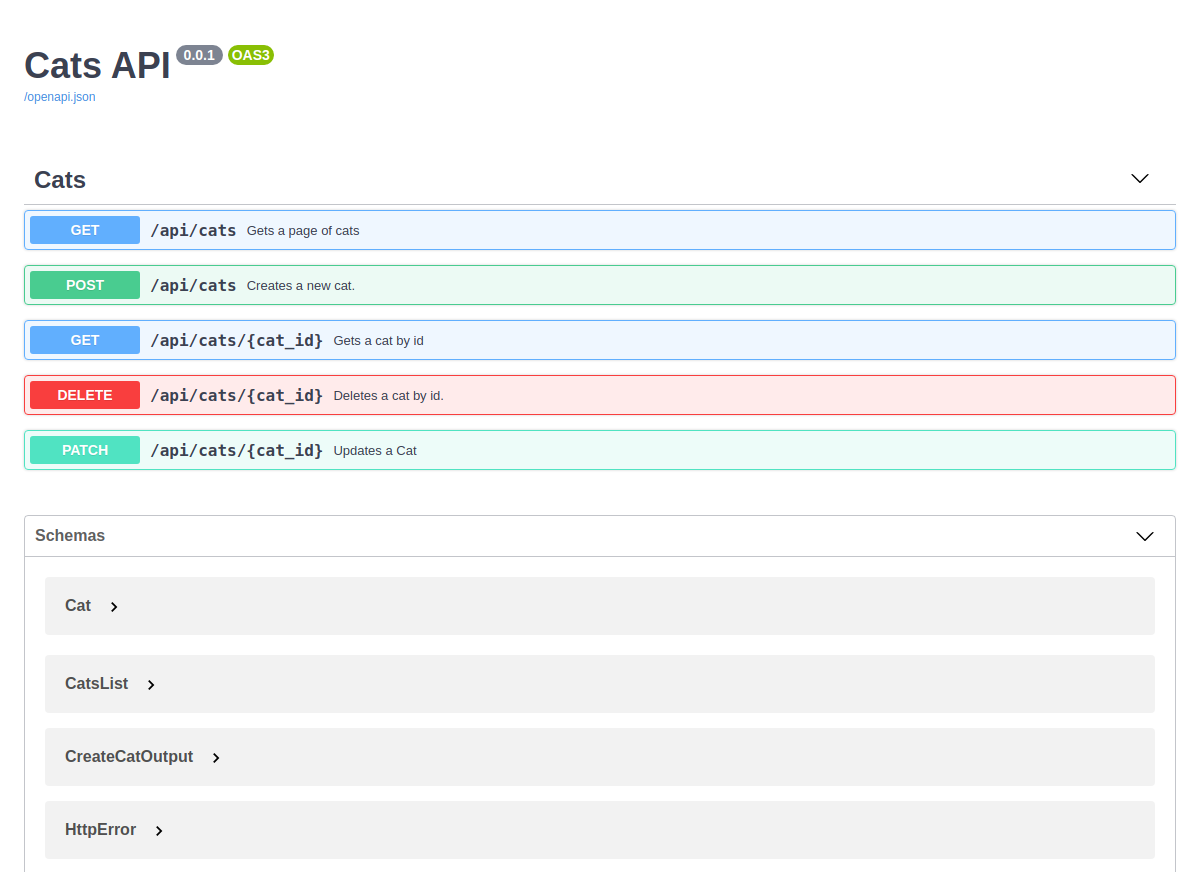
See the source code of the project template, to see how documentation is
organized and configured (app.docs, app.controllers.docs).
For more information and documentation about built-in dependency injection, read the documentation about:
This project template includes references to uvicorn.
To run with hot reload during local development and using a custom port:
uvicorn server:app --port 44777 --reload --log-level infoHowever, it is possible to use other implementations of ASGI HTTP Servers.
For example, to use the same application with Hypercorn:
$ pip install Hypercorn

$ hypercorn server:appTo develop locally over HTTPS using a trusted certificate, see How to develop locally using HTTPS.