App Store Push Notification Entitlement Warning when Push Notifications Have Never Been Enabled. #258


Description

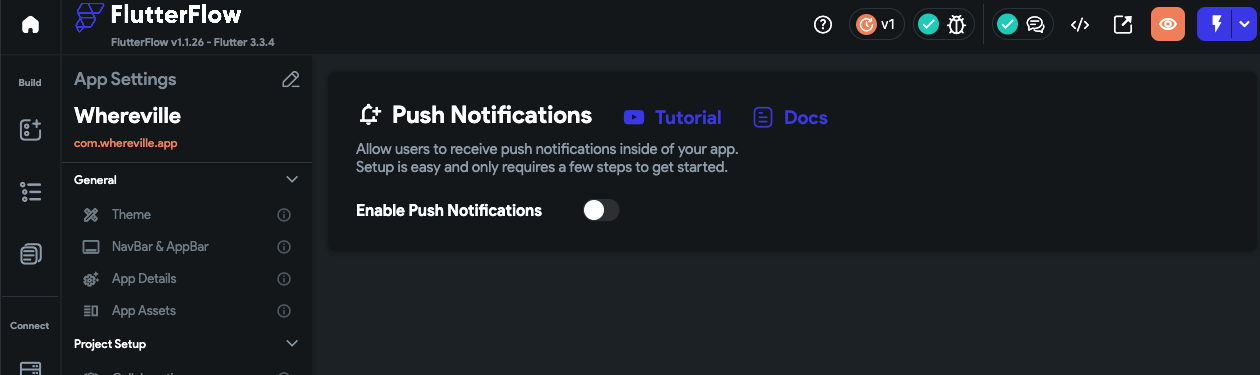
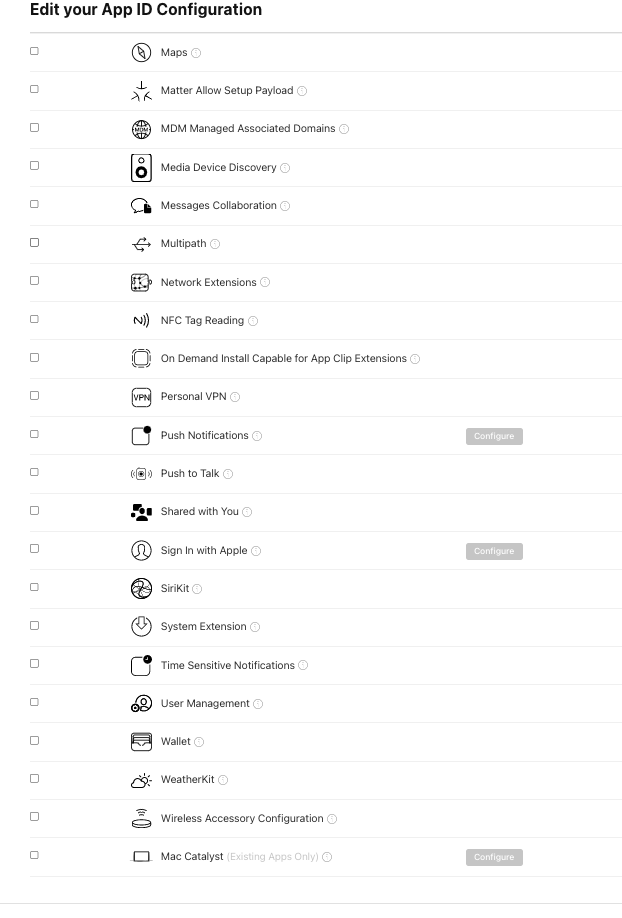
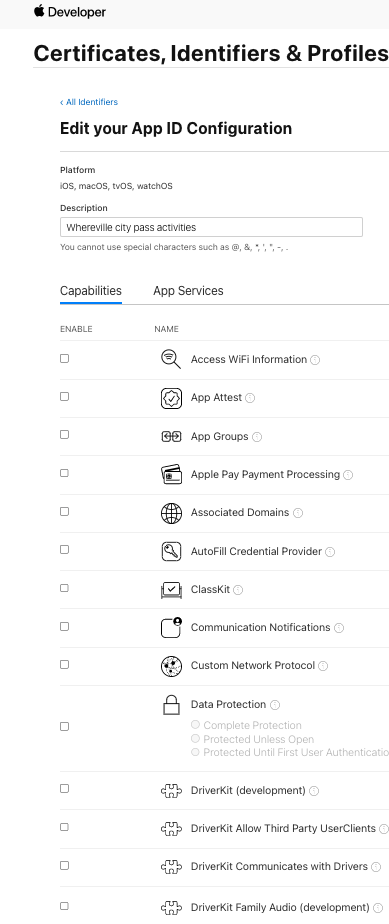
In my attempt to troubleshoot a push notifications error that has prevented me usign push notifications since the last 6 months, I went ahead and create a completely new app from scratch and came across an Apple App Store Connect post-deployment warning about push notifications when push notifications haven't even been enabled on Flutterflow or on the app's Apple developer identifier.
The warning message is:
ITMS-90078: Missing Push Notification Entitlement - Your app appears to register with the Apple Push Notification service, but the app signature's entitlements do not include the 'aps-environment' entitlement. If your app uses the Apple Push Notification service, make sure your App ID is enabled for Push Notification in the Provisioning Portal, and resubmit after signing your app with a Distribution provisioning profile that includes the 'aps-environment' entitlement. Xcode does not automatically copy the aps-environment entitlement from provisioning profiles at build time. This behavior is intentional. To use this entitlement, either enable Push Notifications in the project editor's Capabilities pane, or manually add the entitlement to your entitlements file. For more information, see https://developer.apple.com/library/content/documentation/NetworkingInternet/Conceptual/RemoteNotificationsPG/HandlingRemoteNotifications.html#//apple_ref/doc/uid/TP40008194-CH6-SW1.
Please see screenshots below about app config on Apple Developer and Flutterflow. Please note this app is brand new and less than a few hours old. The setup of the app was followed letter by letter. And most importantly no push notifications were enabled either as identifier entitlements or on flutterflow's dashboard.