Bonding - DAO revenue generation tool based on selling vested staked assets with discount.
User is able to buy Bond-NFTs for $FTM native token. Bond is a right to claim certain amount (ALLOCATION) of staked GTON ($sGTON) after certain time (VESTING). The price of ALLOCATION is discounted market price of GTON. Discounts and vesting time is a subject of GC DAO voting. At the moment there are two types of bonds: "weekly-7%" and "quarterly-15%". After VESTING time ends user is able to claim sGTON and since that time his staking position will be activated and user will able to harvest rewards every day.
https://test.cli.gton.capital/
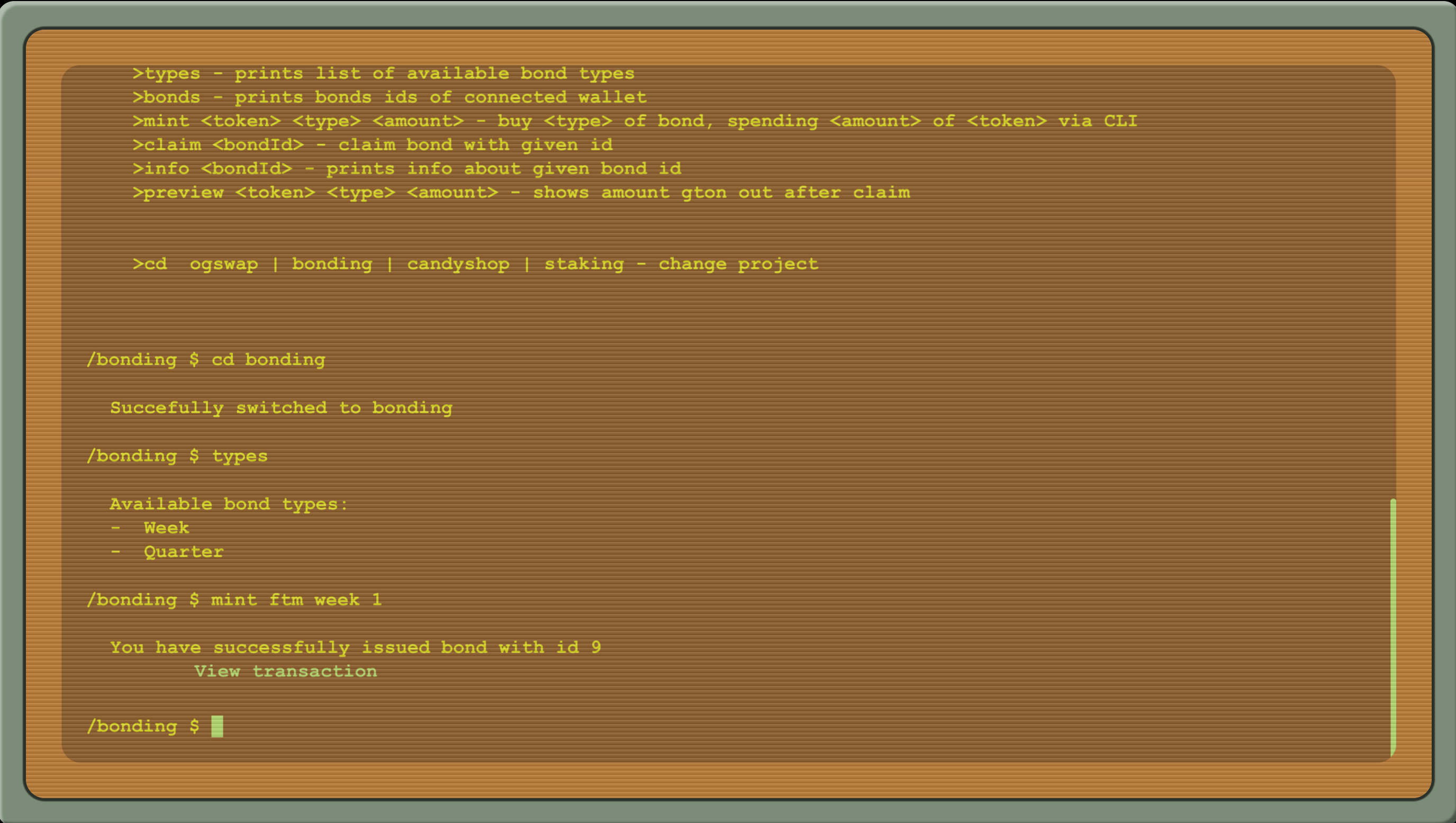
There are two main smart contracts:
- BondingETH - NFT-Bond minting/burning and sGTON claiming sc
- BondStorage - NFT-Bond token (ERC721Burnable).
There are two types of calls:
- Admin methods - to activate bonding, setup parameters: type/discount/vesting/
- User methods - mint (payableAmount, amount) and claim (tokenId)
npm is required
npm i
npx hardhat test
Fill in the field PRIVATEKEY in the file example.env and rename it to .env.
Set all necessary addresses for deployment in the file scripts/Bonding.ts, all can be left intact except bondStorageAddress since you need to add the address of the contract you are about to deploy calling setAdmin method of BondStorage, if you don't have admin access - you need to deploy an instance of it as well.
Run this command to make deployment to FTM Testnet with your account:
npx hardhat run scripts/Bonding.ts --network fantom-testnet
Due to the bug in FTMScan there is no automatic verification with hardhat-etherscan. In order to verify the account - create a flattened version of the file using:
npx hardhat flatten contracts/BondingETH.sol > BondingFlattened.sol
Unfortunately you'll have to manually delete duplicated SPDX identifiers, then go to FTMScan and upload the file selecting compiler version v0.8.8, single-file verification. Upon doing that you can interact with the contract. Remember to add this contract's address to BondStorage, and call startBonding -- you are good to go and can start creating bonds!