Super linter
- Create a folders in project root
|-.github/
  |-linters/
    |-markdown-lint.yml
    |-.stylelintrc.json
  |-workflow/
    |-linter.yml
- In linte.yml add connecting with GitHub Action Workflow
- Add in
linters/folder basic template and setup it for your needs
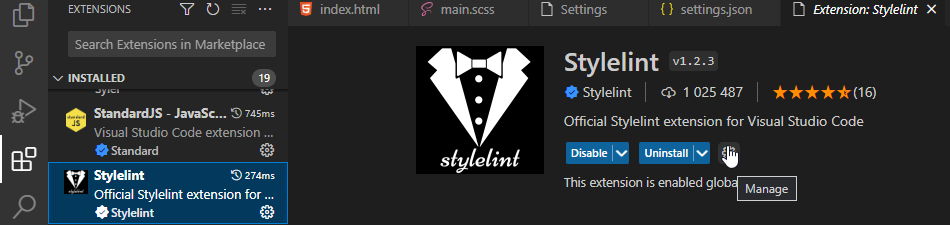
- Install the extension from Extension Marketplace (icon in vscode sidebar)
- Edit extension configuration (ope in vscode extension page and click gear-icon > click Edit in settings.json)
- Add config and some rules
"stylelint.config": {

    "extends": "stylelint-config-standard-scss",
    "rules": {
      "no-empty-source": null,
      "no-missing-end-of-source-newline": null,
      "max-line-length": [
        300,
        {
          "ignore": [
            "comments"
          ]
        }
      ],
      "selector-combinator-space-after": "never",
      "selector-combinator-space-before": "never"
    }
  },
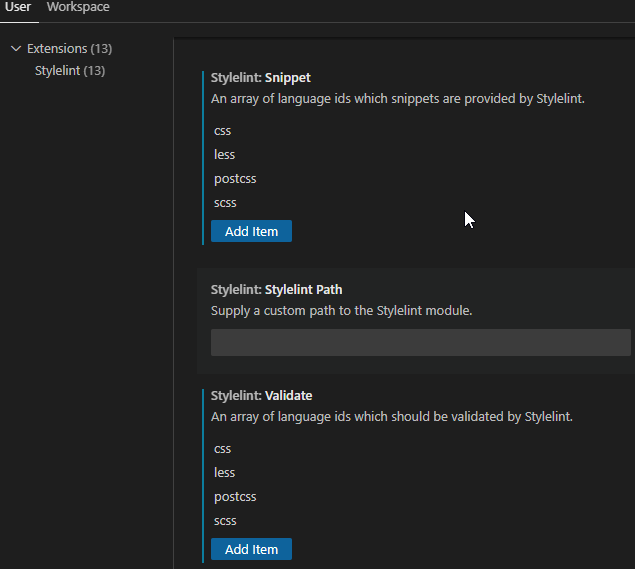
- Check and add, if necessary, file extensions required for snippet and validation